
Compressor
InterComp
A fast FET-style compressor to grab the peaks, then a smooth optical leveller for the rest, in one insert. Auto gain keeps the level matched, so you hear the compression, not just a louder track.
- Latency
- 0 samples
- CPU
- 0.04%, Apple M4 Pro
- Formats
- VST3, Audio Unit
- Platforms
- macOS, Windows
- Channels
- Mono, stereo
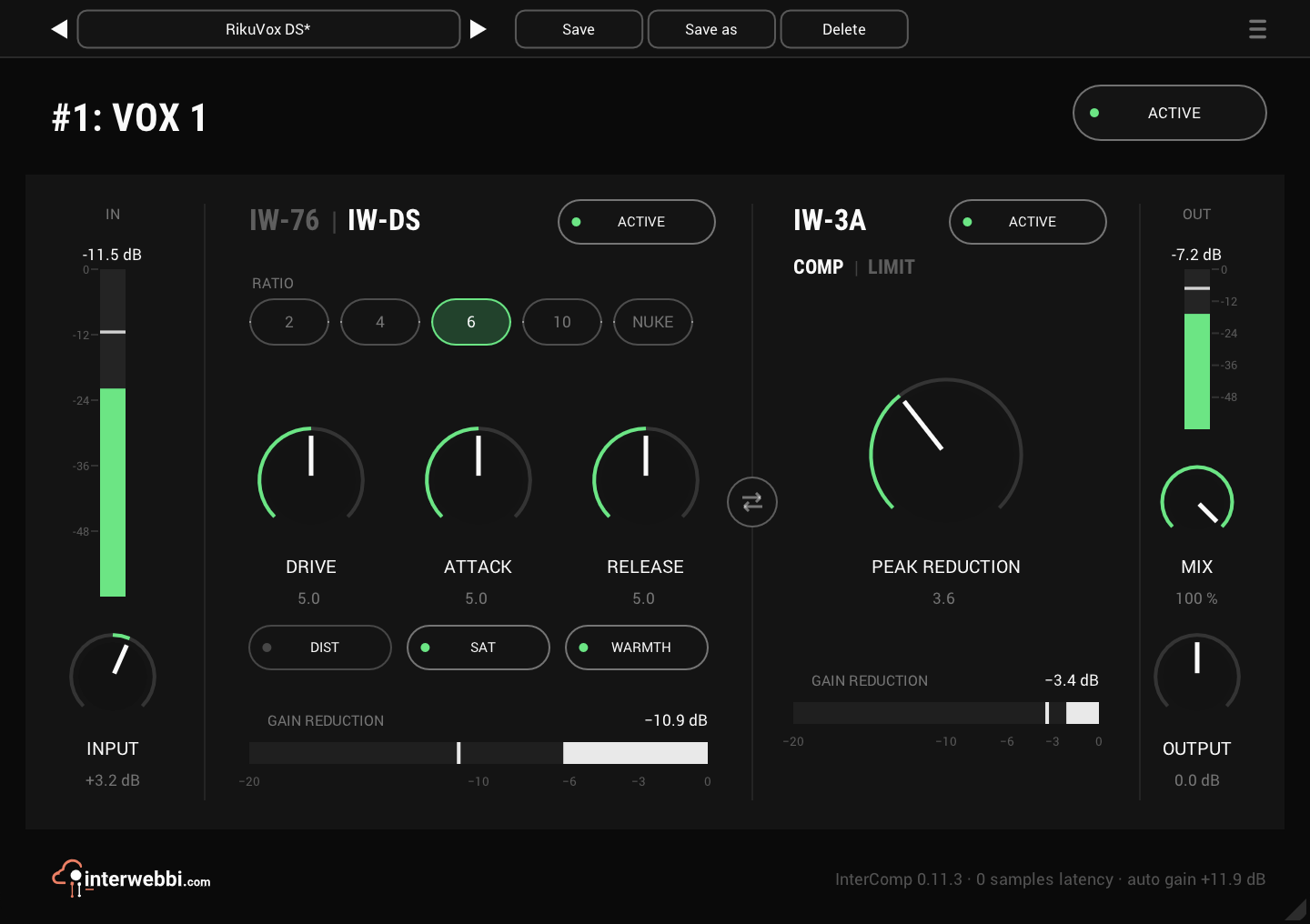
On the panel
Ratio
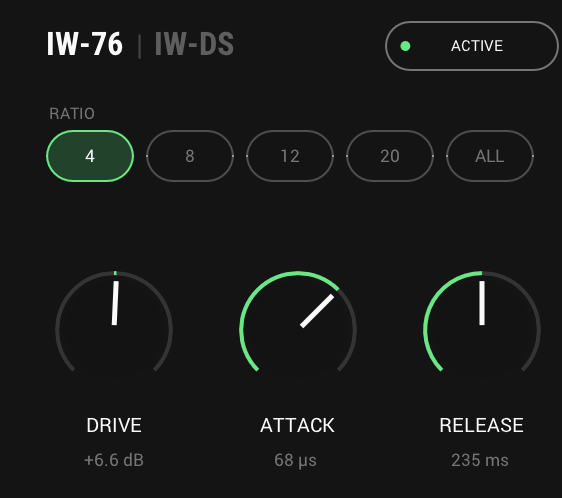
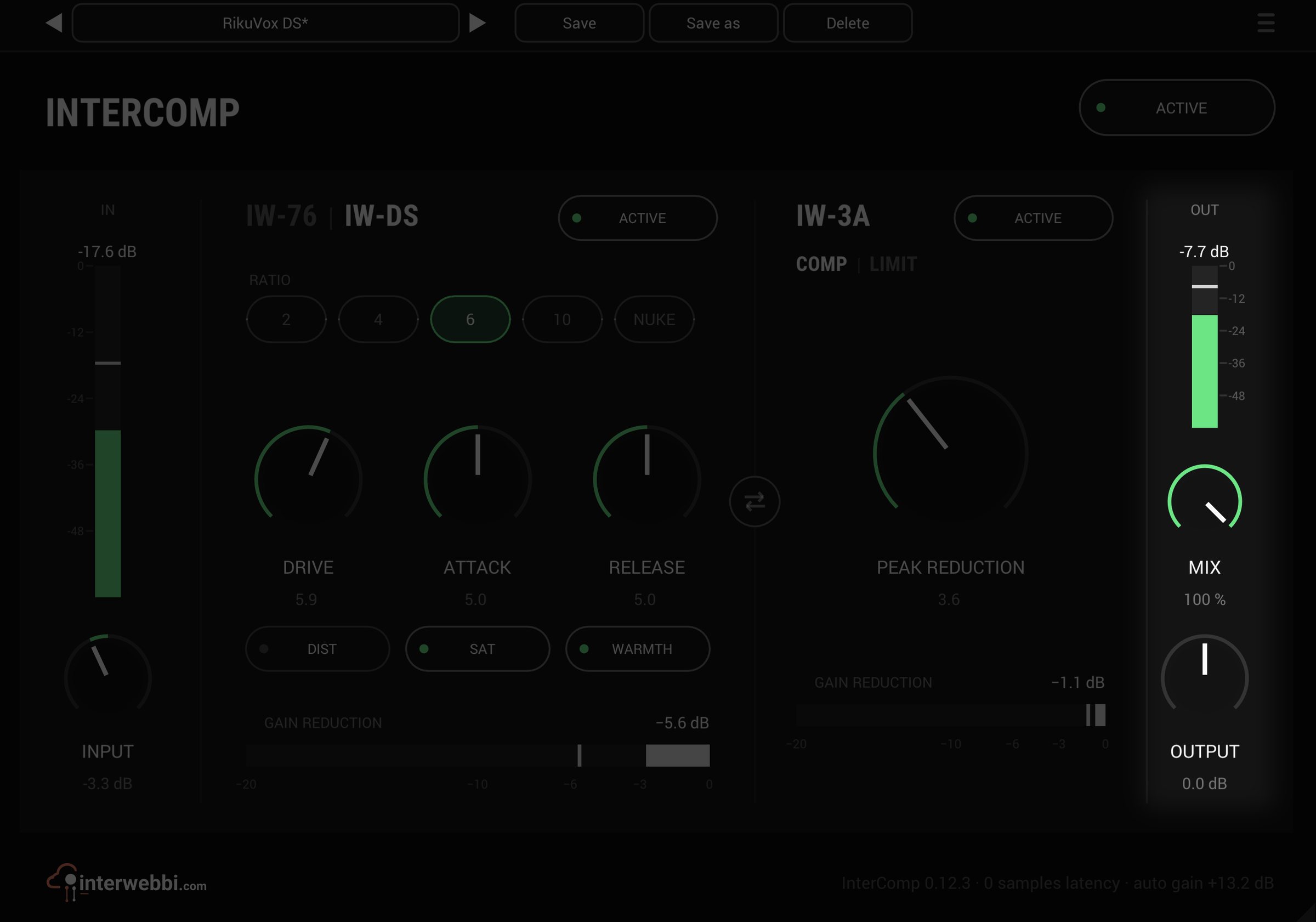
IW-DS's ratio: 2, 4, 6, 10 or NUKE. IW-76 has its own: 4, 8, 12, 20 or All.
Drive
How hard the first stage works. It changes how much it compresses and colours, not the level.
IW-76 or IW-DS
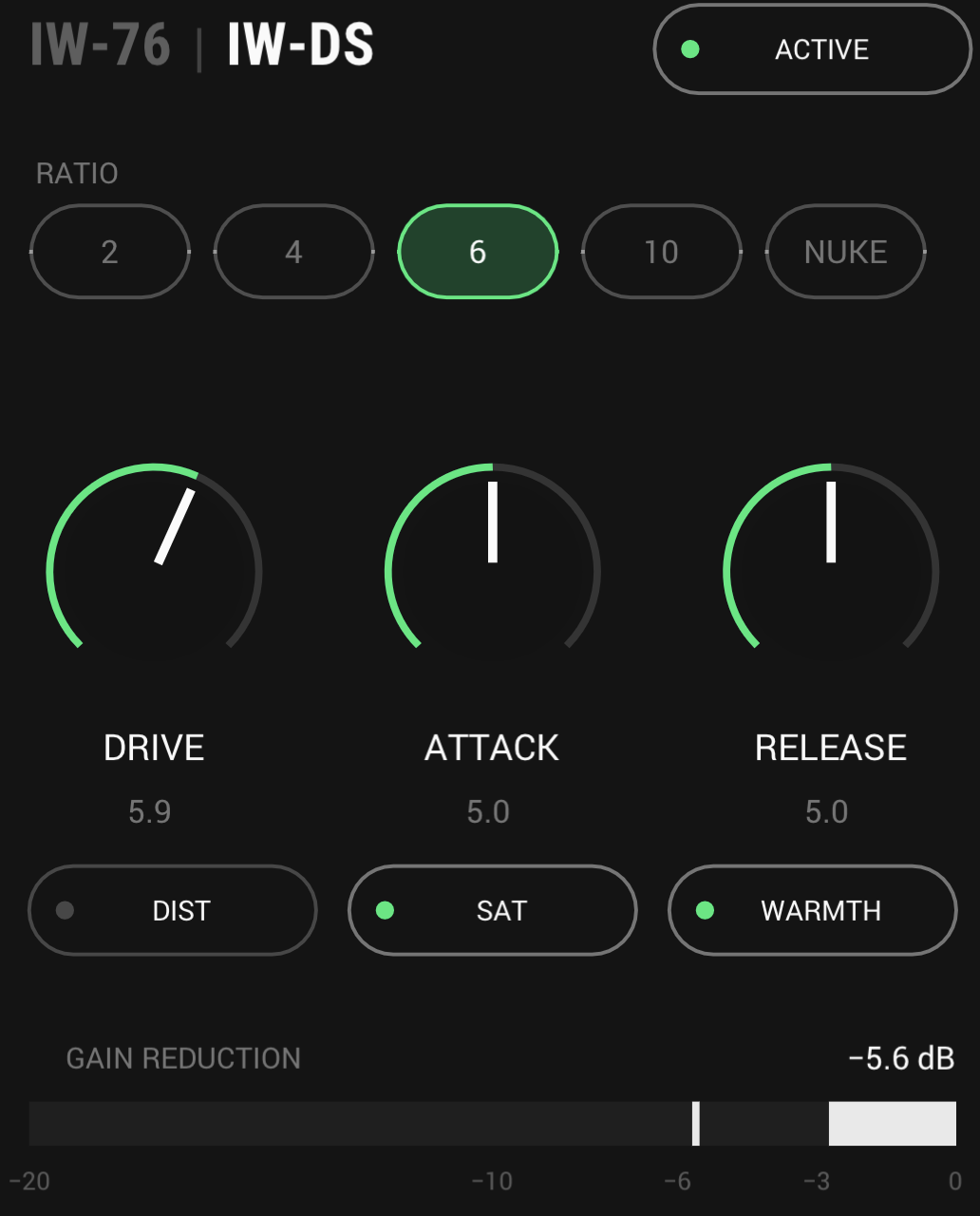
The title is the switch between the first stage's two characters. Here it is IW-DS, with DIST, SAT and WARMTH.
Swap
Swaps which stage runs first, crossfading if you swap during playback.
Peak reduction
How hard the optical stage works, 0 to 10.
Comp or limit
Switches IW-3A to a limiter that holds peaks down much harder.
Mix
Blends the untouched input with the compressed signal, for parallel compression.
Two stages
The first stage, IW-76 or IW-DS, grabs the peaks fast; IW-3A evens out what is left. Each has one knob for how hard it works, DRIVE and PEAK REDUCTION, and its own ACTIVE switch and gain reduction meter. IW-3A can also switch from COMP to LIMIT.
The first stage, two ways
IW-76, on the left, is the fast FET stage: punchy, it adds bite as it grabs the peaks. IW-DS, on the right, is the thicker one, with DIST, SAT and WARMTH for colour, and NUKE for when you want it flattened. Click the dim name in the stage's title to switch between them.
- IW-76 ratios
- 4, 8, 12, 20, All
- IW-DS ratios
- 2, 4, 6, 10, NUKE
- IW-DS switches
- DIST, SAT, WARMTH
Turn it around
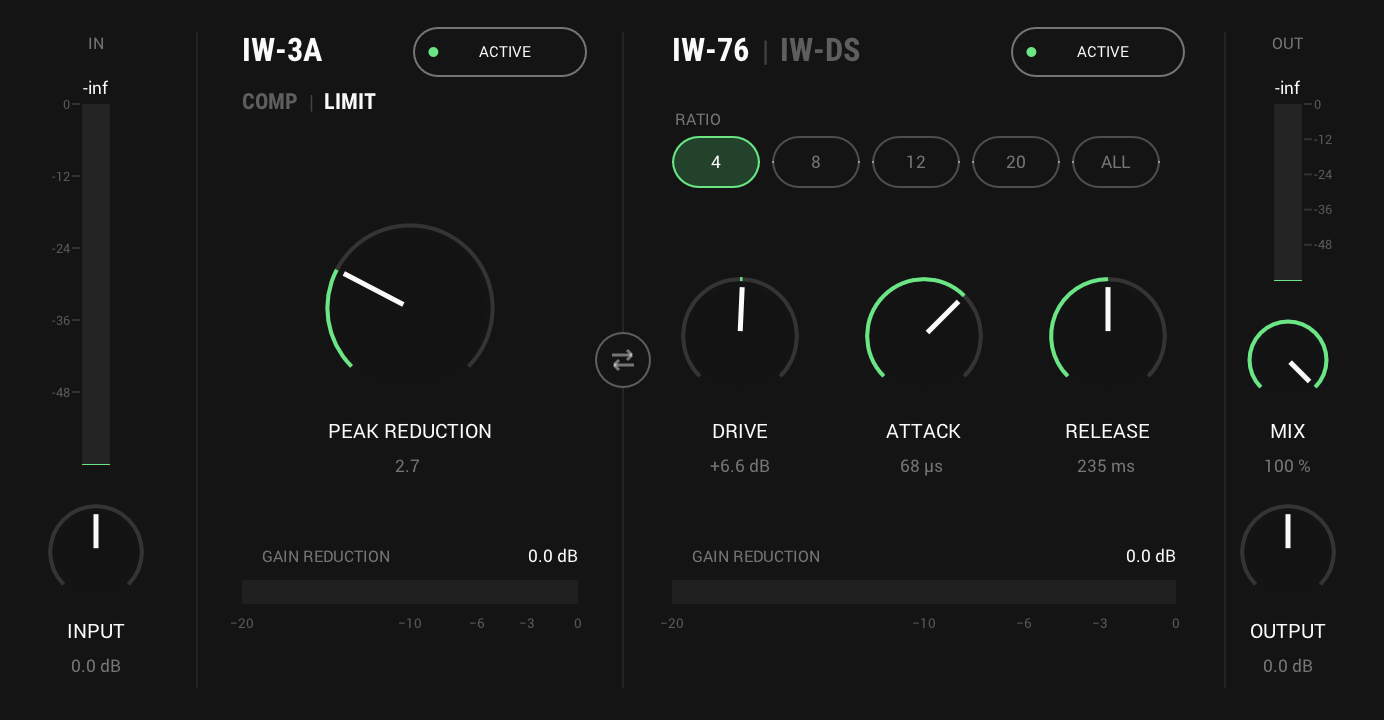
Swap the stages and IW-3A levels first, with the fast stage catching what is left. The swap crossfades, so it works while playing, and DRIVE and PEAK REDUCTION move with their stages. Set IW-3A to LIMIT and it holds peaks down much harder, at roughly 6 to 9:1 instead of about 4:1.
And also
Mix
Blend the dry input back in for parallel compression, without a second channel.
Auto gain
Keeps the output as loud as the input, so you judge the compression, not the level. OUTPUT trims after it.
Specs
- Latency
- 0 samples
- CPU
- 0.04% of a 14-core Apple M4 Pro, every stage on, mono, 48 kHz
- Formats
- VST3, Audio Unit
- macOS
- Apple silicon and Intel
- Windows
- x64
- Channels
- Mono, stereo
- Version
- 0.12.4
Download
New in 0.12.4
The footer shows InterComp's own logo. The interwebbi.com logo at the foot of the panel is now InterComp's lockup: the Interwebbi plug-ins' knob mark and the name beside it.
- Nothing you hear changed: no control, no default and no sound is different, and your projects and presets open as before.
The rest of the family
Mic preamp
InterMic
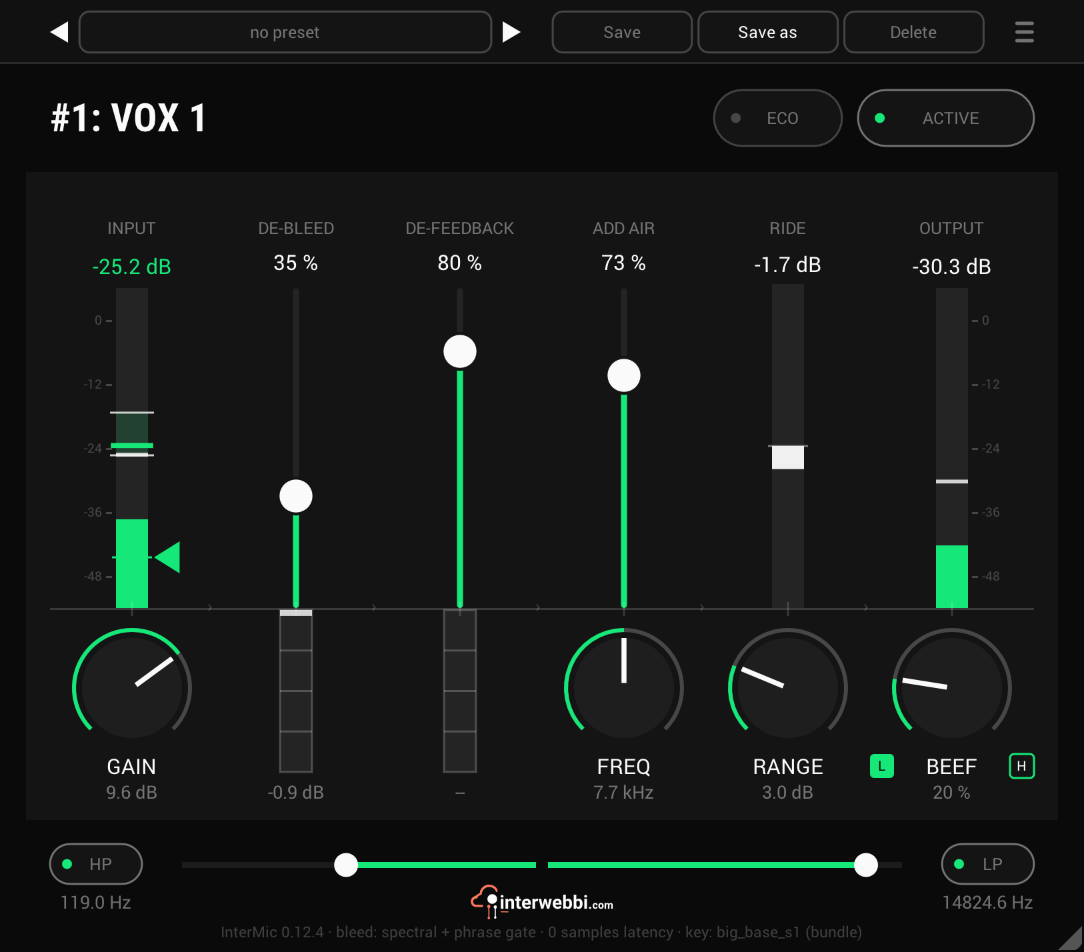
A warm mic preamp for live vocals, with air, a gain rider, stage bleed taken out by a custom-trained AI model, and feedback caught before it howls.
Adaptive tone
InterTone
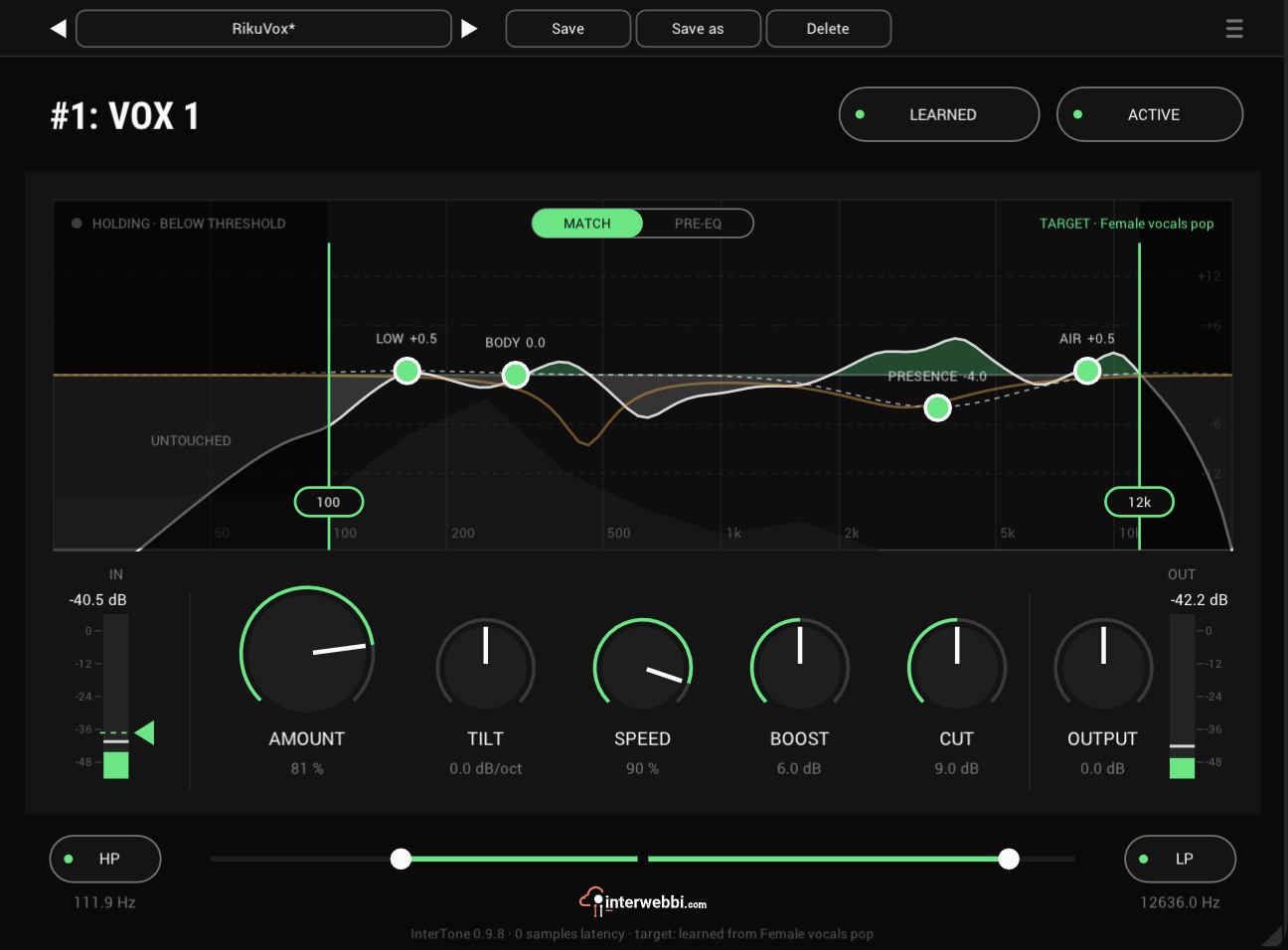
Set the tone a source should have. It stays there as the playing changes, on vocals, guitars or drums.
Resonance, width, limiter
InterSilica
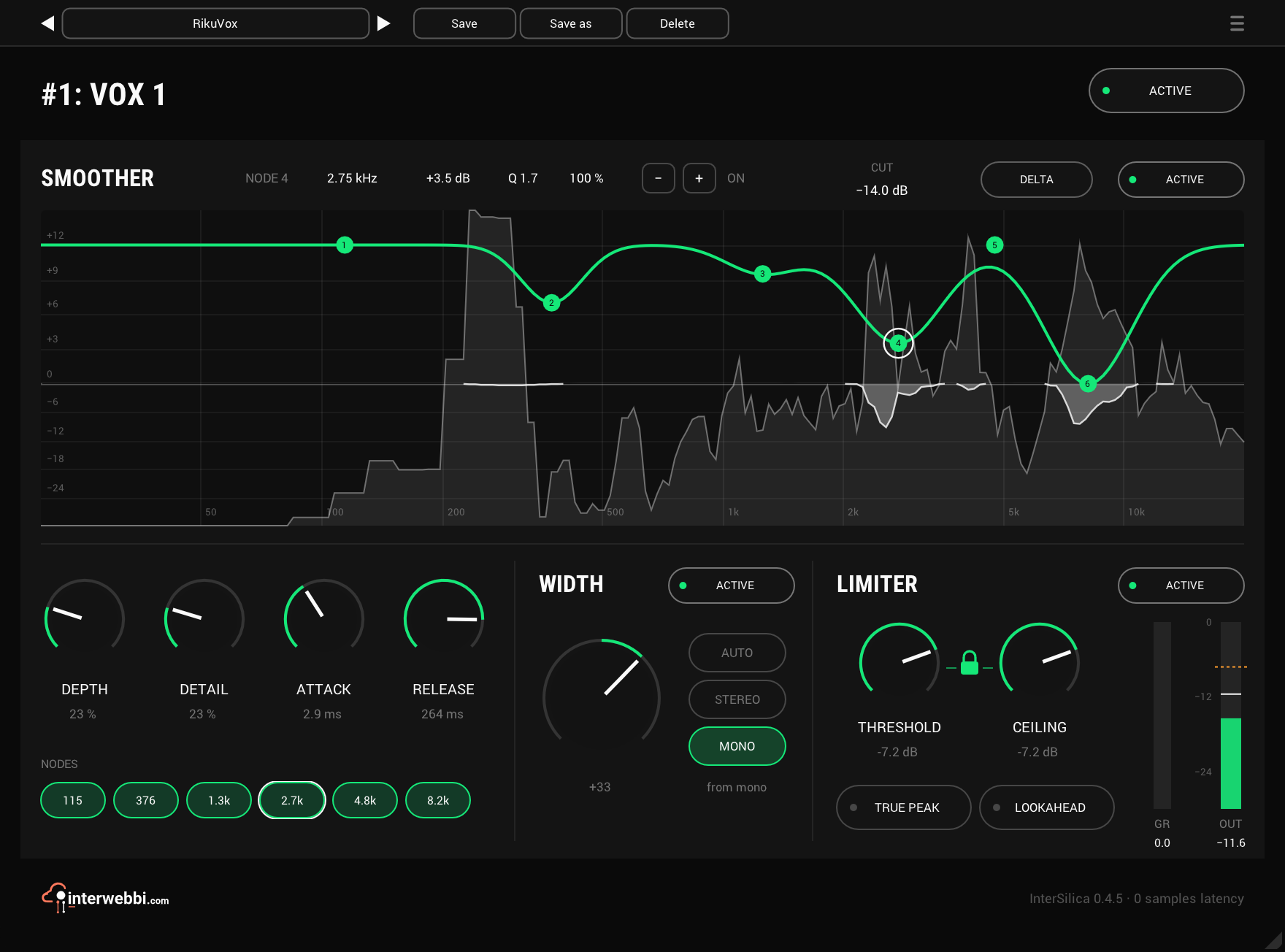
Shave the harshness, then seal the ceiling: a resonance suppressor, a one-knob stereo width and a limiter.
Network audio
InterStream
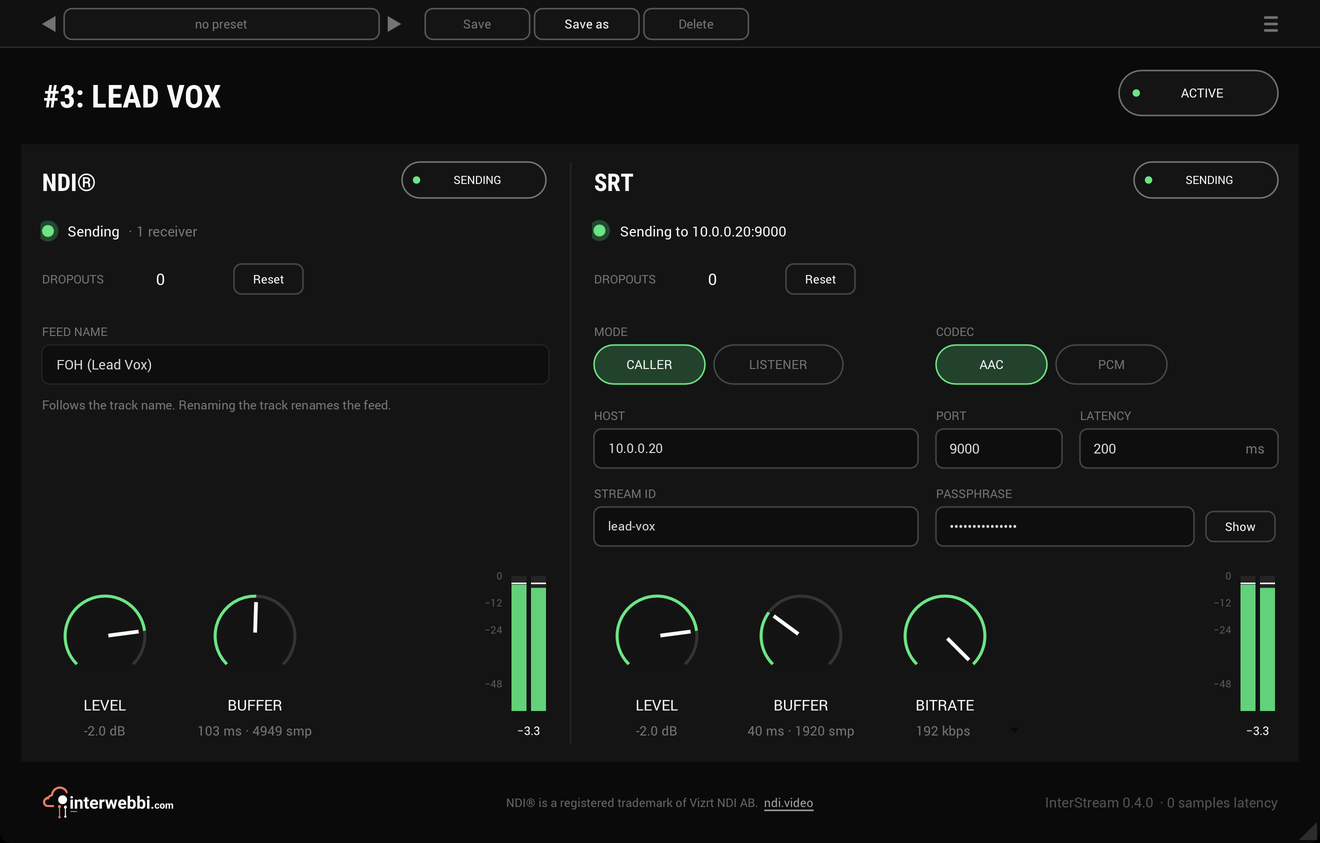
Sends a track or a mix out as NDI® and SRT, straight from the insert, with the track untouched.
Mix balance
InterBalance
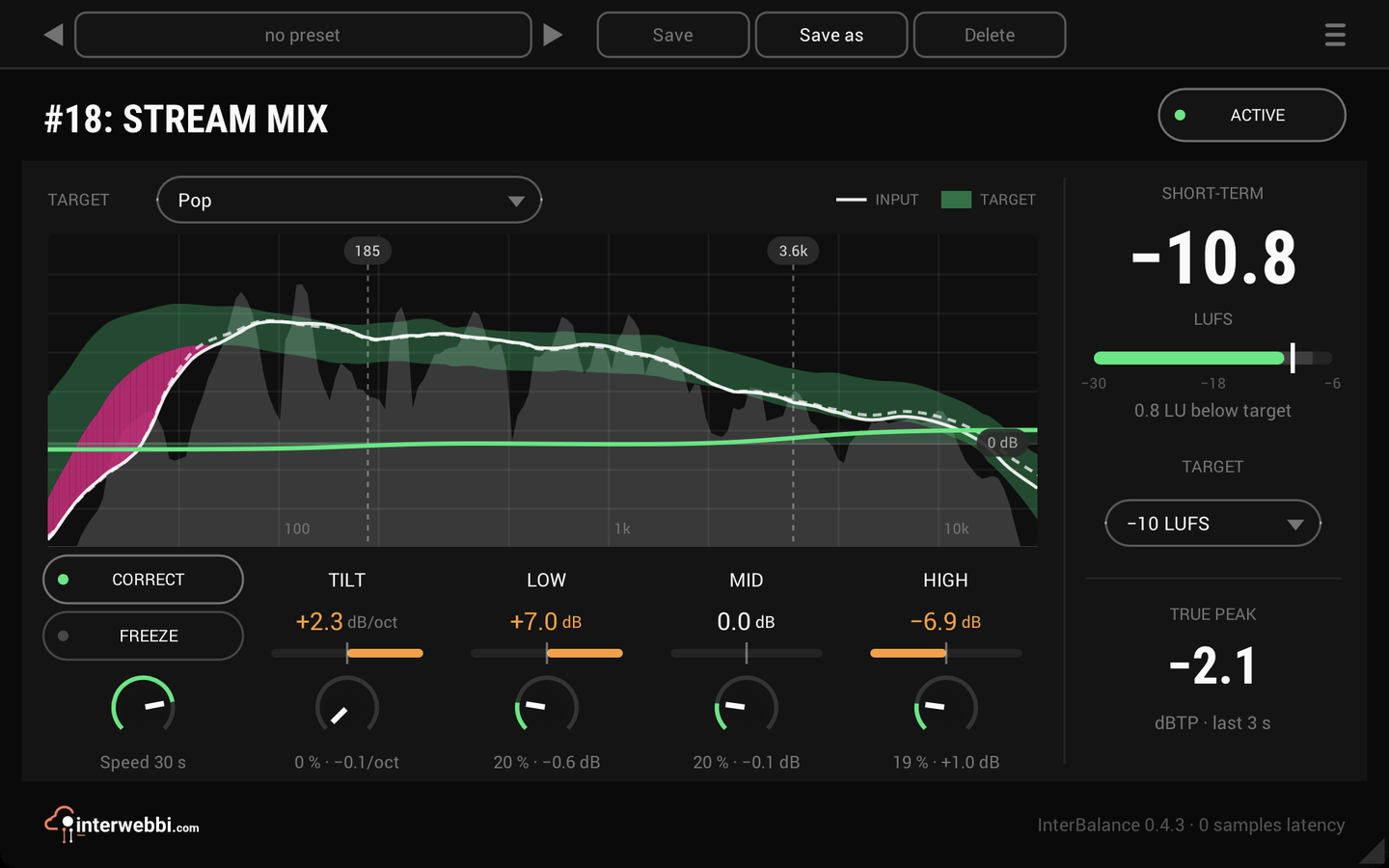
Checks your mix against a target in loudness and tone, and nudges it there slowly when you let it.
Master glue
InterMaster
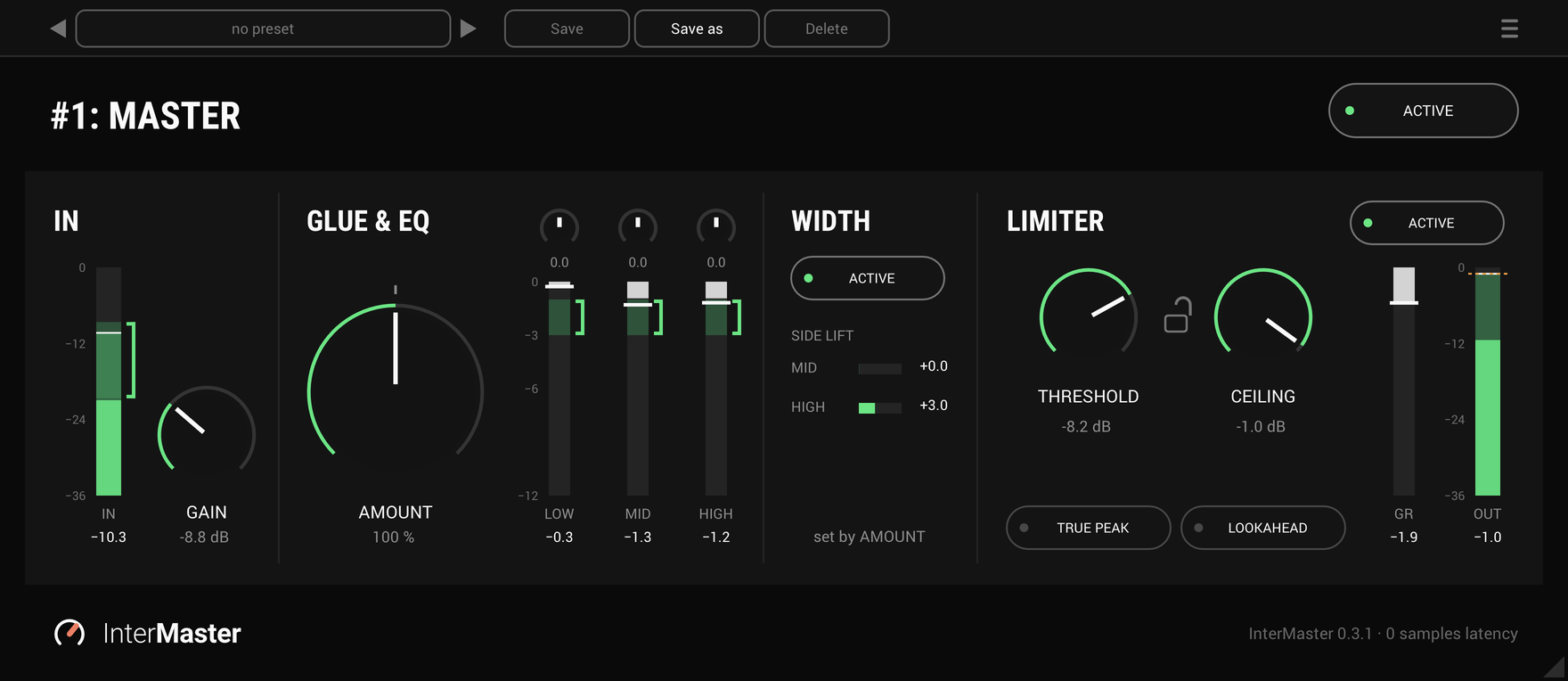
One knob that glues a whole mix together and makes it sound fuller, then a limiter seals the ceiling.
The Suite
Every Interwebbi plug-in, with one licence and one installer.