
Master glue
InterMaster
One knob that glues a whole mix together and makes it fuller, at zero latency, then InterSilica's limiter holds the ceiling. For the main PA, the stream mix and the studio mix bus.
- Latency
- 0 samples
- CPU
- 0.02%, Apple M4 Pro
- Formats
- VST3, Audio Unit
- Platforms
- macOS, Windows
- Channels
- Mono, stereo
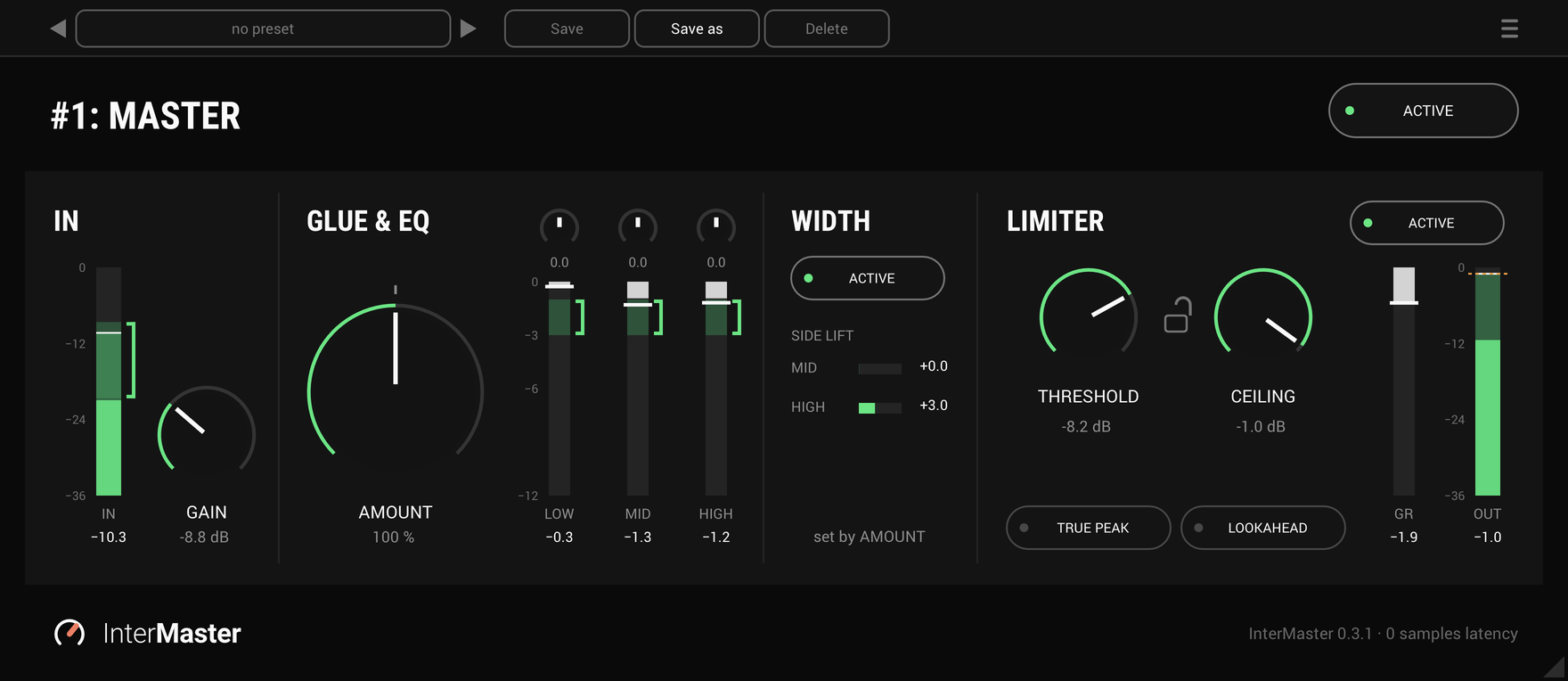
On the panel
Gain
The level into GLUE, -24 to +24 dB, so a quiet stream mix can reach the bracket too.
The input's bracket
Where the input meter's RMS should sit for GLUE to work as tuned. It moves as AMOUNT turns.
Amount
The one knob, 0 to 200%: turn it up and the mix pulls together and gets fuller. 100% is the place to start.
EQ
LOW, MID and HIGH, to shape the mix before GLUE. Each is off at its centre.
GLUE's meters
How hard GLUE is working in the low, mid and high, each meter with a bracket where it should sit.
Width
How far AMOUNT is opening the mix up. Its ACTIVE switch turns that off.
Threshold and ceiling
Where limiting starts and the most that comes out, with a lock between them. CEILING is the output level.
True peak and lookahead
Off by default. Either one adds 1.5 ms of latency, which the plug-in reports to the host.
GLUE: one knob
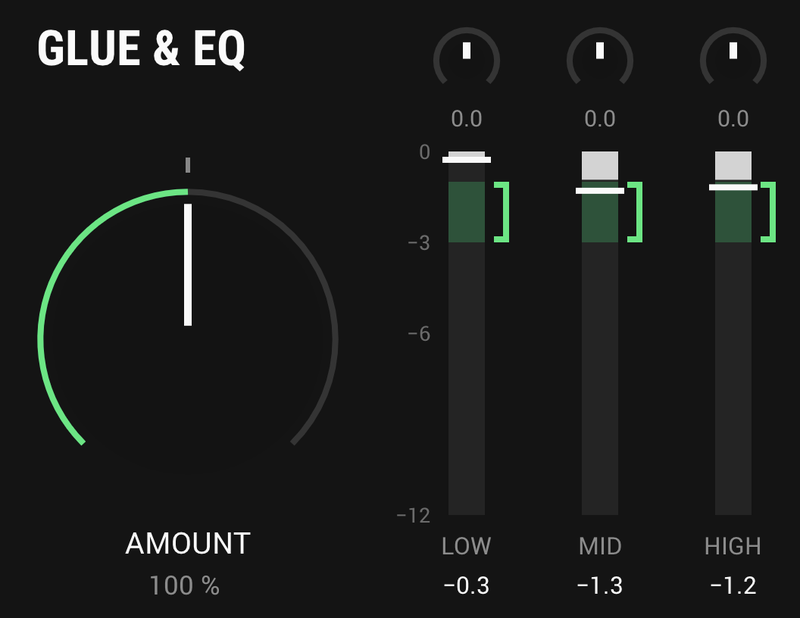
Turn AMOUNT and the mix sits together and sounds finished. Underneath are three bands: a slow leveller on the bass, a smooth glue on the mids and a fast tamer on the highs, each with a little saturation. The further you turn it, the fuller and denser it gets. 100% is the place to start and 200% the most, and it sounds right anywhere in between, so you set it by ear instead of hunting for a sweet spot.
At 0% GLUE is switched out altogether: the input passes untouched and costs no CPU.
- Amount
- 0 to 200%, 100% to start
- At 0%
- The input untouched
- Latency
- None, at any AMOUNT
- Meters
- Low, mid and high, each with its bracket
EQ: shape it first
Three small knobs over GLUE's meters, LOW, MID and HIGH, for the broad moves a whole mix needs: more weight or less, a fuller or leaner middle, a little more air or a little less. Each is off at its centre. Halfway is a gentle setting, and the rest of the turn goes on to the most it gives. Turned left, a knob undoes what it does turned right.
The EQ comes before GLUE, so GLUE hears what you have done and works with it. The input meter reads before the EQ, so turning a knob does not move it, and the EQ adds no latency.
- Low
- A shelf at 30 Hz with a dip near 400 Hz, up to 9.8 dB either way
- Mid
- A peak or a dip at 500 Hz, up to 6 dB either way
- High
- A lift at 12 kHz with a dip near 10 kHz, up to 6 dB either way
- Halfway
- LOW +1.1 dB, MID +3.0 dB, HIGH +1.0 dB
- At the centre
- Off, reading 0.0
Land it in the bracket
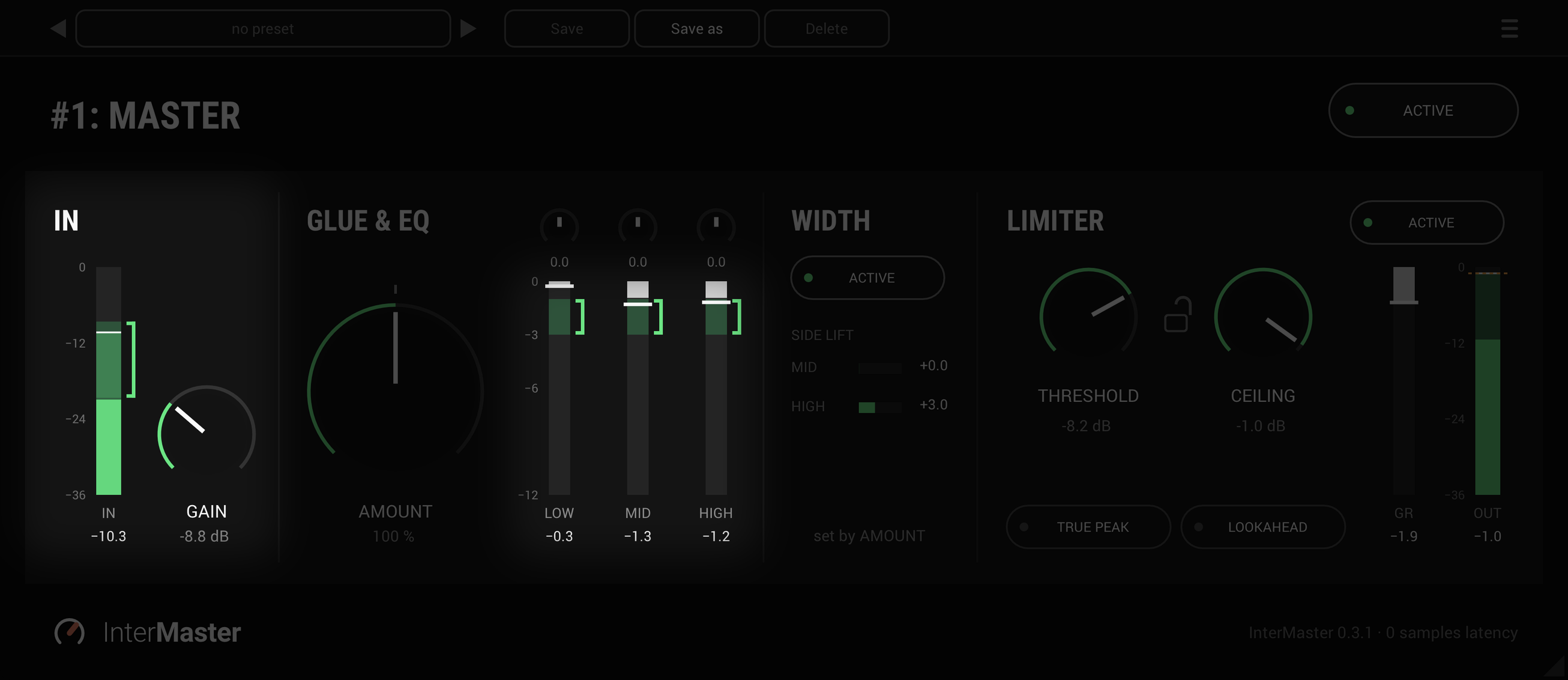
Turn GAIN until the input meter's RMS sits in its bracket. That's where GLUE was tuned to work at the AMOUNT you've set, about -21 to -9 dB RMS at 100%, and the bracket moves as AMOUNT turns. GLUE's LOW, MID and HIGH meters have brackets of their own, so you can see at a glance that it is working where it should.
- Gain
- -24 to +24 dB
- Input bracket
- Where GLUE works best, at the AMOUNT you have set
- GLUE's meters
- A bracket on each
- Input meter
- RMS, the peak above it, and the held peak in numbers
WIDTH: set by AMOUNT
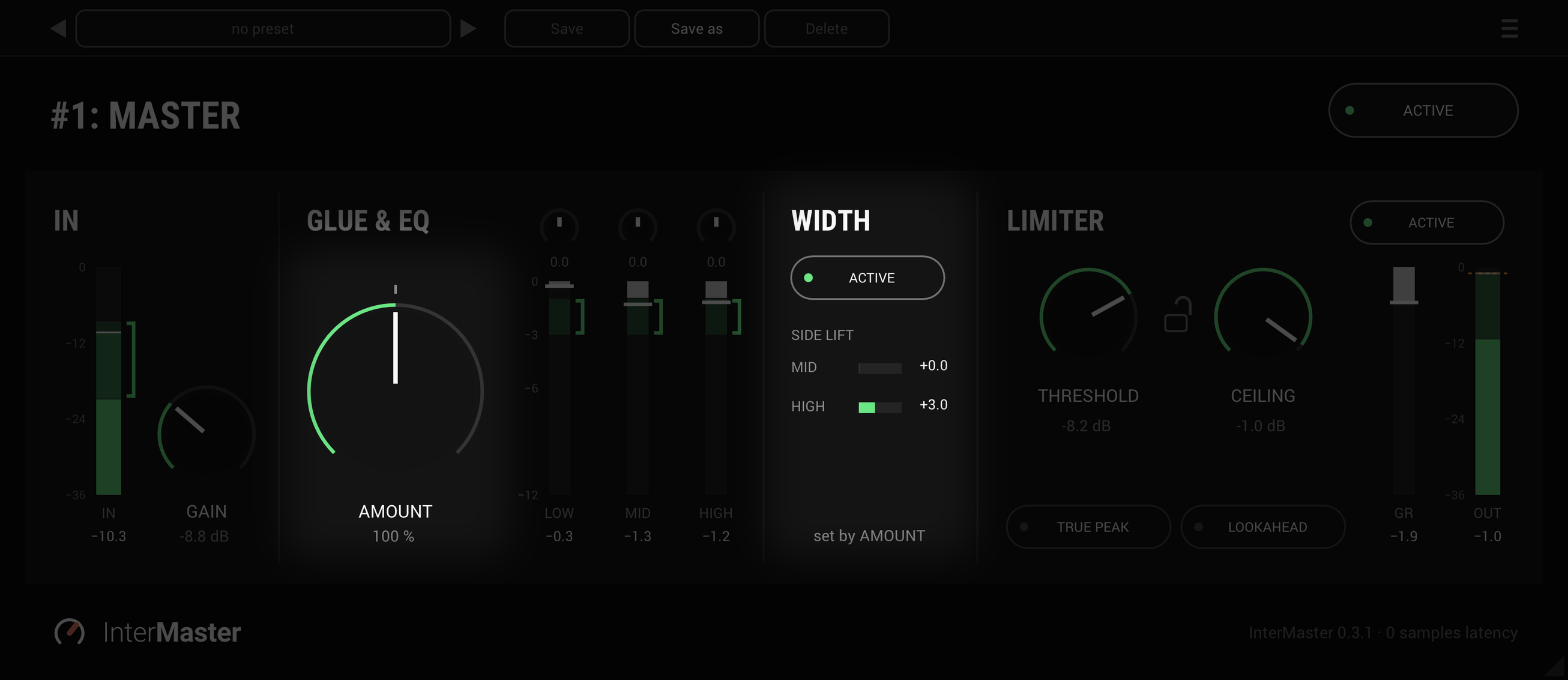
WIDTH has no knob of its own: as AMOUNT turns, the mix opens up with it, and WIDTH's ACTIVE switch turns that part off. A mono fold-down is unchanged at any setting, and on a mono track the panel says there is nothing to widen.
- Set by
- AMOUNT
- Off
- WIDTH's ACTIVE switch
- Mono fold-down
- Unchanged
LIMITER: seal the ceiling
The limiter is InterSilica's, with every control it has there. THRESHOLD sets where limiting starts and CEILING the most that comes out, so CEILING is the output level and there is no OUT knob. Lock the two and they move together, so you can pull THRESHOLD down to limit harder without getting louder. Release is automatic.
At zero latency the gain dips on each peak for a moment, so nothing is clipped. Switch on LOOKAHEAD and the gain is in place 1.5 ms before each transient arrives. TRUE PEAK holds the ceiling on the peaks between samples too, and turns LOOKAHEAD on to do it.
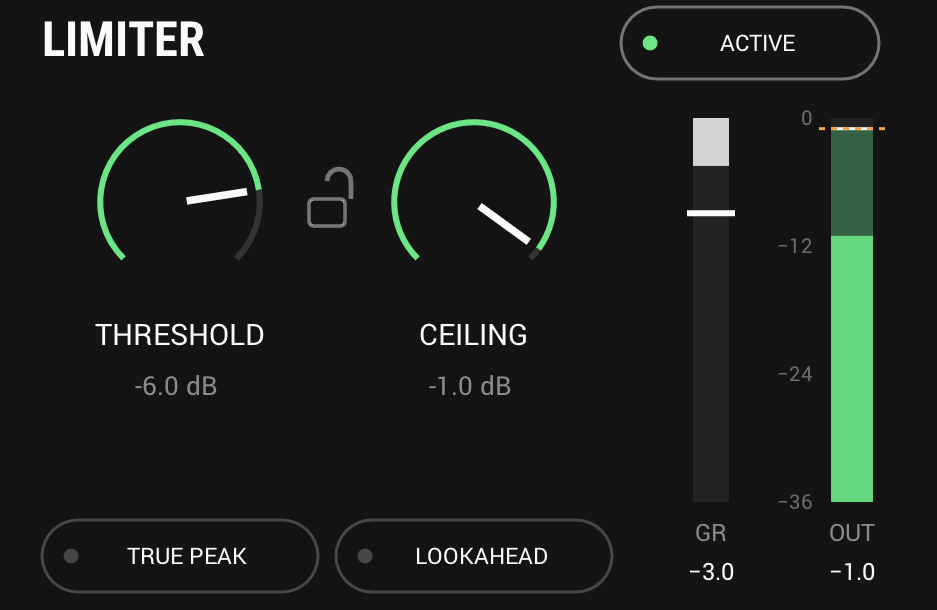
- Threshold
- -30 to 0 dB
- Ceiling
- -30 to 0 dB, -0.3 dB by default
- Release
- Automatic
- Lookahead
- Off, or 1.5 ms, reported to the host
- True peak
- Off, or on with lookahead
And also
A stage that is off costs nothing
WIDTH and LIMITER each have an ACTIVE switch. Switched off, a stage is not processed at all, and at AMOUNT 0 neither is GLUE.
What zero latency costs
To get to zero latency, GLUE shifts the phase a little, so above 0% it won't null against the dry mix, though its level stays the same. Turn AMOUNT down rather than blending it in parallel.
Type a value
Click the value under GAIN, AMOUNT, an EQ knob, THRESHOLD or CEILING and type the one you want. Double-click an EQ knob to put it back to 0.0.
Specs
- Latency
- 0 samples; 1.5 ms with LOOKAHEAD or TRUE PEAK on
- CPU
- 0.02% of a 14-core Apple M4 Pro, every stage on, stereo, 48 kHz
- Formats
- VST3, Audio Unit
- macOS
- Apple silicon and Intel
- Windows
- x64
- Channels
- Mono, stereo
- Version
- 0.3.2
Download
New in 0.3.2
HIGH reaches further: up to 6 dB either way at full travel, where it stopped at 2.9.
- The inner half of its travel is as before, and halfway is still the gentle +1.0 dB. Only the outer half goes further.
- Nothing else changed: LOW, MID, GLUE, the limiter and every other control are as in 0.3.1.
- Projects and presets open with every knob where you left it. A HIGH set beyond halfway now gives more than it did, so check it on a project that used one.
The rest of the family
Mic preamp
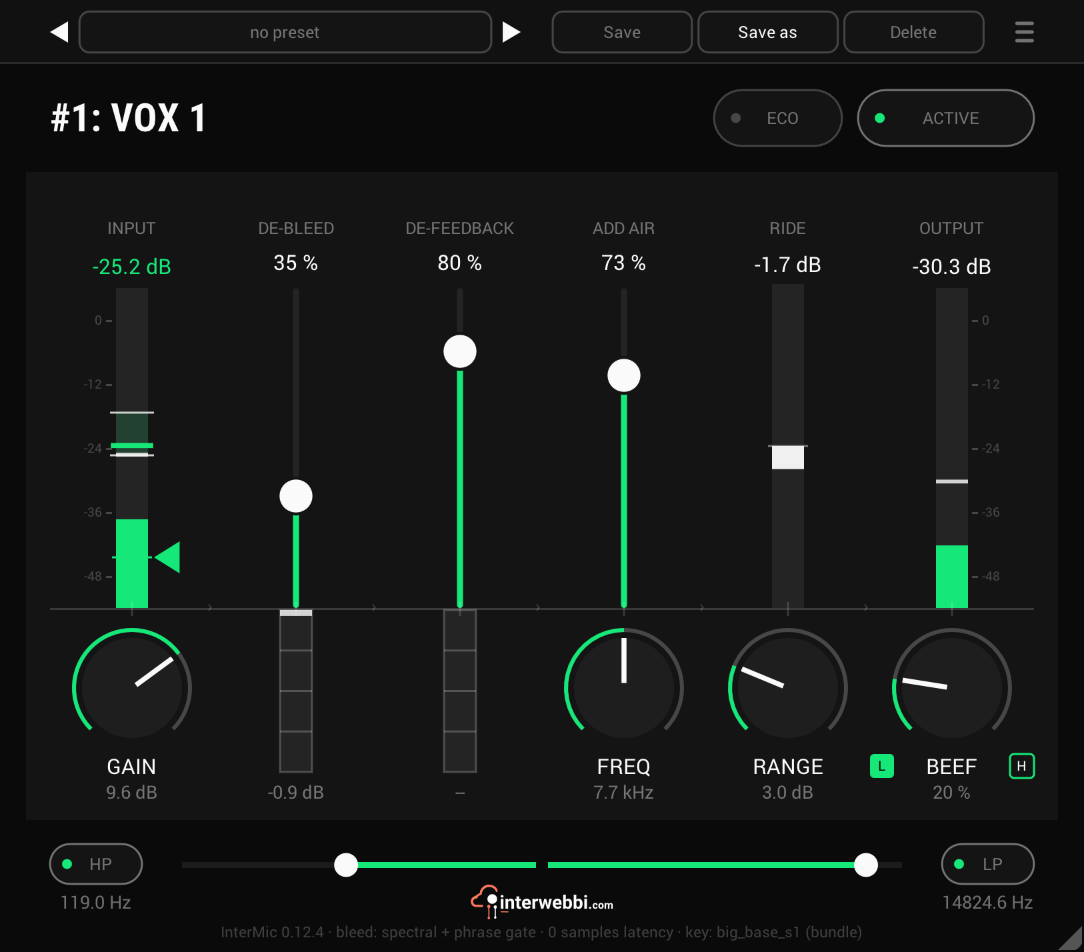
InterMic
A warm mic preamp for live vocals, with air, a gain rider, stage bleed taken out by a custom-trained AI model, and feedback caught before it howls.
Adaptive tone
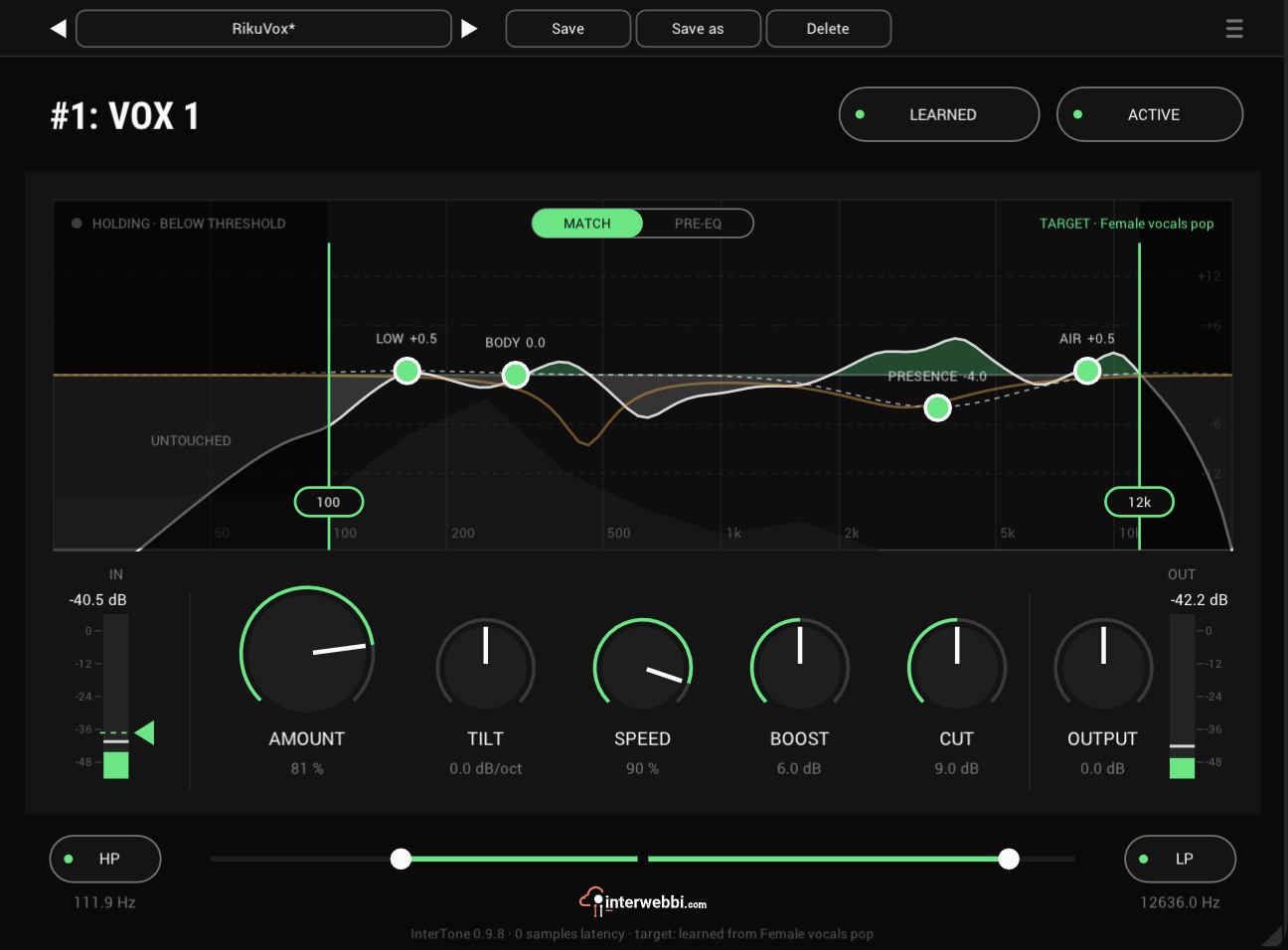
InterTone
Set the tone a source should have. It stays there as the playing changes, on vocals, guitars or drums.
Compressor
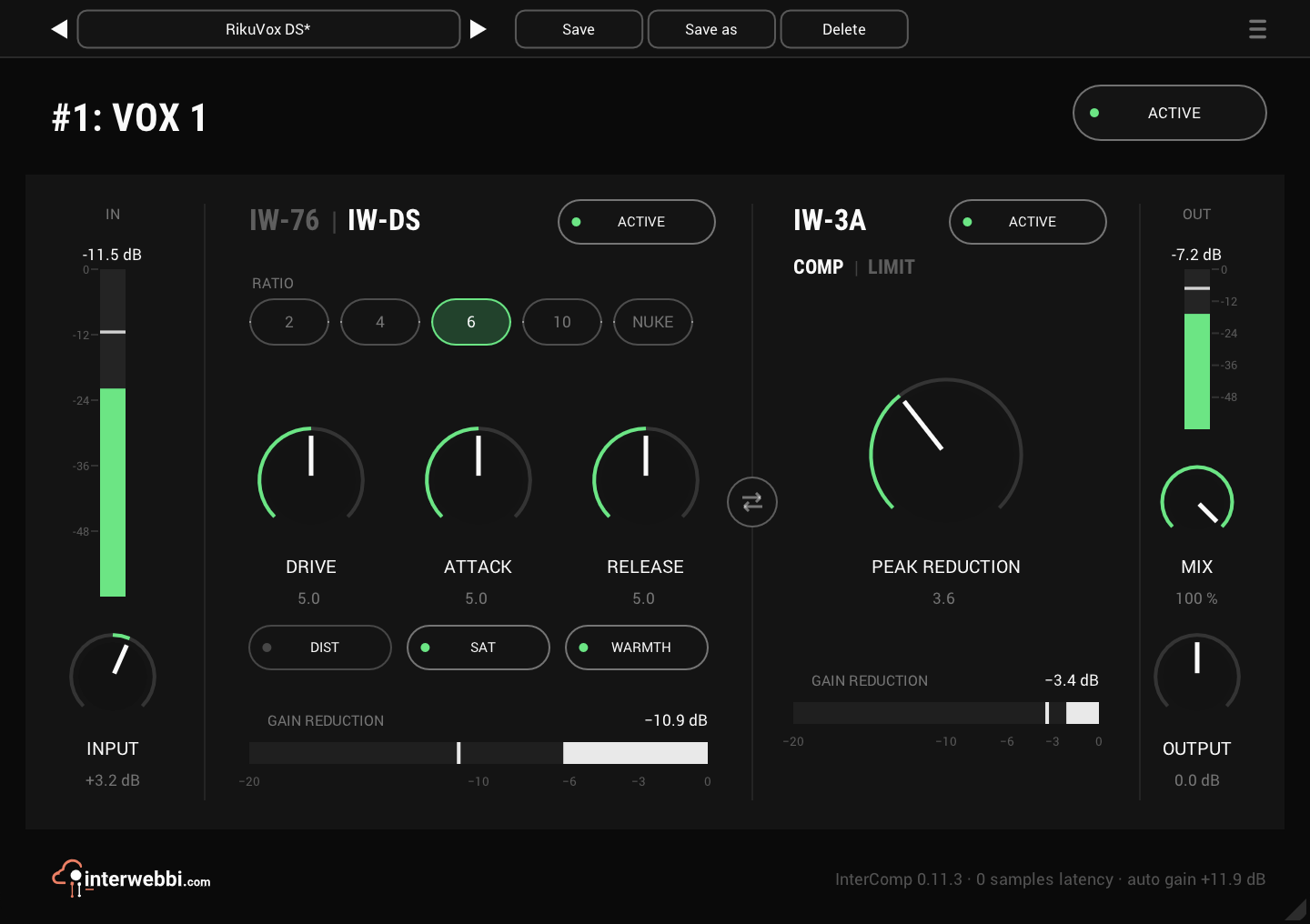
InterComp
A fast FET stage to grab the peaks, then a smooth optical leveller, with auto gain to keep the level matched.
Resonance, width, limiter
InterSilica
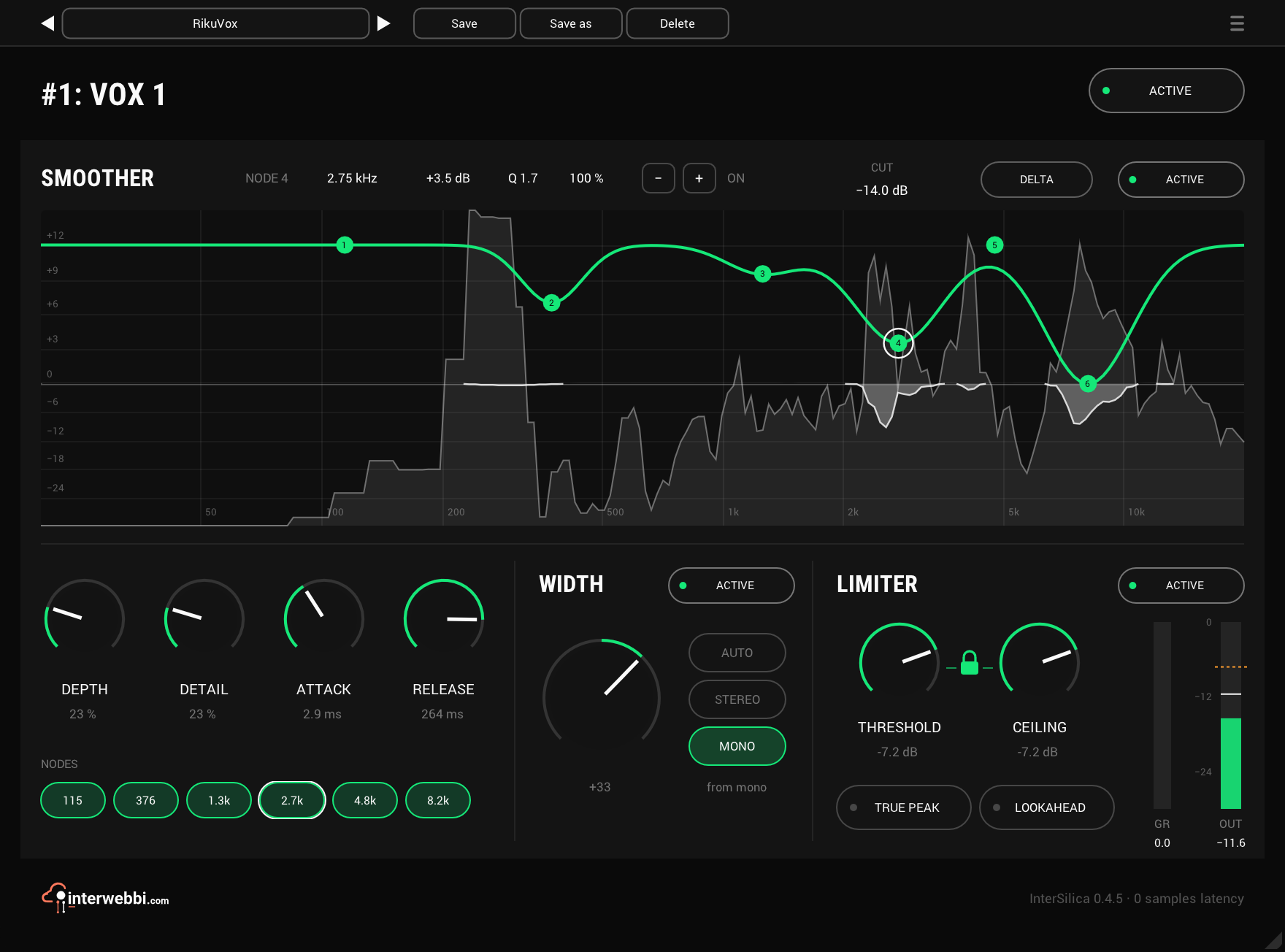
Shave the harshness, then seal the ceiling: a resonance suppressor, a one-knob stereo width and a limiter.
Network audio
InterStream
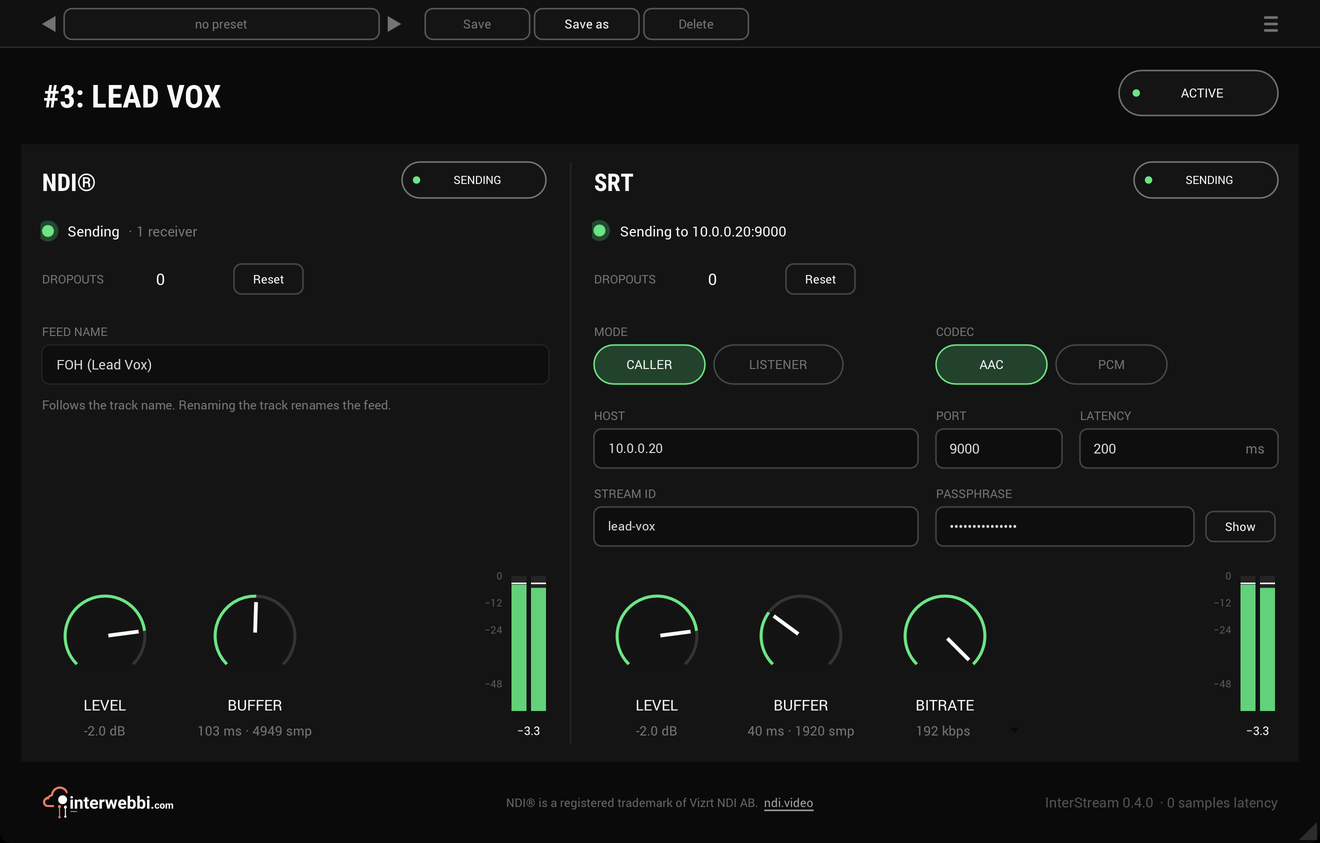
Sends a track or a mix out as NDI® and SRT, straight from the insert, with the track untouched.
Mix balance
InterBalance
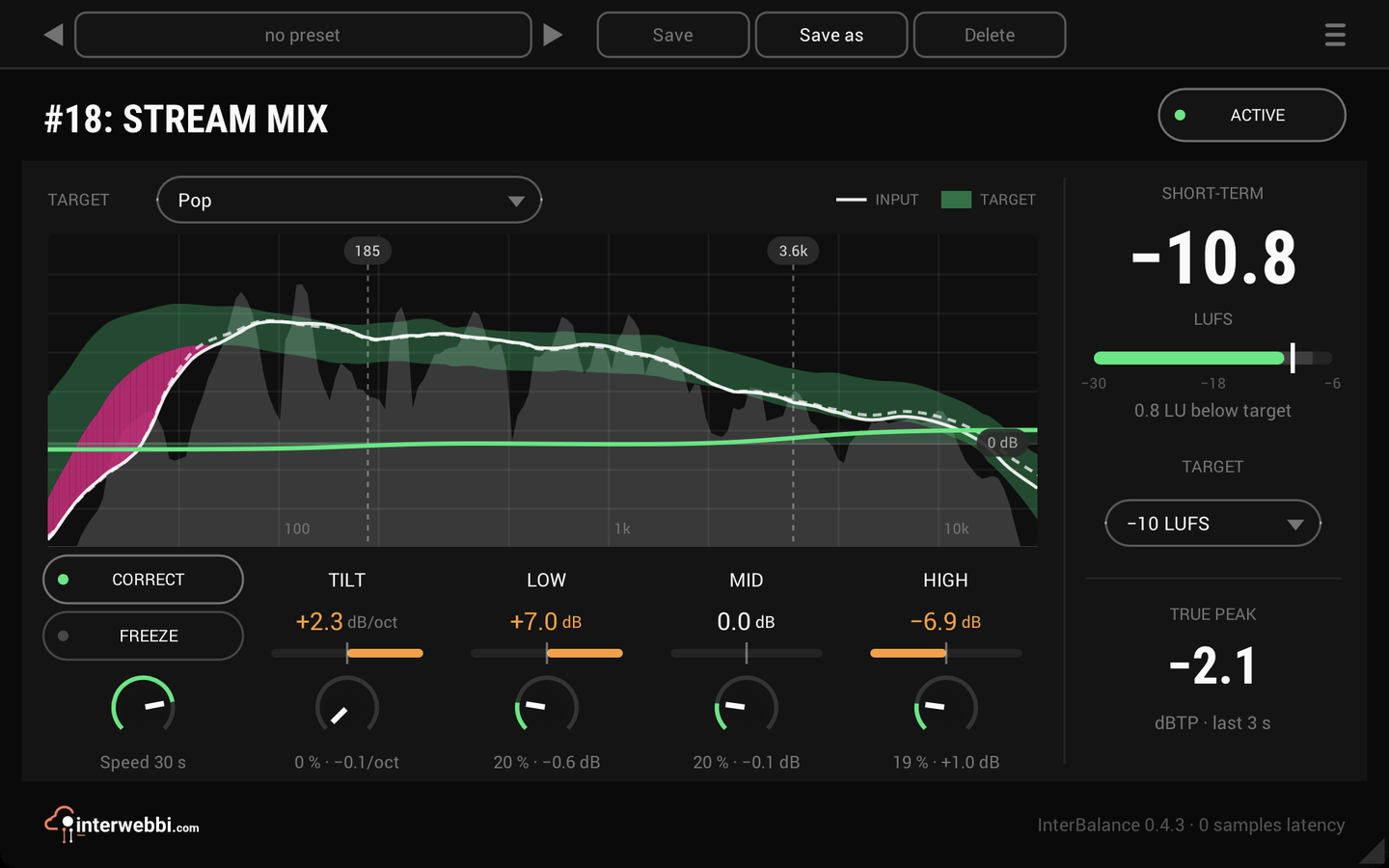
Checks your mix against a target in loudness and tone, and nudges it there slowly when you let it.
The Suite
Every Interwebbi plug-in, with one licence and one installer.