
Adaptive tone
InterTone
An adaptive EQ that holds the tone you set, as the singer moves on and off the mic or a player digs in harder. For vocals, guitars and drums.
- Latency
- 0 samples
- CPU
- 0.01%, Apple M4 Pro
- Formats
- VST3, Audio Unit
- Platforms
- macOS, Windows
- Channels
- Mono, stereo
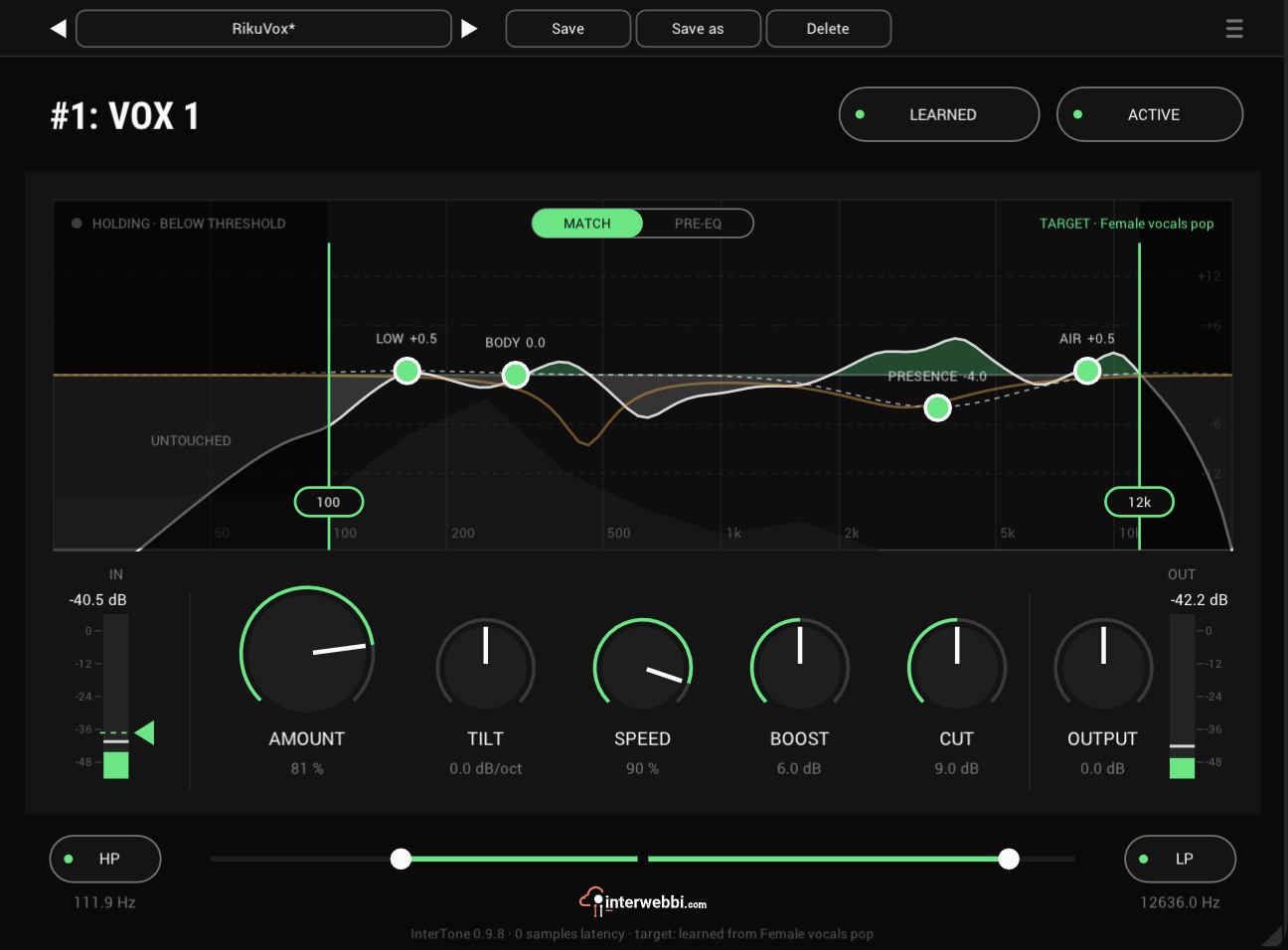
On the panel
Learn target
Learns the tone to hold from the input, or from a reference file.
Tone regions
LOW, BODY, PRESENCE and AIR raise or lower the target in their range.
Processing range
Drag its two edges: the correction acts between them and leaves the rest alone.
Amount
How much of the correction you hear, with TILT beside it leaning the target darker or brighter.
Speed
How fast InterTone reacts, from 5.6 s at 0 to 0.16 s at 100: slow for a vocal, fast for drums.
Boost and cut
The most the correction may boost or cut.
Match and pre-EQ
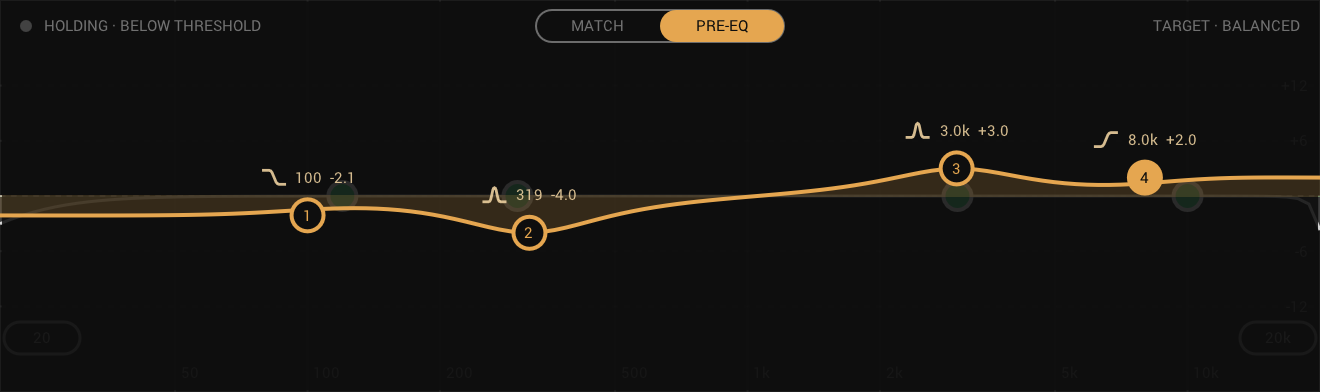
Switches the display between the matching and a four-band EQ in front of it. Shape the sound in PRE-EQ and InterTone holds what comes out.
The target
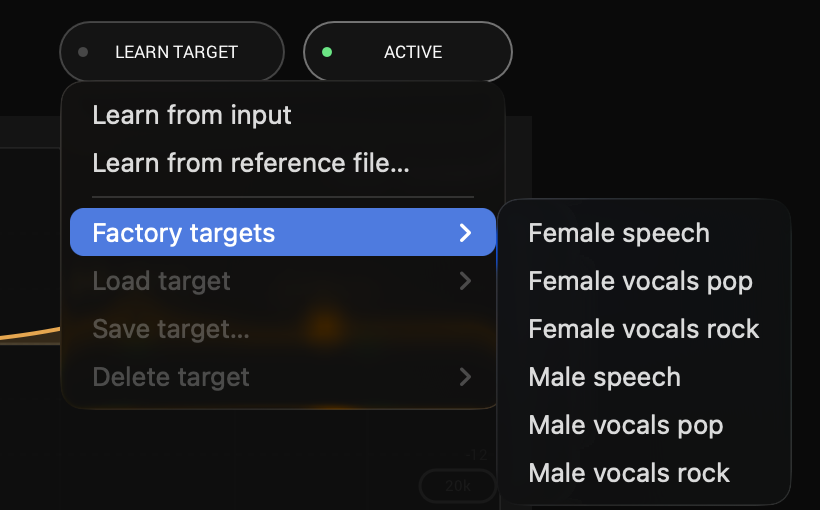
Learn the tone at soundcheck or from a reference track, or start from a factory target. Then shape it with LOW, BODY, PRESENCE, AIR and TILT. The display shows when InterTone is working and when it is holding.
Shape it first
A four-band EQ in front of InterTone. Shape the sound in PRE-EQ and InterTone holds what comes out. Back in MATCH, your EQ stays in view as the amber line.
- Nodes
- Four: shelf or bell, two bells, shelf or bell
- Gain
- ±18 dB
- Q
- 0.3 to 10
How it follows
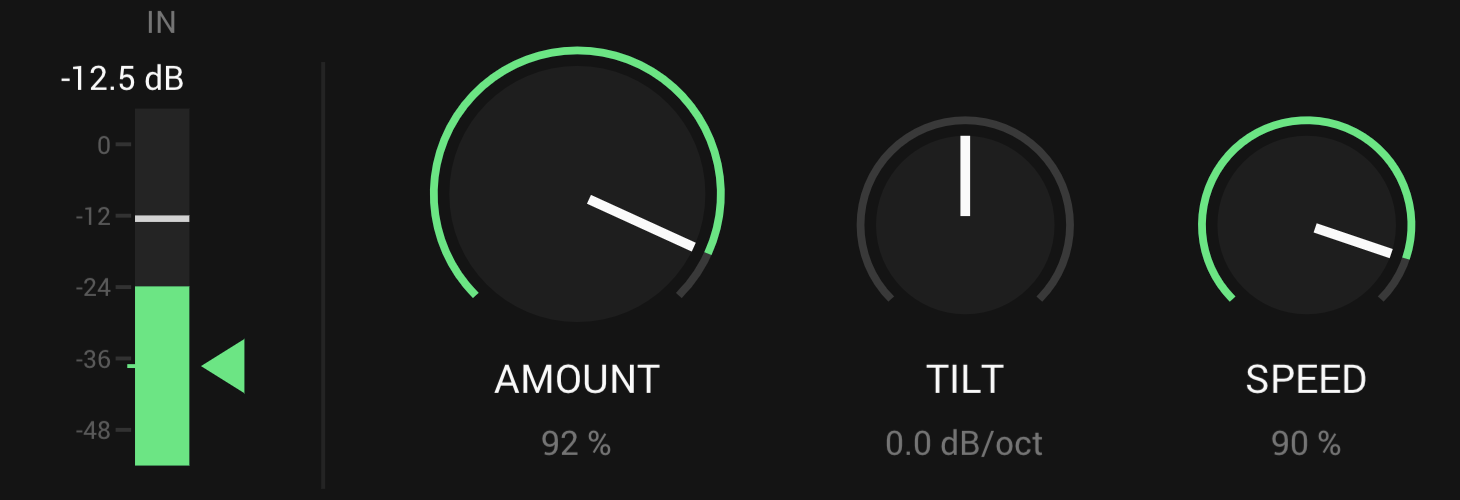
SPEED sets the attack: slow for a vocal, fast for drums. The release is ten times faster. Below the wedge on the input meter InterTone stops and holds, so it doesn't chase the stage between phrases.
- Speed
- 5.6 s to 0.16 s
- Release
- A tenth of the attack, at least 0.1 s
- Threshold
- The wedge on the input meter
And also

Processing range
Drag the two edges on the display to keep the correction to the part of the spectrum that needs it.
HP and LP
First in the chain, so the rumble and hiss they remove never steer InterTone.
Targets
Six factory targets for speech and vocals, and your own, learned from any source and saved under a name to load on any track.
Specs
- Latency
- 0 samples
- CPU
- 0.01% of a 14-core Apple M4 Pro, every stage on, mono, 48 kHz
- Formats
- VST3, Audio Unit
- macOS
- Apple silicon and Intel
- Windows
- x64
- Channels
- Mono, stereo
- Version
- 0.9.14
Download
New in 0.9.14
The footer shows InterTone's own logo. The interwebbi.com logo at the foot of the panel is now InterTone's lockup: the Interwebbi plug-ins' knob mark and the name beside it.
- Nothing you hear changed: no control, no default and no sound is different, and your projects and presets open as before.
The rest of the family
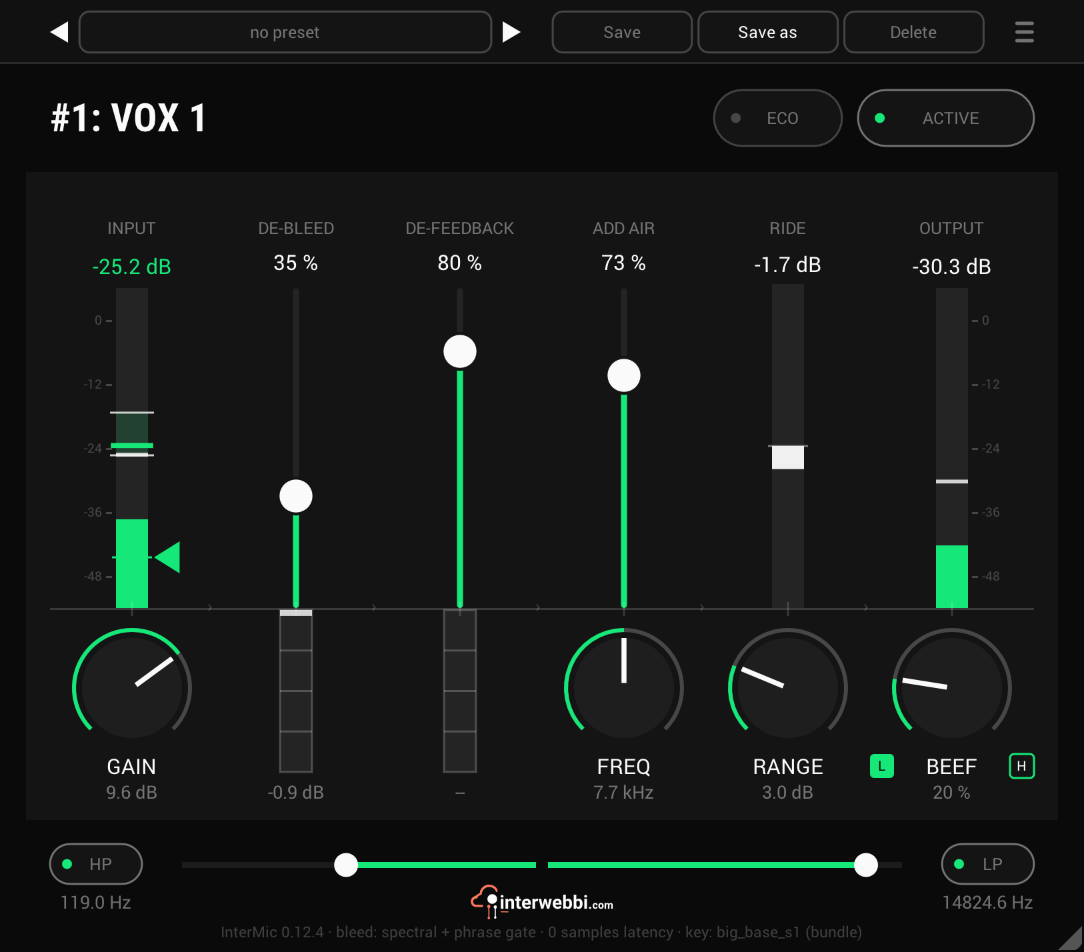
Mic preamp
InterMic
A warm mic preamp for live vocals, with air, a gain rider, stage bleed taken out by a custom-trained AI model, and feedback caught before it howls.
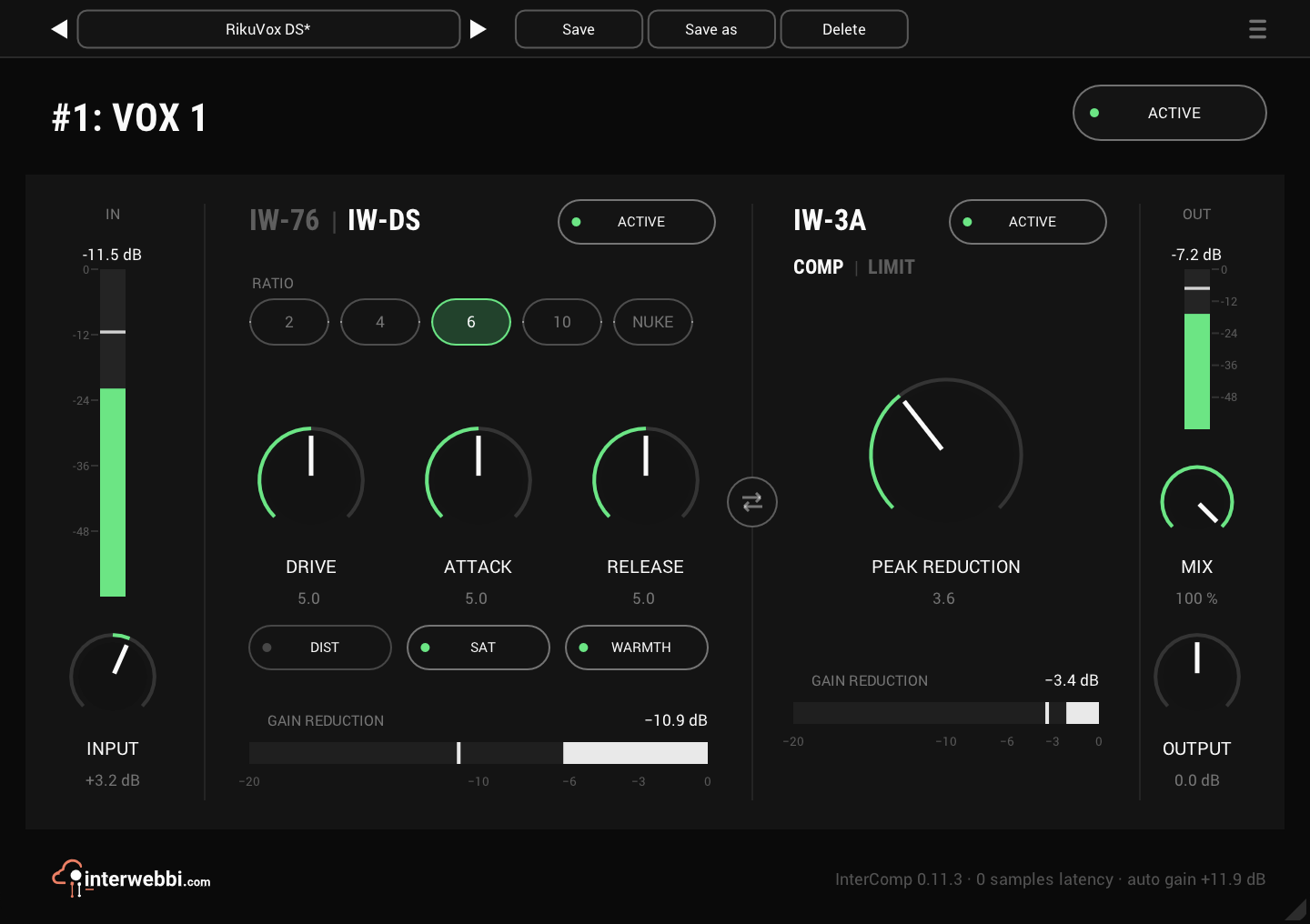
Compressor
InterComp
A fast FET stage to grab the peaks, then a smooth optical leveller, with auto gain to keep the level matched.
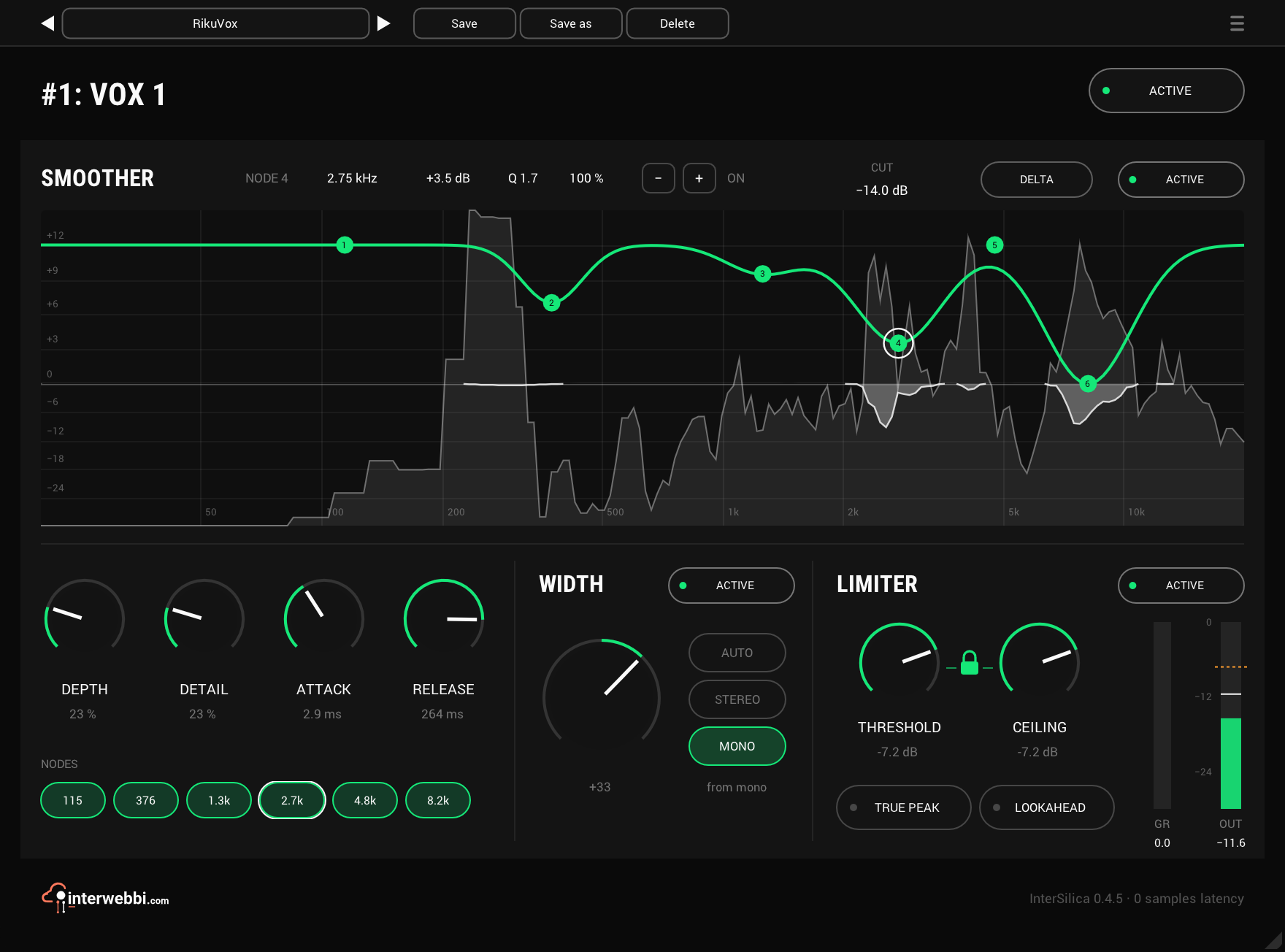
Resonance, width, limiter
InterSilica
Shave the harshness, then seal the ceiling: a resonance suppressor, a one-knob stereo width and a limiter.
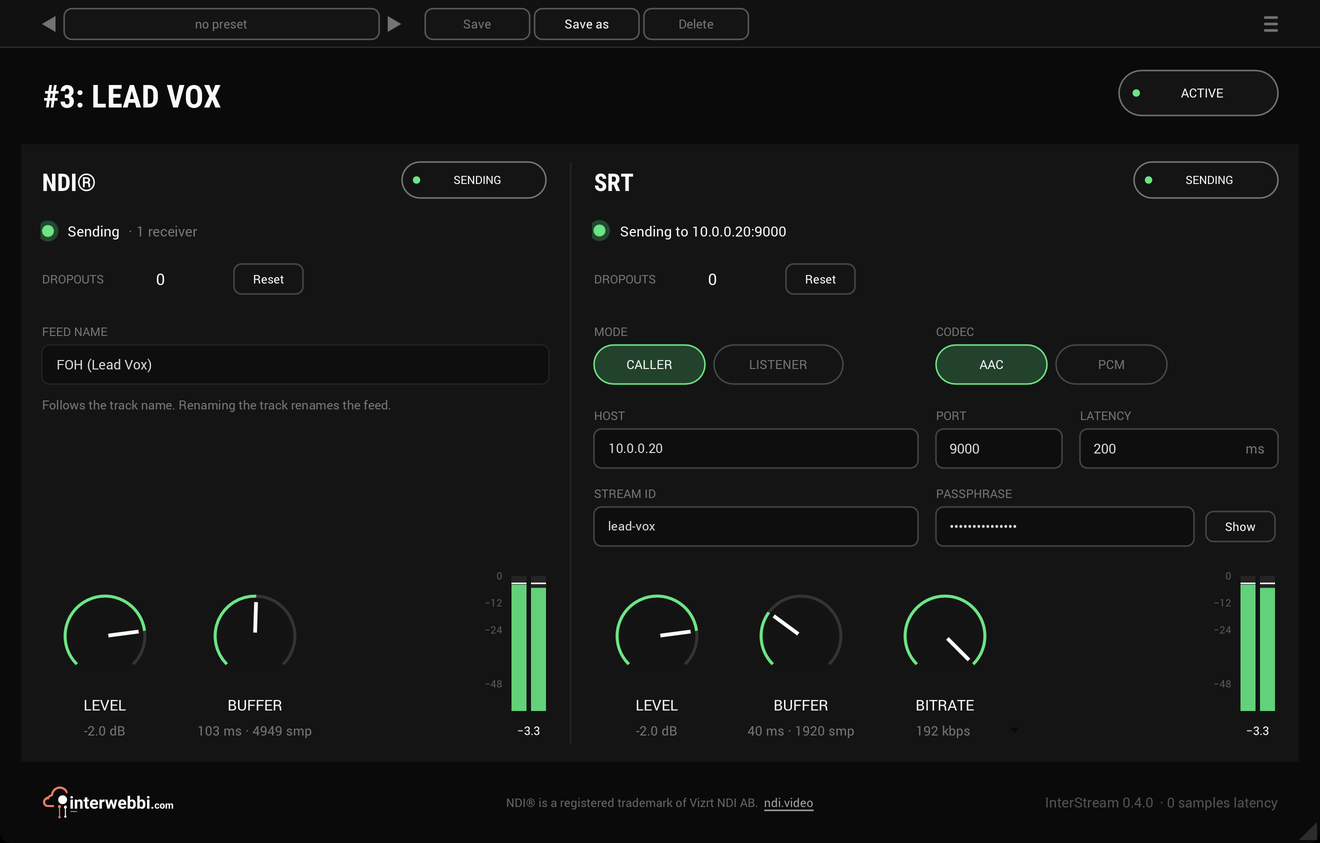
Network audio
InterStream
Sends a track or a mix out as NDI® and SRT, straight from the insert, with the track untouched.
Mix balance
InterBalance
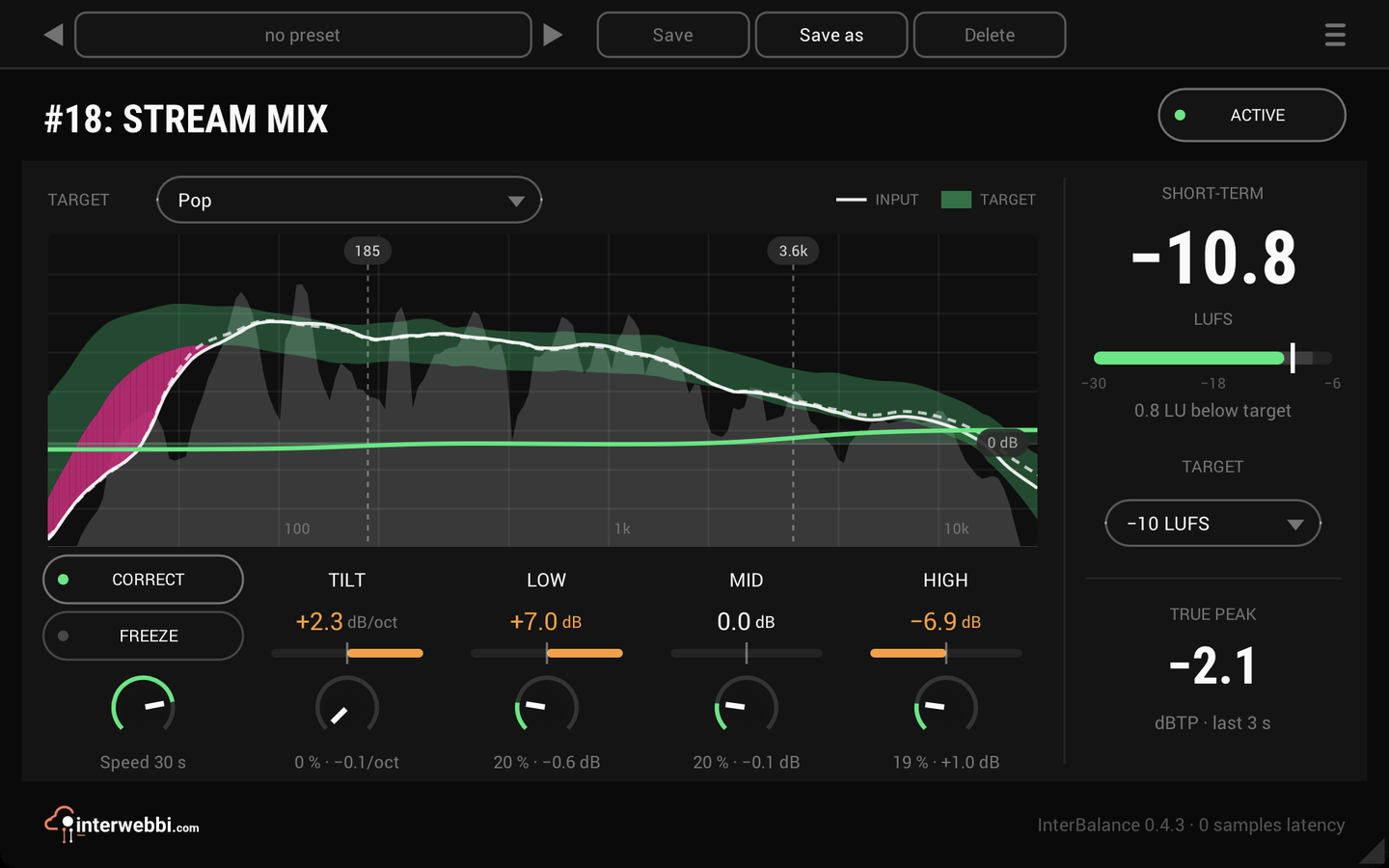
Checks your mix against a target in loudness and tone, and nudges it there slowly when you let it.
Master glue
InterMaster
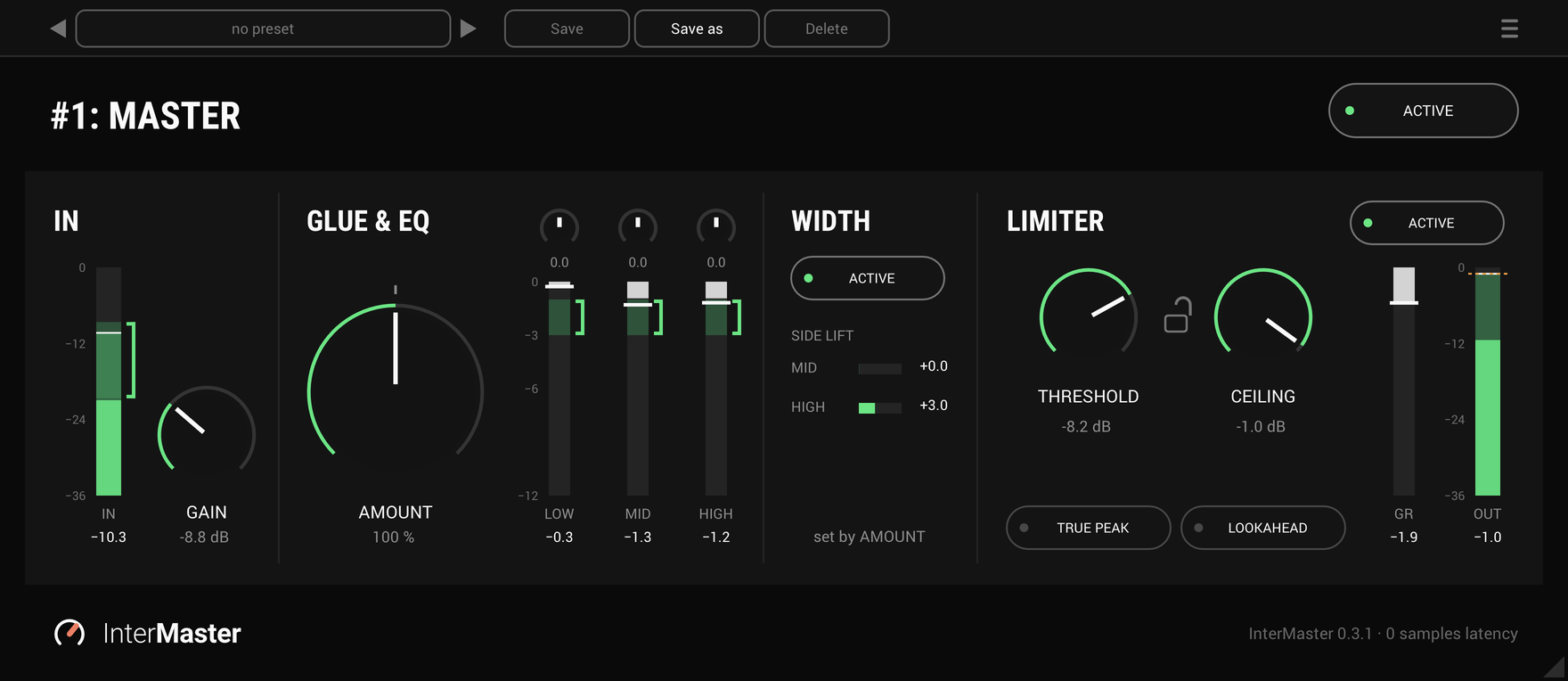
One knob that glues a whole mix together and makes it sound fuller, then a limiter seals the ceiling.
The Suite
Every Interwebbi plug-in, with one licence and one installer.