
Mix balance
InterBalance
Shows how your mix compares with a target in loudness and tonal balance. Switch CORRECT on and it nudges the mix there, slowly and broadly, the way you would at the desk. For a bus or the master, live and in the studio.
- Latency
- 0 samples
- CPU
- 0.03%, Apple M4 Pro
- Formats
- VST3, Audio Unit
- Platforms
- macOS, Windows
- Channels
- Mono, stereo
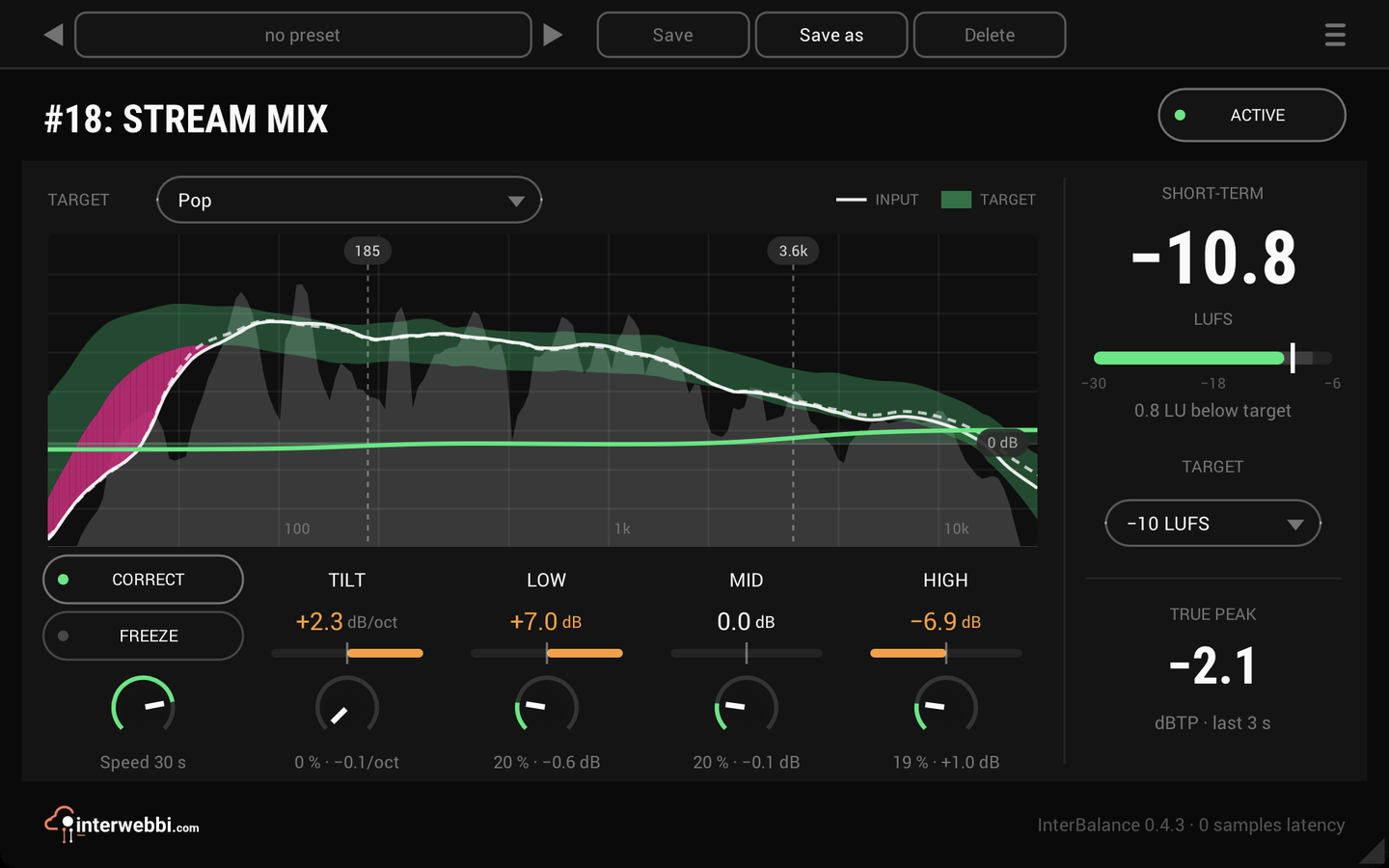
On the panel
Target
The tonal target: Balanced, a genre, one learned from your mix or a reference file, or one you saved.
Spectrum
Your mix as a white line over the target's band, the gap tinted wherever the mix leaves it.
Crossovers
Drag the three tabs to set where the four bands meet: 200 Hz, 2 kHz and 6 kHz to start with.
Correct and freeze
Off until you switch it on. FREEZE holds the correction where you are happy with it.
Tilt and the bands
How far the mix is from the target: white when close, amber when not. A band with nothing in it dims and reads HELD.
Amounts and speed
How much of each difference CORRECT takes away, and how long it takes to settle.
Short-term
The loudness of the last three seconds (EBU R128), with how far it is from your target.
Loudness target
-14, -16 or -23 LUFS, or a value of your own.
True peak
The highest true peak of the last three seconds, red above -1 dBTP.
Loudness against a target
SHORT-TERM is the loudness of the last three seconds, as EBU R128 measures it, updating by itself with no reset to remember in a live show. Within 2 LU of your target the number is white, further away amber, and the line under it says how far off it is. TRUE PEAK beside it is the highest true peak of the same three seconds.
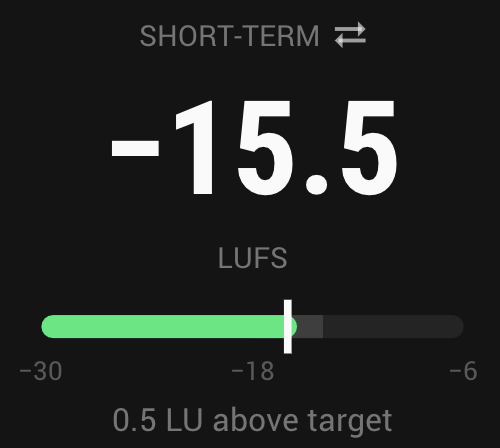
- Short-term
- The last 3 s, EBU R128
- Targets
- -14, -16 or -23 LUFS, or your own from -36 to -6
- True peak
- The last 3 s, red above -1 dBTP
The spectrum against a target
The target is the band in your track's colour and your mix the white line over it. Where the mix leaves the band the gap is tinted, so you see at a glance which part of the spectrum is off and which way. A finer grey fill underneath moves with the music.
Under it, TILT, LOW, LO-MID, HI-MID and HIGH say how far the mix is from the target. Too much bass reads mostly as LOW; a mix leaning dark or bright everywhere reads as TILT.
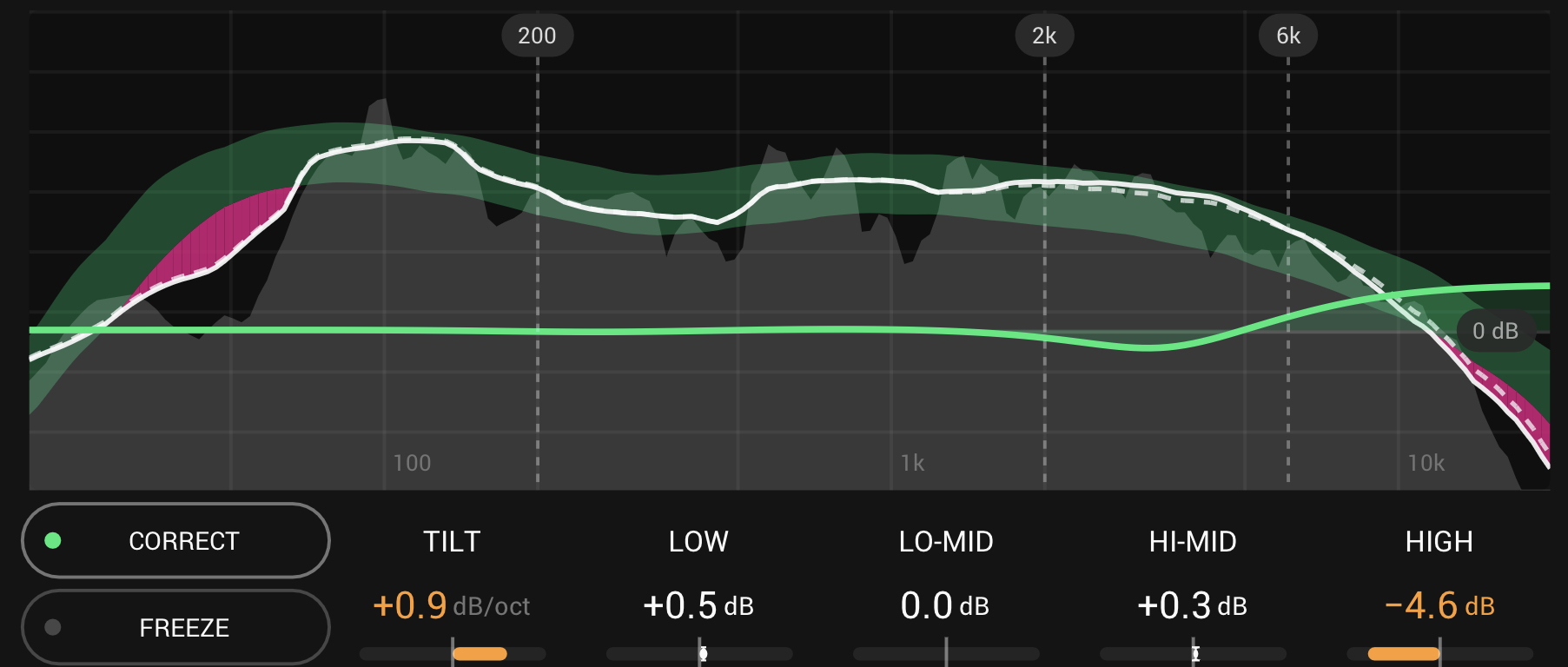
- Tilt
- dB per octave
- Low, lo-mid, hi-mid, high
- dB from the target
- Crossovers
- 60 to 800 Hz, 400 Hz to 6 kHz and 1.5 to 16 kHz; 200 Hz, 2 kHz and 6 kHz to start
- Resolution
- Fine, medium or smooth
Targets
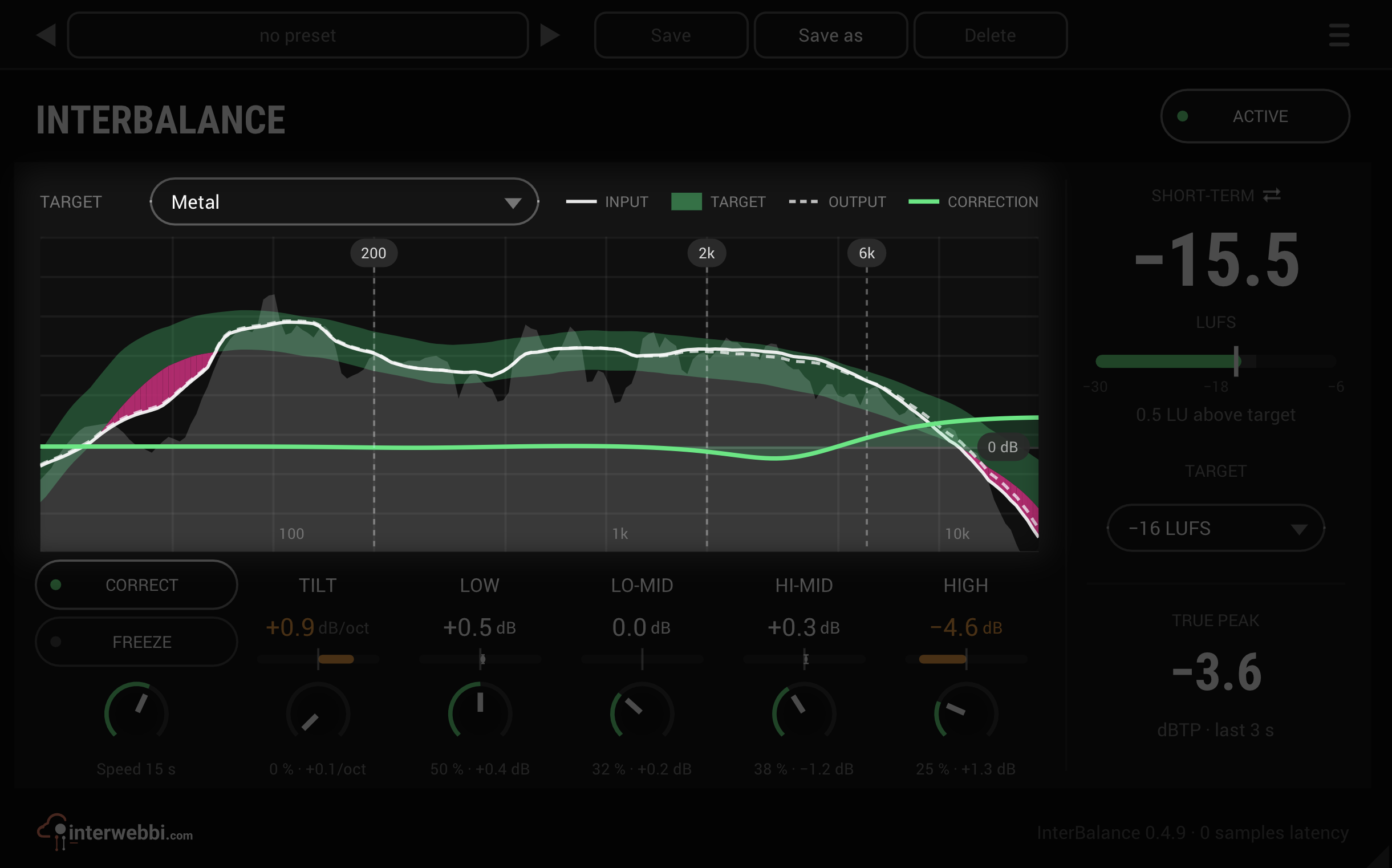
Balanced is the neutral line of pink noise. Dance, Metal, Pop, Rock and Schlager are each measured from a set of released tracks and averaged, and the faint band around a genre target shows how much those tracks differ from one another. This is a first set: the genre targets will be measured again from more tracks.
Or learn one: from the mix as it sounds now, at soundcheck or in the first song, or from a reference file, measured whole on its loud parts only. Save a target of your own and it is there in every project.
- Built in
- Balanced, Dance, Metal, Pop, Rock, Schlager
- From the input
- 15 seconds at least
- From a file
- WAV, AIFF, MP3 or FLAC
CORRECT: broad and slow
Off until you switch it on. CORRECT moves the mix's balance toward the target the way you would at the desk, broadly and over seconds: a tilt, a low shelf, a high shelf and two wide bells in the mids, never more than 6 dB anywhere. It listens to the input and holds still through quiet passages and between songs. A band with nothing in it, like the bass in a breakdown, is left where it was, so its correction is already right when the bass returns. CORRECT draws its own curve in the spectrum while it works.
FREEZE holds the correction where you are happy with it, while the readouts and the meter go on following the music. There is no make-up gain, so compare it with bypass at matched loudness.
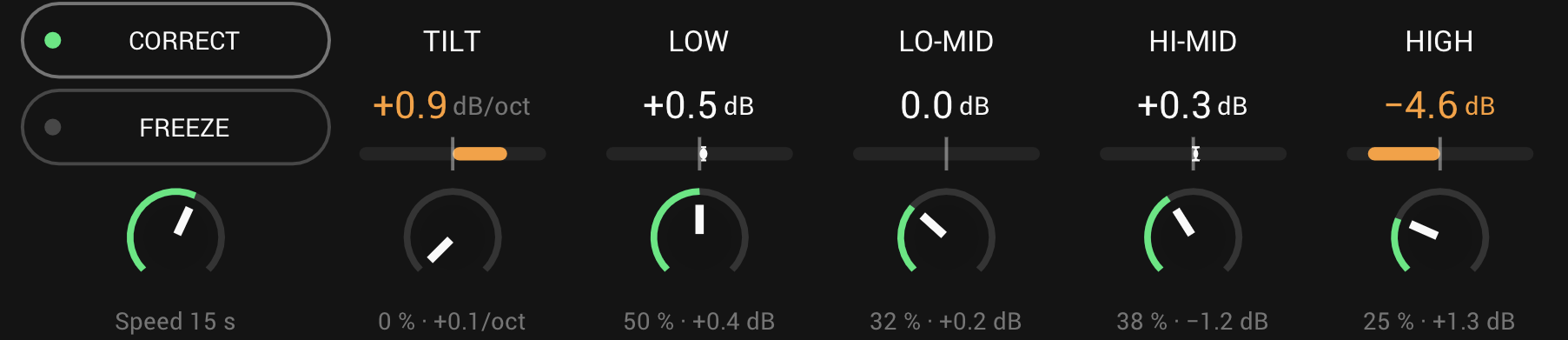
- Moves
- Tilt, low shelf, high shelf, two wide mid bells
- Most
- 6 dB anywhere
- Amounts
- 0 to 100% each, 50% to start
- Speed
- 2 to 60 s, 15 s to start
- Default
- Off
And also
A true bypass
Bypassed, nothing is measured or analysed, so it costs next to nothing, and the panel dims with its last readings held. Switch back and CORRECT carries on where it was.
Renders sound like playback
A render faster than real time sounds the same as playback, every time.
Saved with the project
The target, the crossovers, FREEZE and the frozen correction are kept with the project and in presets, and can be automated.
Specs
- Latency
- 0 samples
- CPU
- 0.03% of a 14-core Apple M4 Pro, CORRECT on, stereo, 48 kHz
- Formats
- VST3, Audio Unit
- macOS
- Apple silicon and Intel
- Windows
- x64
- Channels
- Mono, stereo
- Version
- 0.4.10
Download
New in 0.4.10
The footer shows InterBalance's own logo. The interwebbi.com logo at the foot of the panel is now InterBalance's lockup: the Interwebbi plug-ins' knob mark and the name beside it.
- Nothing you hear changed: no control, no default and no sound is different, and your projects and presets open as before.
The rest of the family
Mic preamp
InterMic
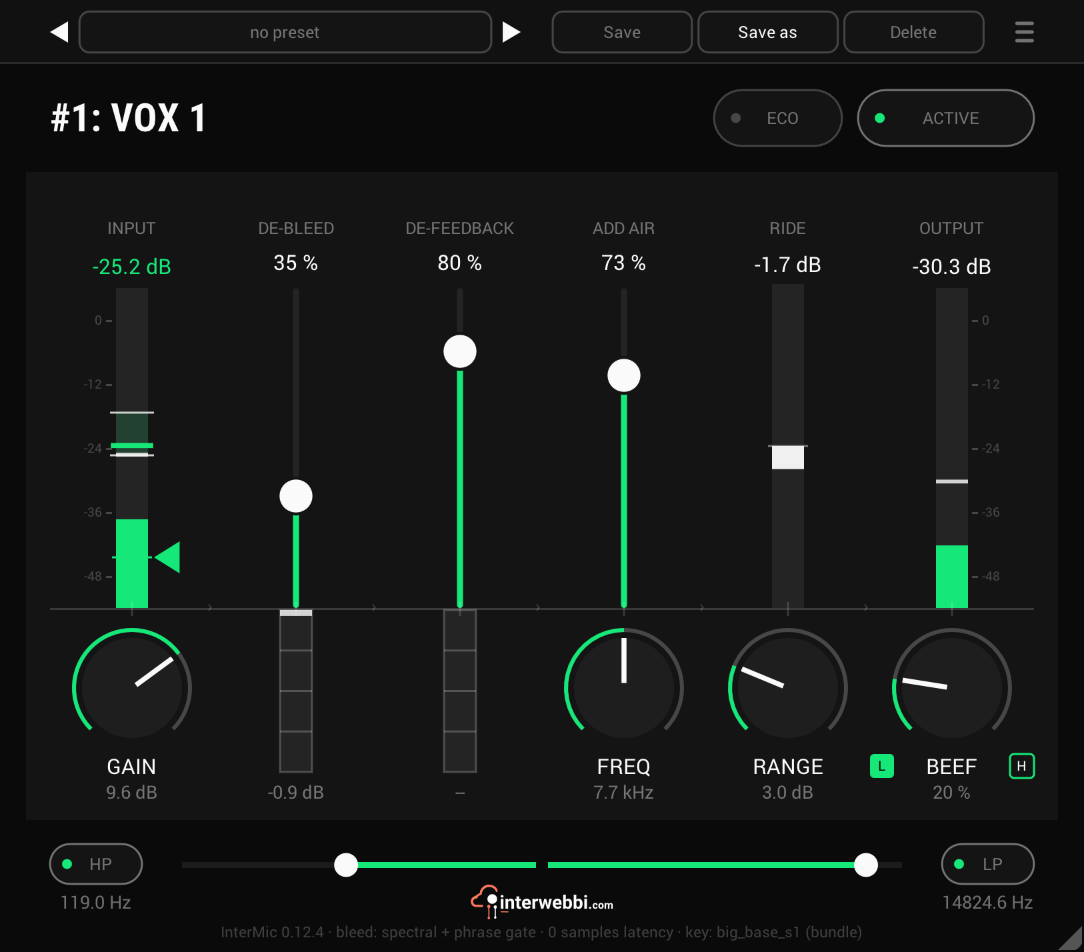
A warm mic preamp for live vocals, with air, a gain rider, stage bleed taken out by a custom-trained AI model, and feedback caught before it howls.
Adaptive tone
InterTone
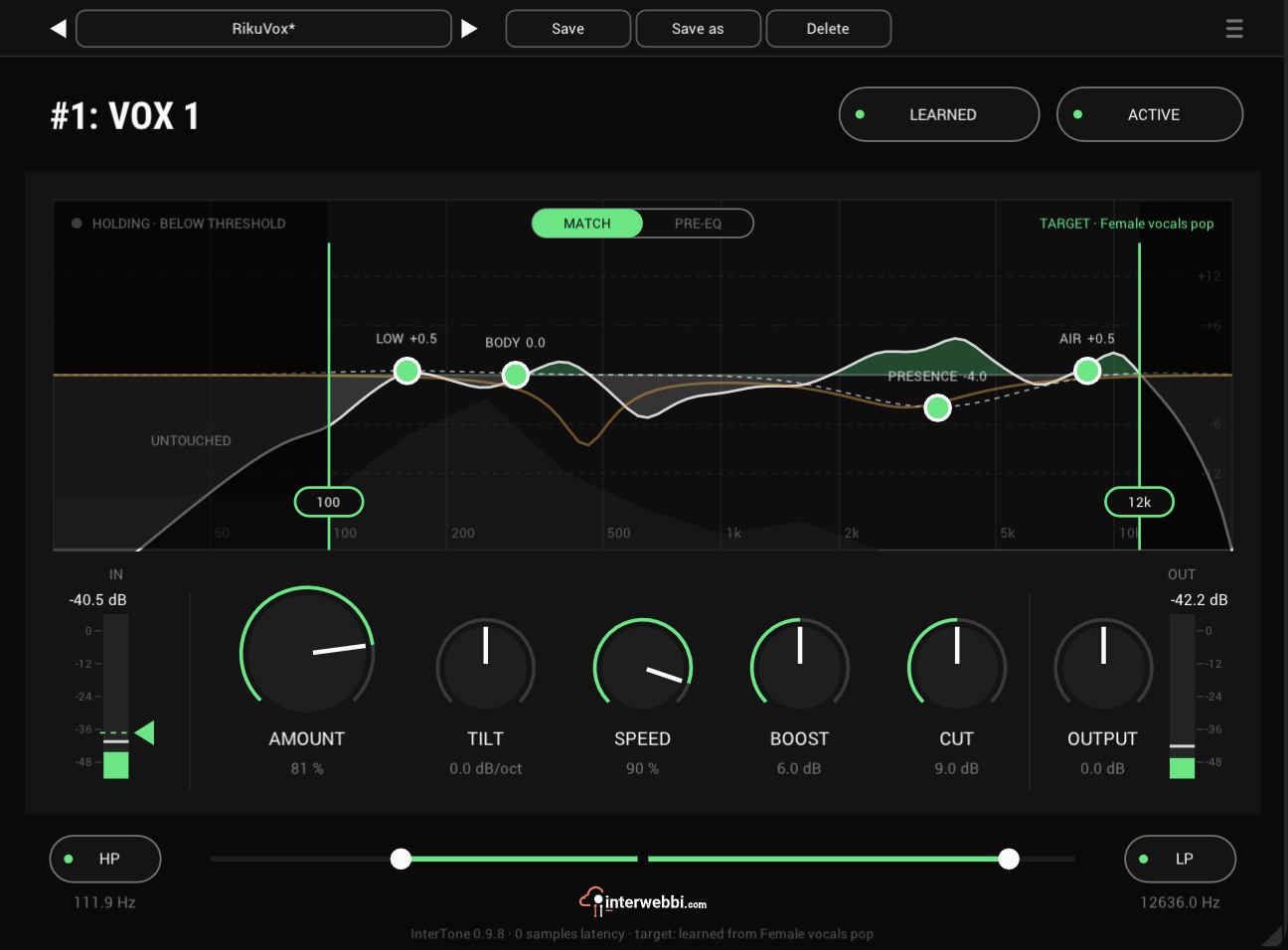
Set the tone a source should have. It stays there as the playing changes, on vocals, guitars or drums.
Compressor
InterComp
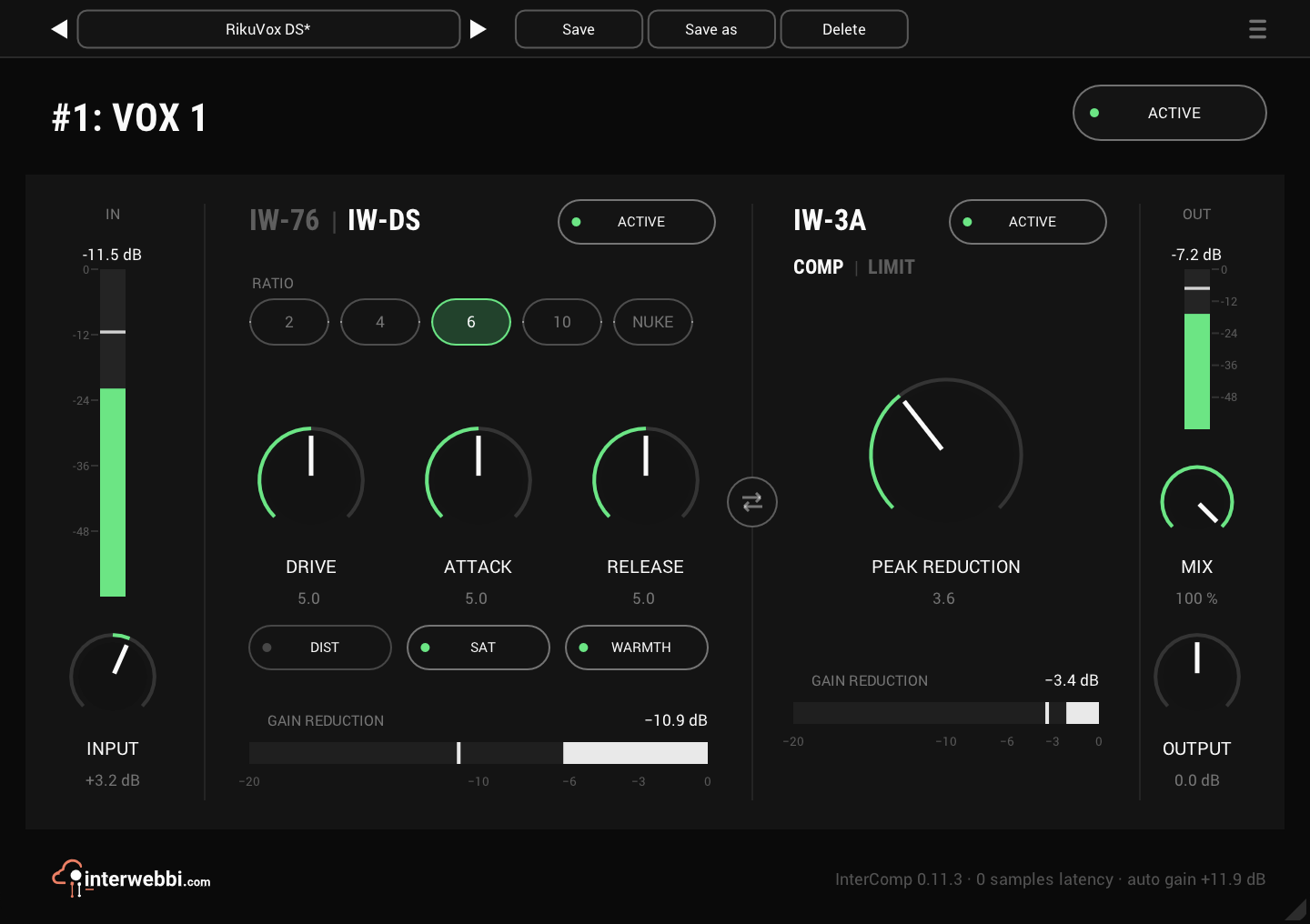
A fast FET stage to grab the peaks, then a smooth optical leveller, with auto gain to keep the level matched.
Resonance, width, limiter
InterSilica
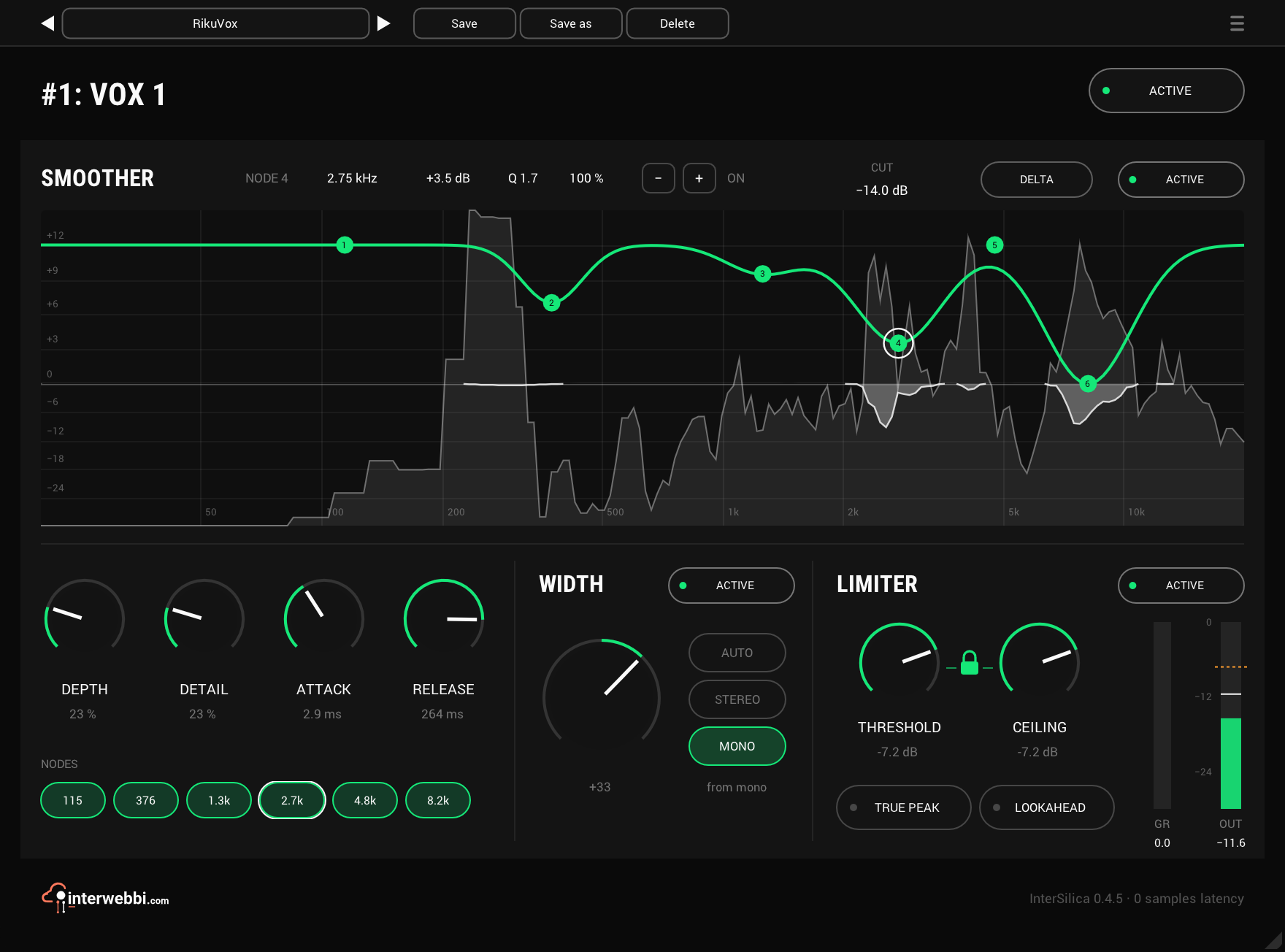
Shave the harshness, then seal the ceiling: a resonance suppressor, a one-knob stereo width and a limiter.
Network audio
InterStream
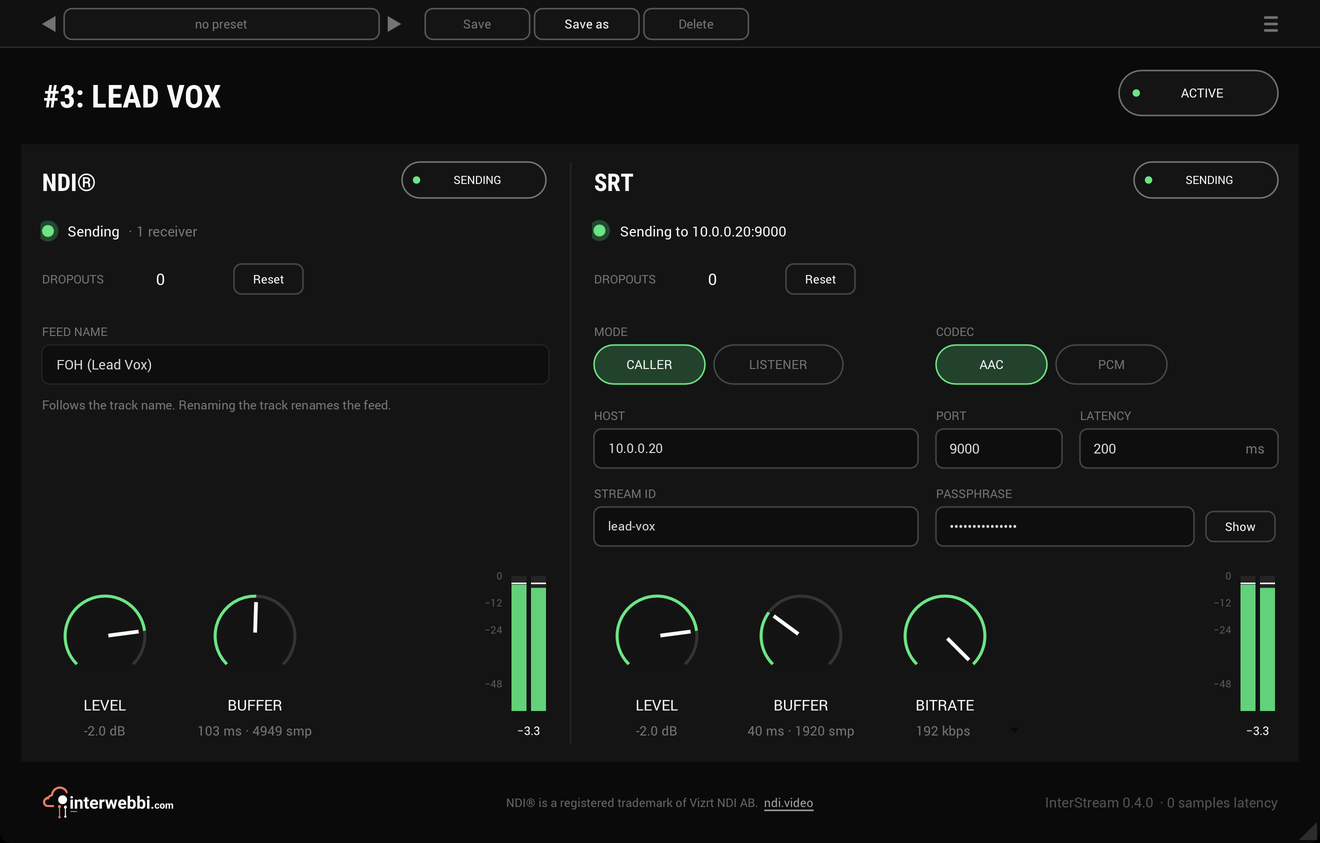
Sends a track or a mix out as NDI® and SRT, straight from the insert, with the track untouched.
Master glue
InterMaster
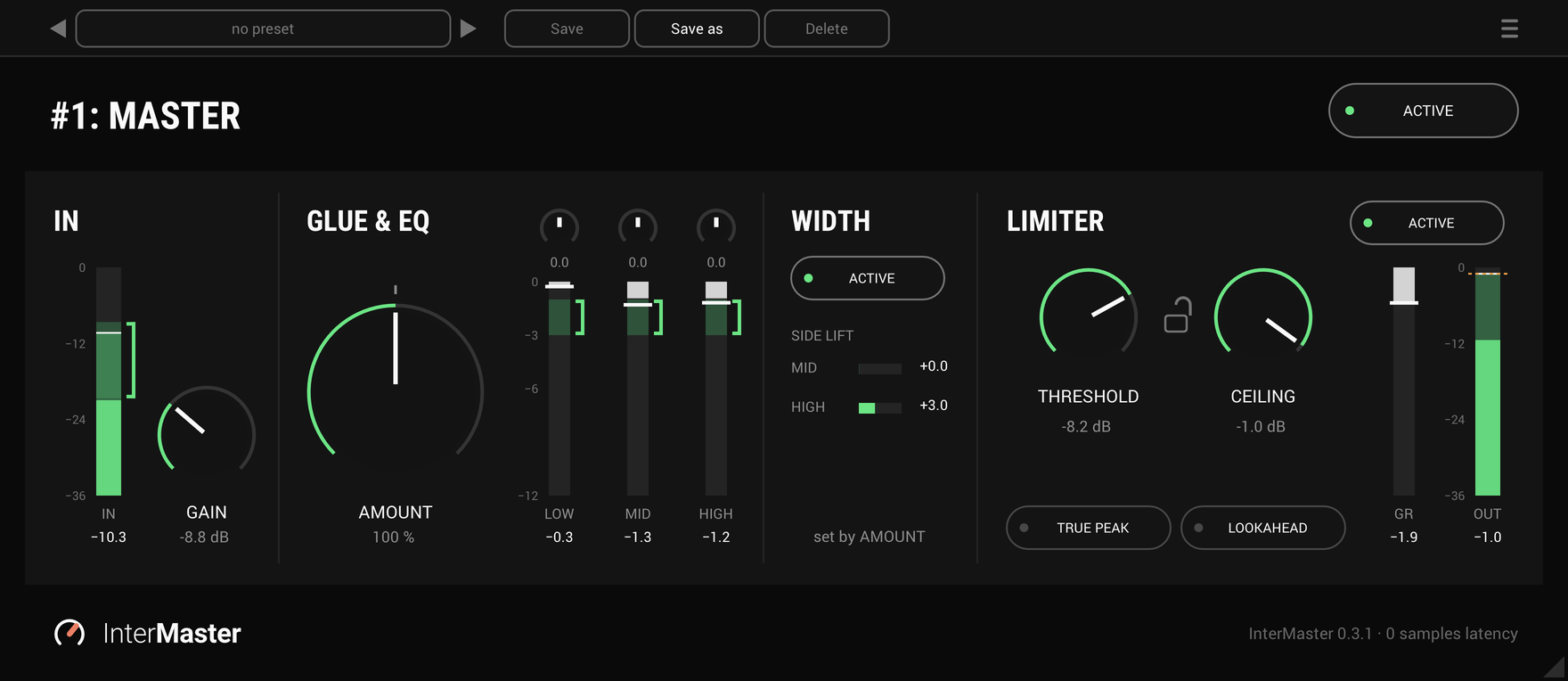
One knob that glues a whole mix together and makes it sound fuller, then a limiter seals the ceiling.
The Suite
Every Interwebbi plug-in, with one licence and one installer.