
Network audio
InterStream
Sends a track or a mix out on the network as NDI® and SRT, straight from the insert, while the track plays on untouched. Feed the stream, InterDirector, or a room down the hall.
- Latency
- 0 samples
- CPU
- 0.001% on the audio thread, Apple M4 Pro
- Formats
- VST3, Audio Unit
- Platforms
- macOS, Windows
- Channels
- Mono, stereo
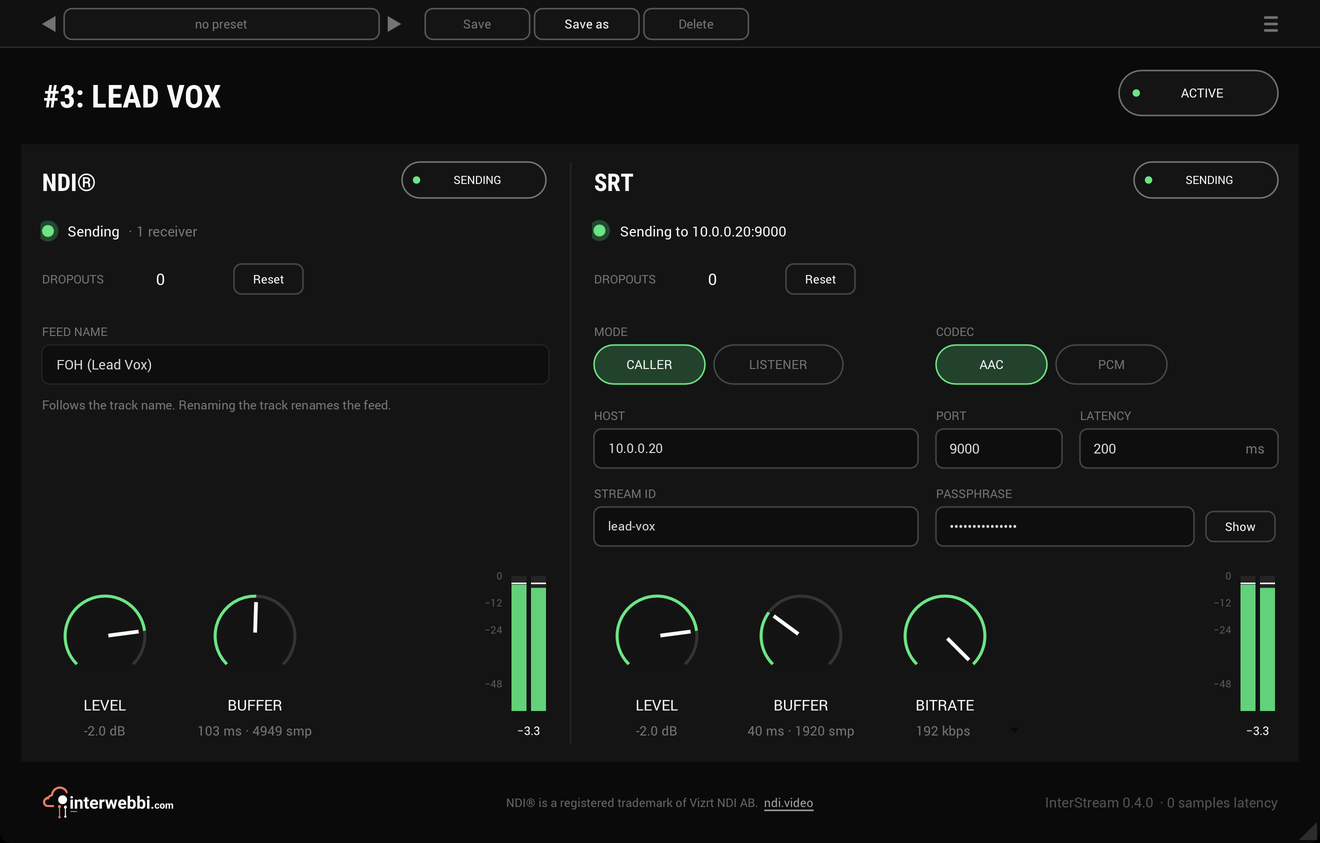
On the panel
NDI
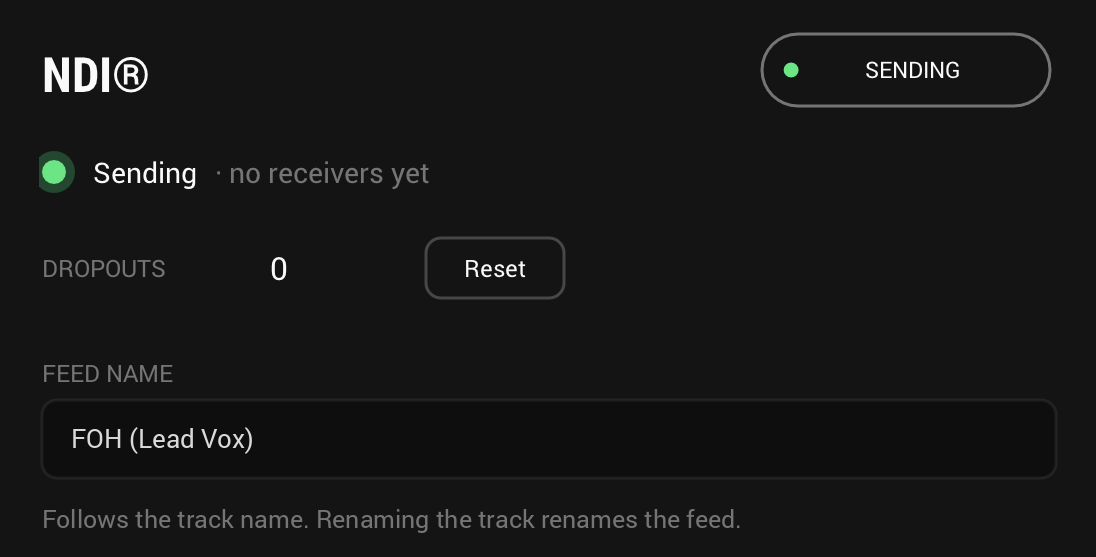
On by default: the track goes out as an NDI® audio feed the moment InterStream is inserted.
Receivers
How many receivers are taking the NDI feed. Zero just means nobody has picked it up yet.
Dropouts
Audio that could not go out in time, counted and held until you reset it. The track never waits.
Feed name
The track's name, and it follows a rename. A name already sent from this computer is numbered.
SRT Mode
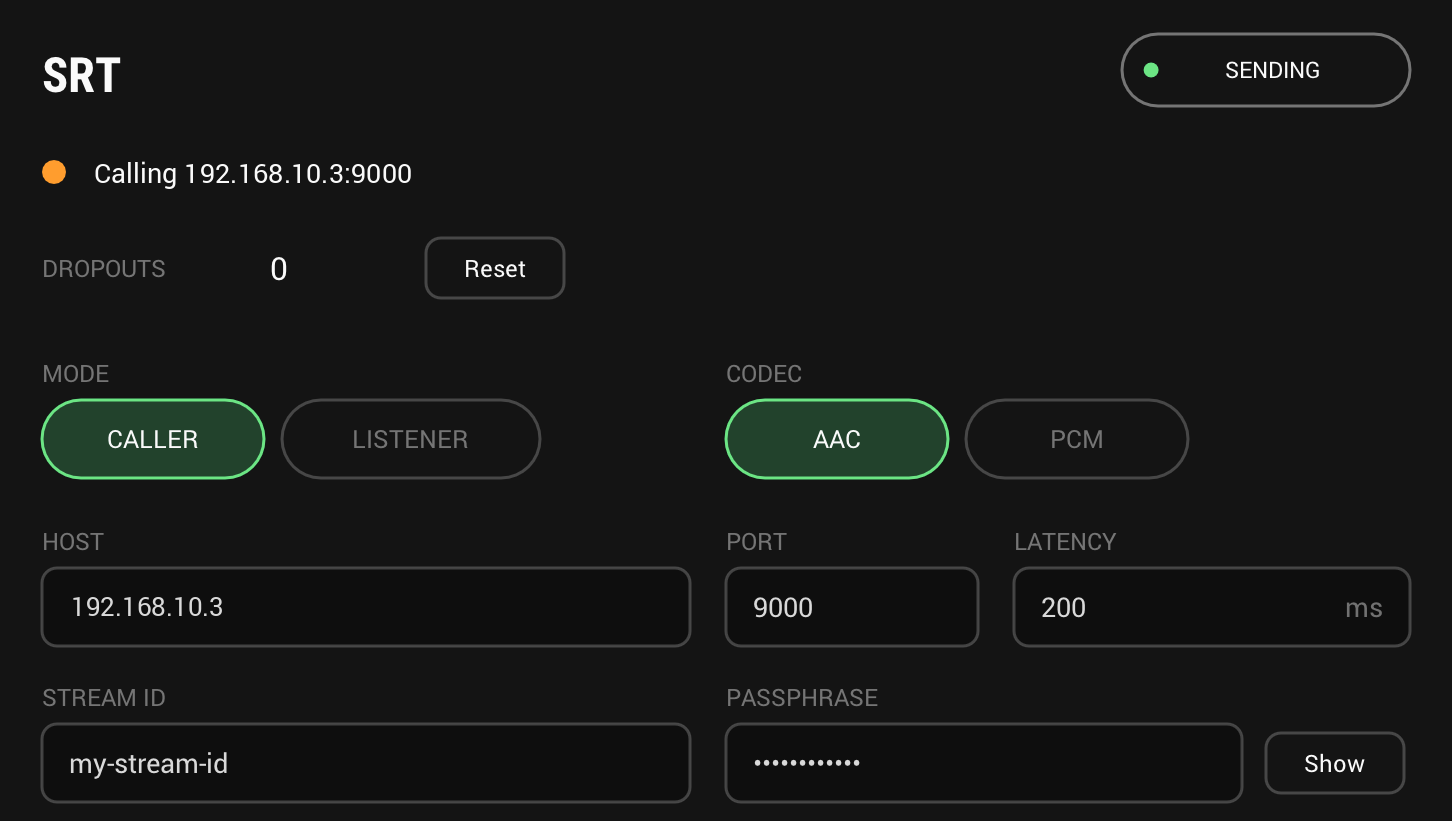
CALLER calls a receiver at HOST and PORT; LISTENER waits on PORT for one receiver to call in.
SRT Codec
AAC from the computer's own encoder, 96 to 192 kbps, or uncompressed 24-bit PCM.
SRT Address
HOST and PORT, where a caller sends; LATENCY, how long SRT waits to resend lost packets; STREAM ID; and a PASSPHRASE for AES-128 encryption. Paste a whole srt:// address into HOST to fill them in.
Level and buffer
Each output's own level and buffer, with a meter of what it sends. None of them touches the track.
The track is never changed
Insert InterStream on a track or a bus and what that track plays goes out on the network, mono or stereo as the track carries it. Every control acts on the feeds only: the track passes through bit for bit, with zero latency, whatever the outputs do.
The network never holds up the host. Sending runs on its own thread, so a bad connection never glitches the track. It shows up as dropouts on the panel instead. When the host stops, the feeds keep sending silence so receivers stay connected, and an offline render never reaches the network.

- Latency
- 0 samples, always
- Level
- -60 to +12 dB per output, off at the bottom
- Buffer
- 10 to 1000 ms per output, 40 ms by default
- A gap
- Sent as silence, never a repeat
NDI®: a feed named after the track
The track goes out as a full-bandwidth NDI audio feed at the session's own rate, named after the track, and a rename renames the feed. A second feed of a name already sent from the same computer goes out numbered, Lead Vox 2, and the panel says so: give your tracks their own names and each feed keeps its own.
The panel counts the receivers taking the feed. Nothing ever sends NDI HX.
- Audio
- Full bandwidth, the session's rate and channels
- Name
- The track's, numbered when taken
- Default
- On
SRT: a stream to one receiver
SRT sends an MPEG-TS stream, as a caller to a receiver's host and port, calling again until it answers, or as a listener that waits for one receiver to call in. It carries AAC from the computer's own encoder, or uncompressed 24-bit PCM. PCM always goes out at 48 kHz. AAC goes out at the session's rate when that is 44.1 or 48 kHz, and at 48 kHz from any other, resampled.
Paste a whole srt:// address into HOST and the port, stream ID, passphrase and latency it carries are filled in. The passphrase and stream ID are saved with the session, never in a preset.
- Mode
- Caller or listener, port 9000 by default
- AAC
- 96, 128, 160 or 192 kbps; AUTO is 192 stereo, 96 mono
- PCM
- 24-bit, SMPTE 302M, about 2.3 Mbit/s for stereo
- Latency
- 20 to 8000 ms, 200 ms by default
- Encryption
- AES-128 with a passphrase
- Default
- Off
And also
The first time it sends
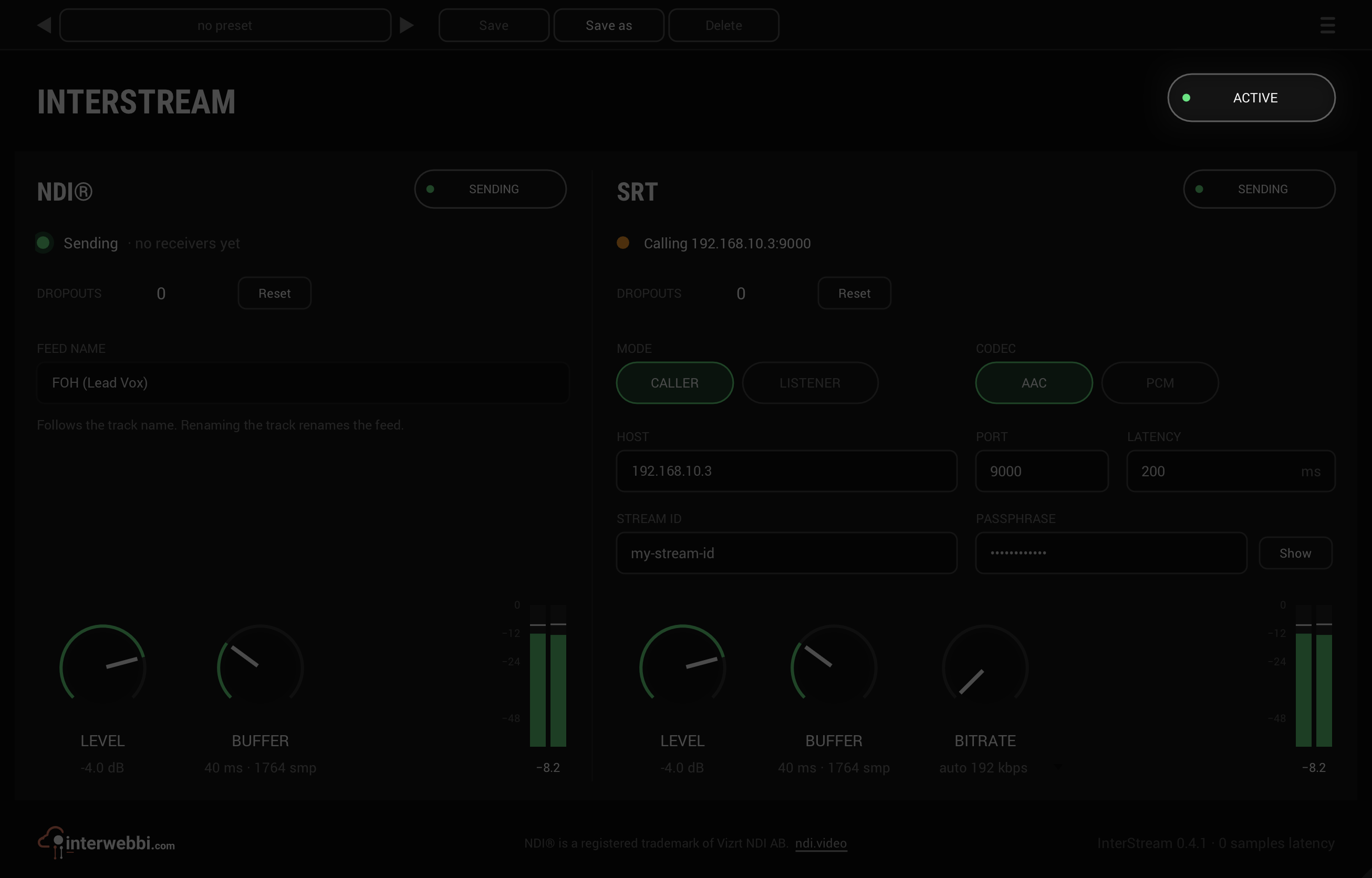
macOS asks to let your host use the local network, and as a listener the firewall may ask to accept connections, on the Mac or the PC. Allow them, or no feed reaches anyone.
ACTIVE stops both feeds
Off, the feeds stop and receivers lose the source; back on, they reconnect. The track's own audio passes as it always does.
Specs
- Latency
- 0 samples
- CPU
- 0.001% on the audio thread of a 14-core Apple M4 Pro, both outputs on, stereo, 48 kHz. Sending runs on InterStream's own thread, which this figure leaves out.
- Outputs
- NDI® audio, SRT (MPEG-TS)
- Formats
- VST3, Audio Unit
- macOS
- Apple silicon and Intel
- Windows
- x64
- Channels
- Mono, stereo
- Version
- 0.4.2
Download
New in 0.4.2
The footer shows InterStream's own logo. The interwebbi.com logo at the foot of the panel is now InterStream's lockup: the Interwebbi plug-ins' knob mark and the name beside it.
- Nothing you hear changed: no control, no default and no sound is different, and your projects and presets open as before.
The rest of the family
Mic preamp
InterMic
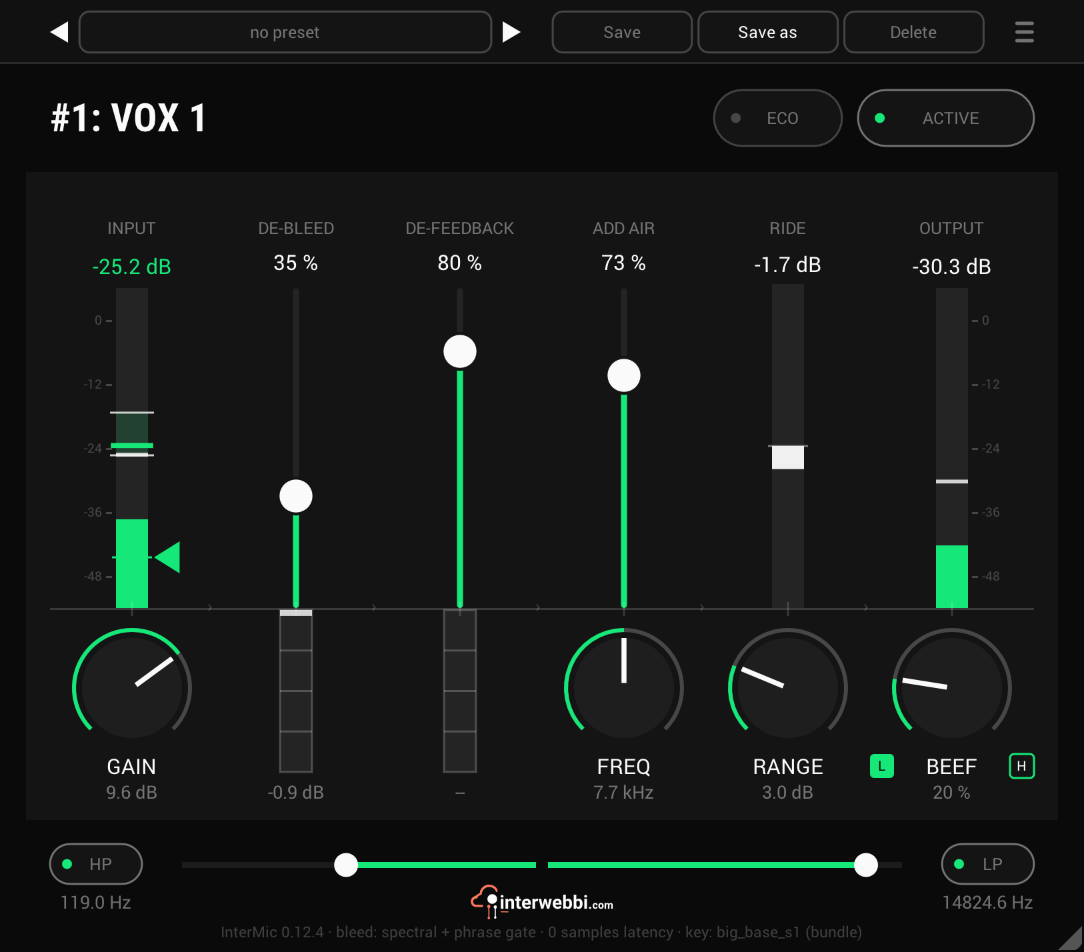
A warm mic preamp for live vocals, with air, a gain rider, stage bleed taken out by a custom-trained AI model, and feedback caught before it howls.
Adaptive tone
InterTone
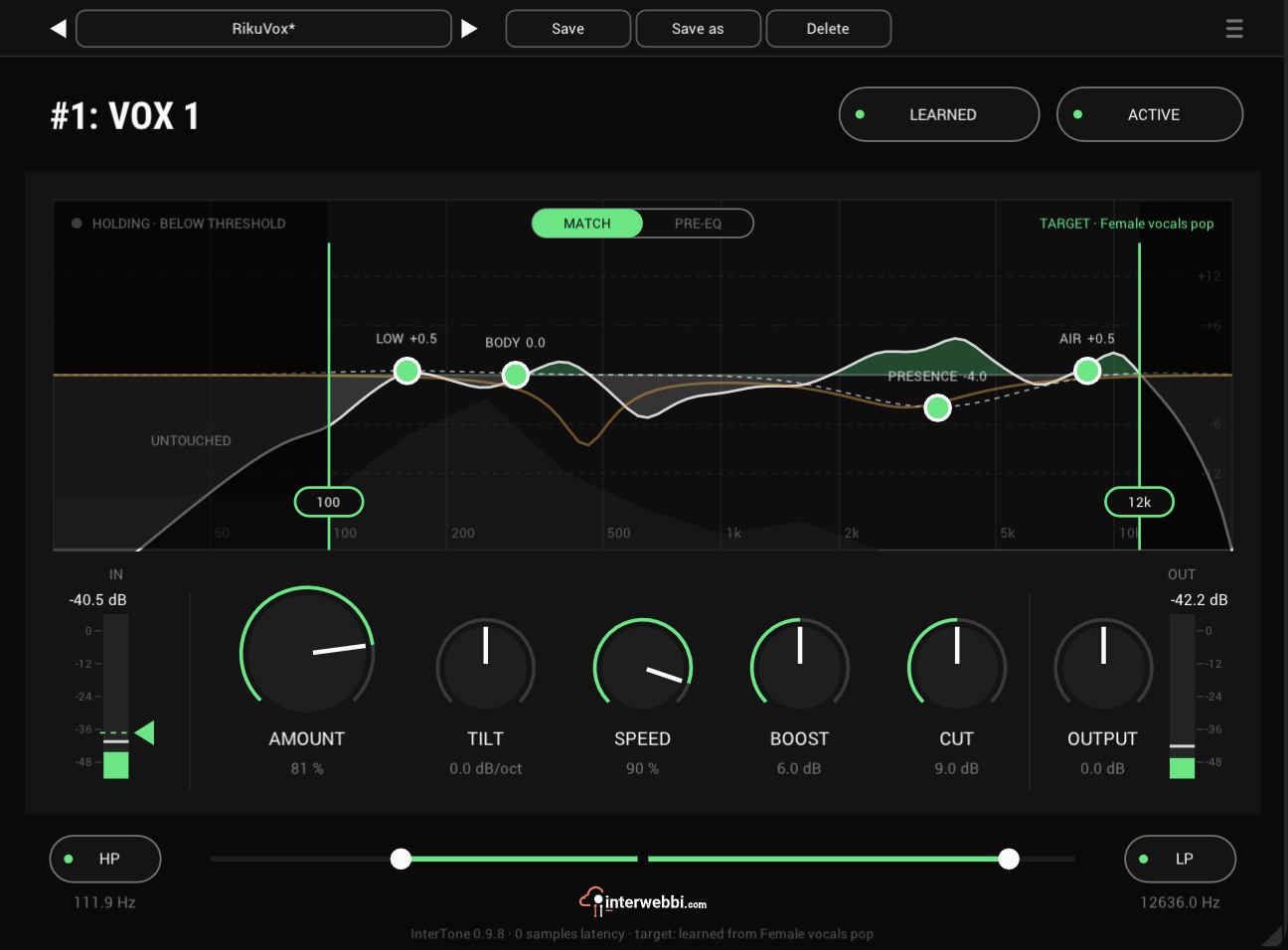
Set the tone a source should have. It stays there as the playing changes, on vocals, guitars or drums.
Compressor
InterComp
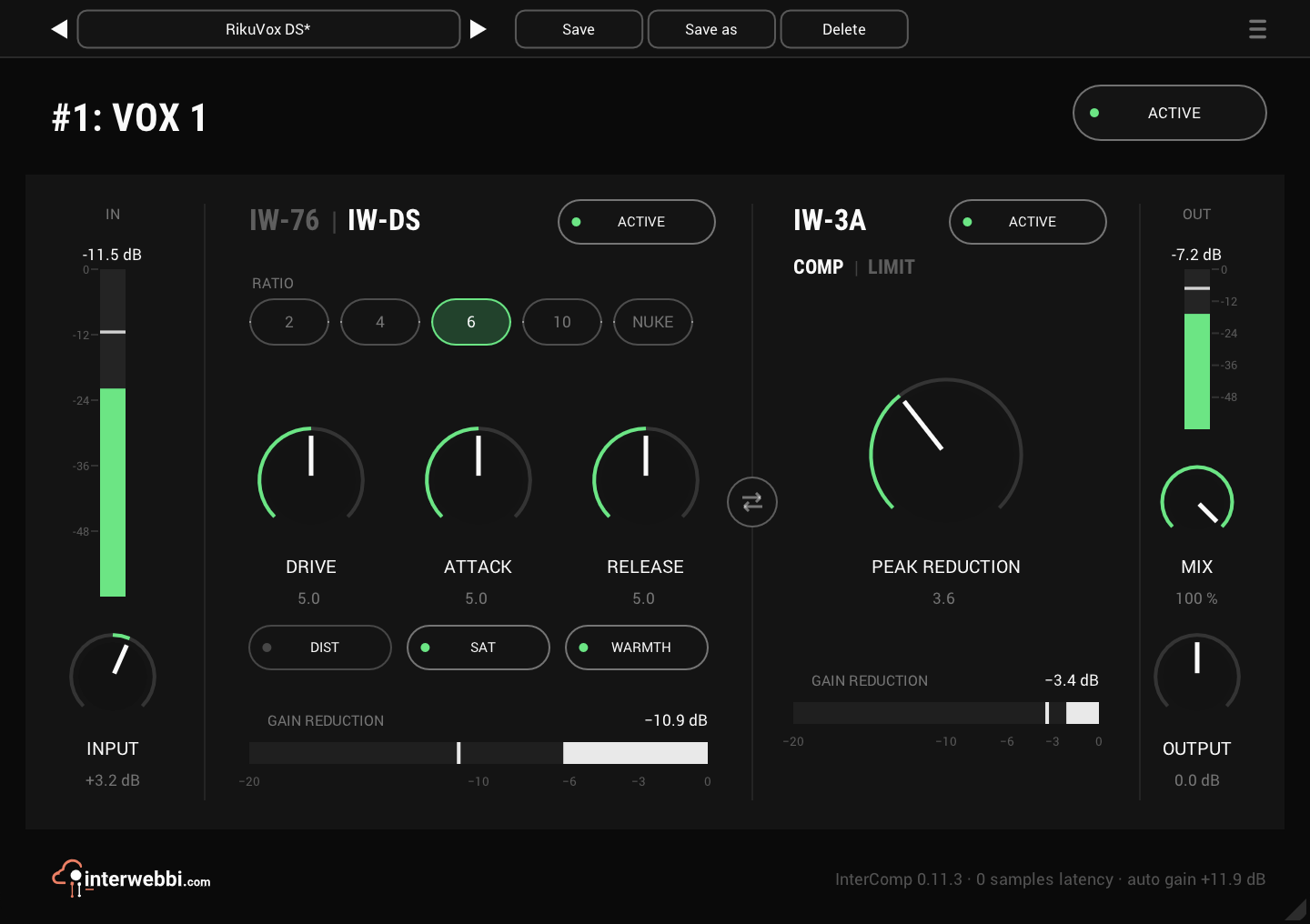
A fast FET stage to grab the peaks, then a smooth optical leveller, with auto gain to keep the level matched.
Resonance, width, limiter
InterSilica
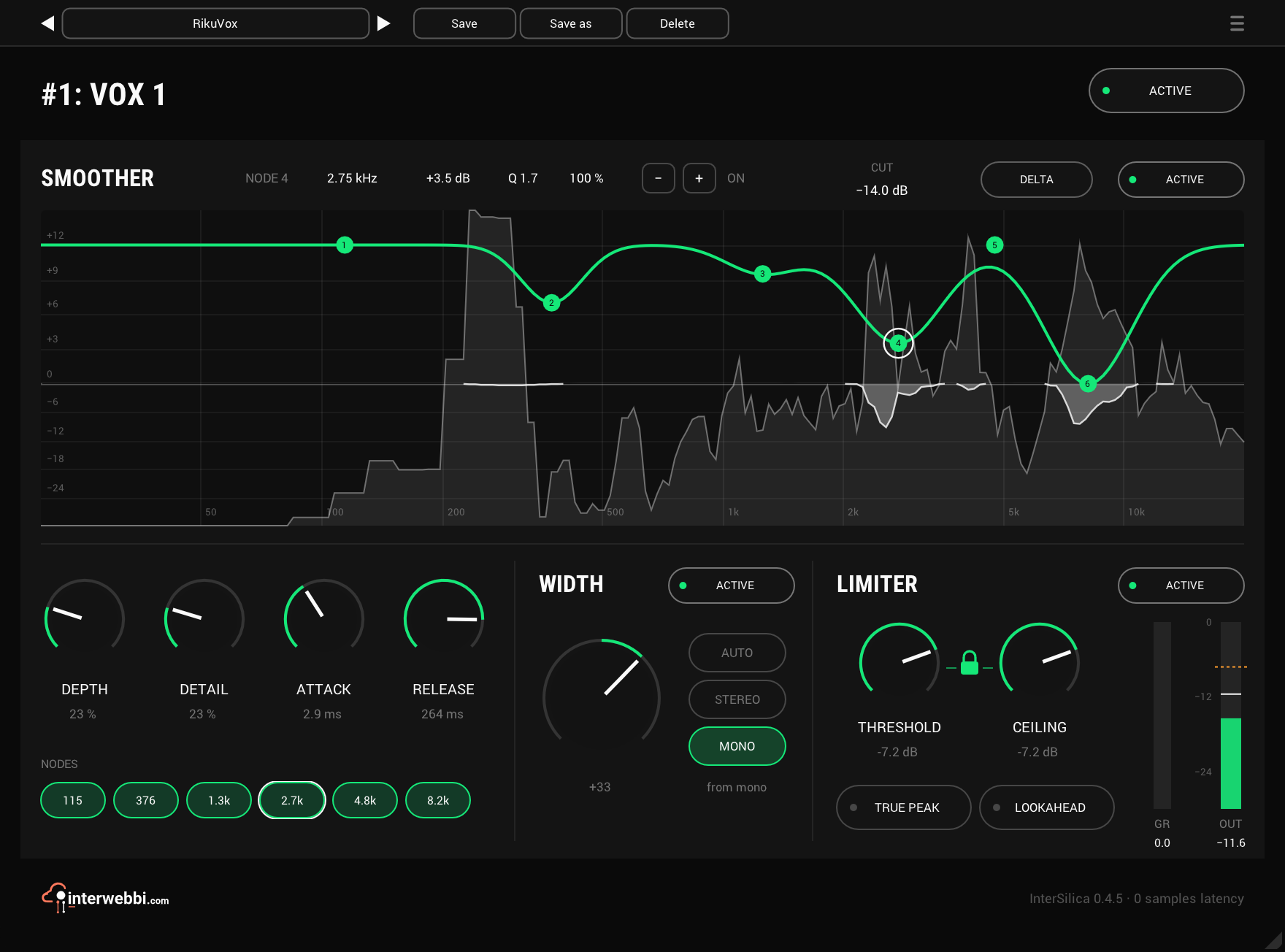
Shave the harshness, then seal the ceiling: a resonance suppressor, a one-knob stereo width and a limiter.
Mix balance
InterBalance
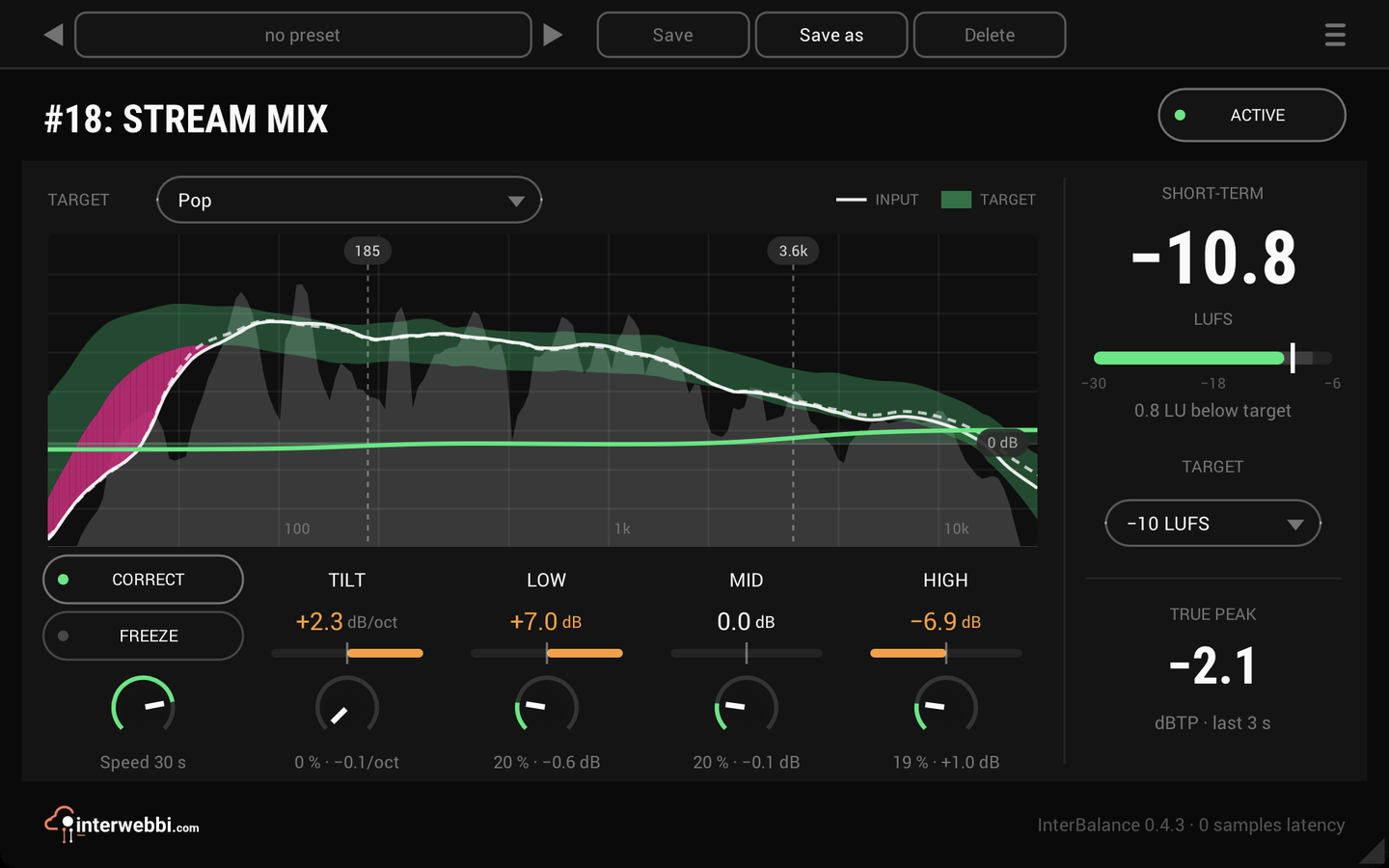
Checks your mix against a target in loudness and tone, and nudges it there slowly when you let it.
Master glue
InterMaster
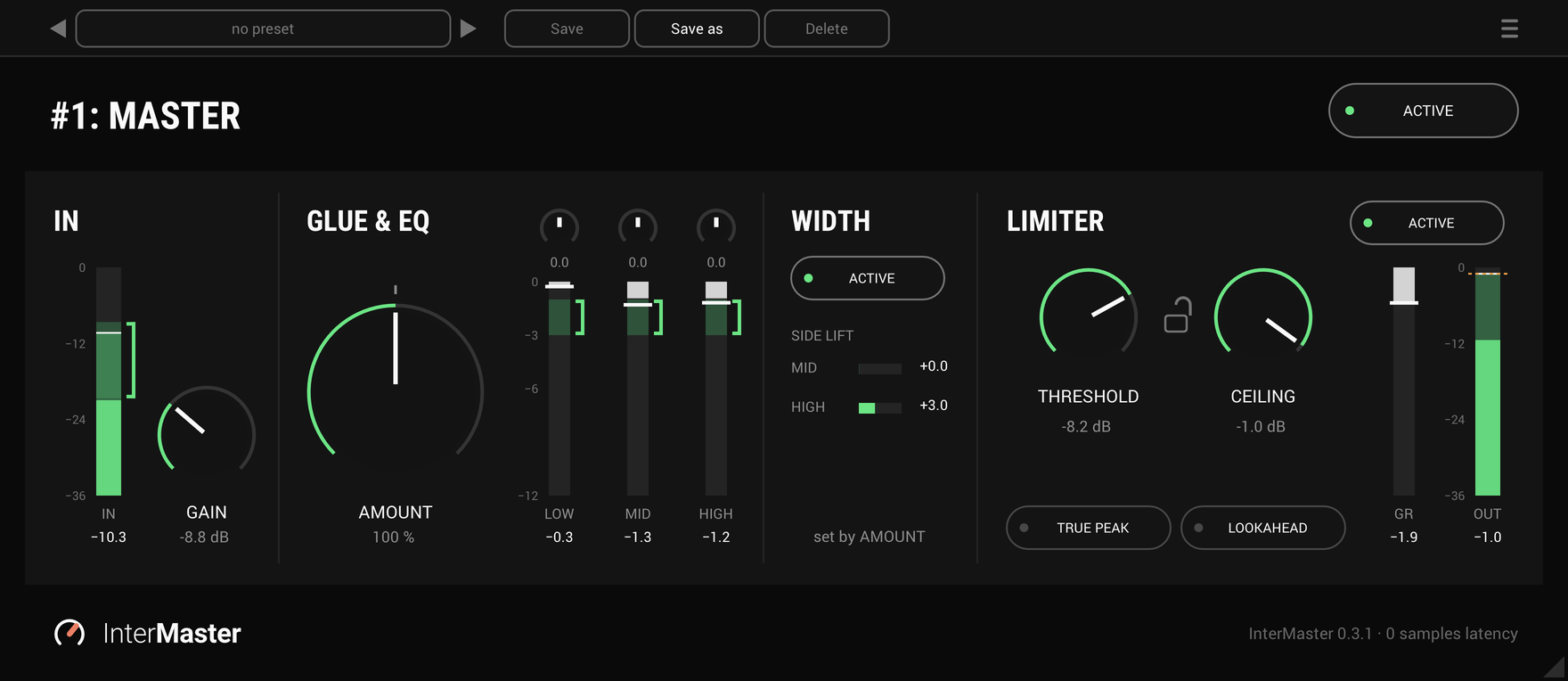
One knob that glues a whole mix together and makes it sound fuller, then a limiter seals the ceiling.
The Suite
Every Interwebbi plug-in, with one licence and one installer.