
Tape delay
InterTape-delay
A tape delay for vocals and instruments, live and in the studio. Warm and vivid delay with smooth sounding tape saturation & width control.
- Latency
- 0 samples
- CPU
- 0.07%, Apple M4 Pro
- Formats
- VST3, Audio Unit
- Platforms
- macOS, Windows
- Channels
- Mono, mono to stereo, stereo
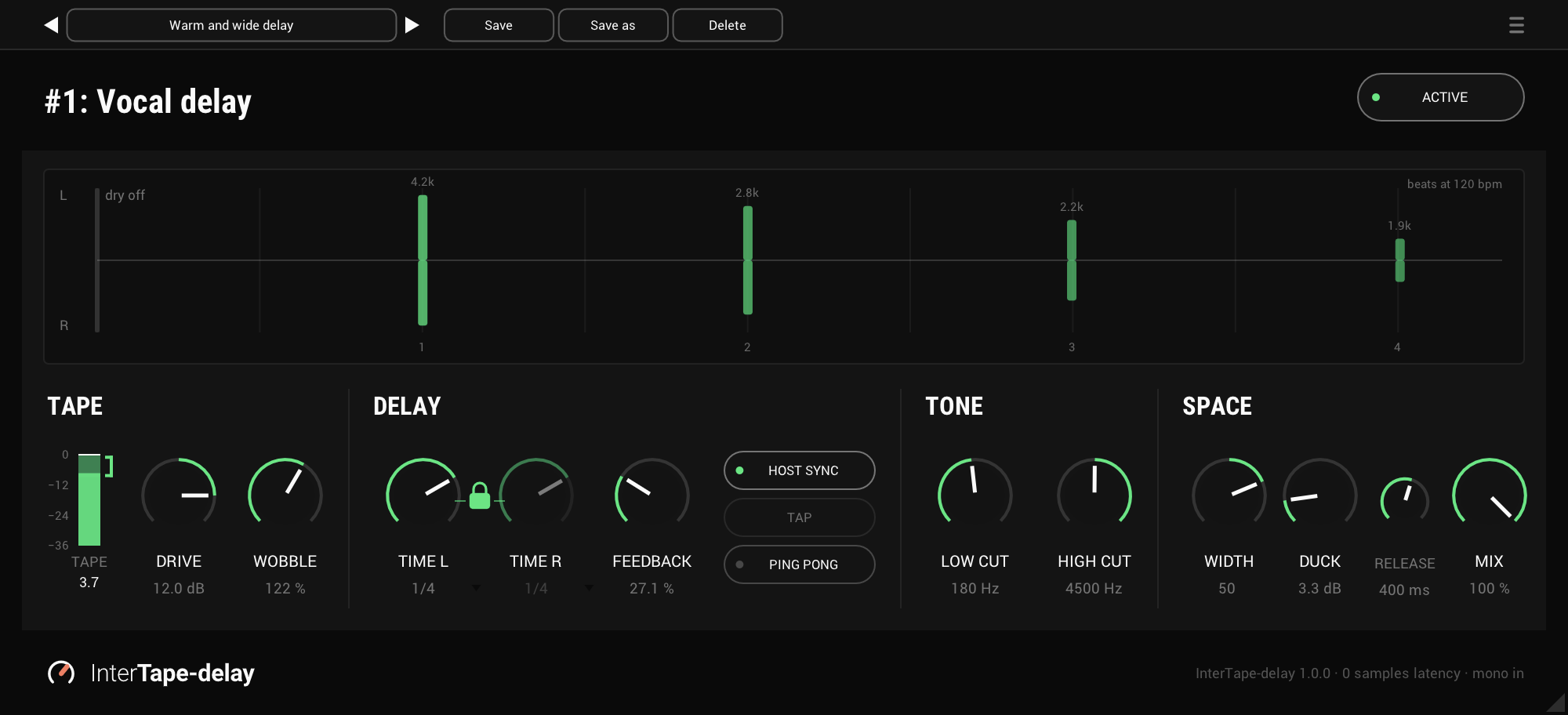
On the panel
The repeats display
Where each repeat lands, how loud it is and how dark, left above the line and right below. It follows the knobs as you turn them.
The tape meter
How hard the tape is driven, with a bracket where it starts to saturate.
Drive
Pushes the tape harder, -18 to +18 dB, and the output moves the other way, so the level stays put.
Wobble
The tape's wow and flutter, 0 to 200%. 100% is a gentle shimmer.
Time L, time R and the lock
Each side's time, as a note value or in milliseconds. Locked, the two move together.
Feedback
How long the repeats ring, 0 to 95%. The first few stay up and the tail falls away.
Host sync, tap and ping pong
Note values in time with the host, a time tapped by hand or from a footswitch, and repeats that bounce left and right.
Low cut and high cut
Thin and darken the repeats. Both are off by default.
Width
Spreads the repeats wider, or narrows them, and never touches the dry.
Duck and release
Keeps the repeats down while you sing or play, and sets how fast they come back.
Mix
Repeats only at 100%, for an aux return. At 50% the dry and the repeats are both full, for an insert.
TAPE: drive it
DRIVE pushes the signal into the tape. A little rounds it off, and turned up it saturates the way a tape machine does when you hit it hard. The output turns down by as much as DRIVE turns up, so you can choose the colour without chasing the level. The TAPE meter shows how hard you're hitting it, with a bracket where it starts to saturate.
WOBBLE is the tape's wow and flutter in one knob: at 100% a gentle shimmer in the pitch and the level, at 200% twice as much, at 0% none.
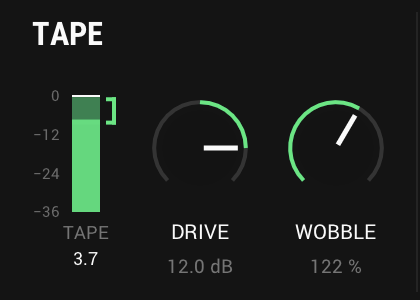
- Drive
- -18 to +18 dB, 0 dB by default
- Level
- Held as DRIVE turns
- Wobble
- 0 to 200%, 100% by default
- Tape meter
- The level at the tape, the held peak in numbers
DELAY: in time, or by hand
With HOST SYNC on, TIME L and TIME R are note values in time with your session, from a 1/64 triplet to a whole note, dotted and triplet included. With it off they are milliseconds, and TAP sets them from your taps, on the panel or from a footswitch your host has learnt. Lock the two and they move together.
Change the time and the repeats glide to it, the pitch bending as a tape motor speeds up or slows down. FEEDBACK keeps the first few repeats up and lets the tail fall away, so you hear them clearly without a long wash behind them.
PING PONG bounces the repeats left and right. They come in equal pairs, so the echo sits in the middle instead of leaning to one side.
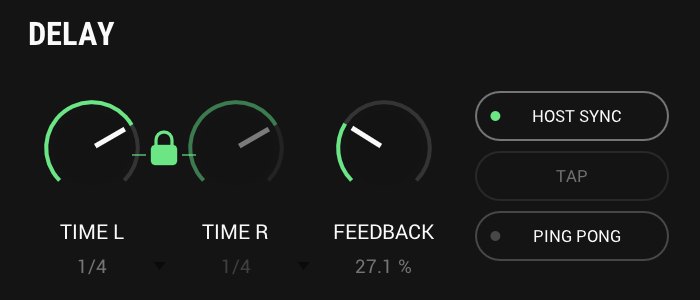
- Synced
- 1/64 triplet to a whole note, 1/4 by default
- Free
- 1 to 2000 ms, or tapped
- Feedback
- 0 to 95%, 30% by default
- Ping pong
- Left first, then right, in equal pairs
TONE: every repeat further away
Each time round, the repeats lose a little of their top, as they do on tape, so the echo moves away from you even with both cuts off. LOW CUT and HIGH CUT set the first repeat, and every one after it comes back thinner and darker than the one before.
The repeats display shows it as you turn: each bar is a repeat, its height how loud and its colour how dark.

- Low cut
- Off to 2 kHz, off by default
- High cut
- 1 kHz to off, off by default
- Each repeat
- Thinner and darker than the one before
SPACE: width, duck and mix
WIDTH is InterSilica's width, working on the repeats alone, so the dry stays exactly where it was. On a mono vocal it spreads the repeats from nothing, and a mono fold-down loses no level at any setting.
DUCK keeps the repeats down while you sing or play, and RELEASE sets how fast they come back when you stop, so the echo fills the gaps instead of the words. MIX at 100% is the repeats alone, for an aux return.
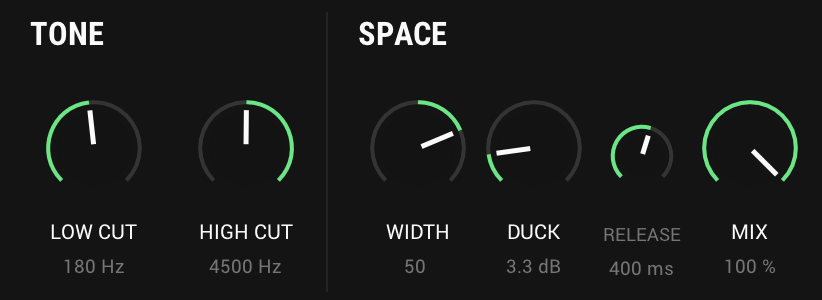
- Width
- -100 to +100, 0 by default
- Duck
- Off to 24 dB, off by default
- Release
- 50 to 2000 ms, 400 ms by default
- Mix
- 0 to 100%, 100% by default
And also
Safe on a stage
FEEDBACK stops at 95%, and a held note cannot build into a screaming loop: the repeats are turned down as they rise above what was sung.
Two factory presets
Warm and wide delay and Ping and pong, under Factory presets in the preset list, beside your own.
Mono, stereo or one side
The menu (☰) sets the input: auto, stereo, or the left channel only, for a stereo track that carries one mic.
Specs
- Latency
- 0 samples
- CPU
- 0.07% of a 14-core Apple M4 Pro, every stage on, stereo, 48 kHz
- Formats
- VST3, Audio Unit
- macOS
- Apple silicon and Intel
- Windows
- x64
- Channels
- Mono, mono to stereo, stereo
- Longest time
- 6 seconds
- Version
- 1.0.0
Download
New in 1.0.0
The first release of InterTape-delay: a tape delay for vocals and instruments, live and in the studio.
- Repeats that sound like tape. Each one comes back darker, a little more saturated and drifting, further away than the last. DRIVE pushes the tape harder, and the TAPE meter shows how hard.
- Zero latency. The dry signal passes on time, and only the repeats are late.
- Safe on a stage. FEEDBACK stops at 95%, and the loop is built and tested so it cannot run away into a screaming feedback tone.
- Time, free or in time with the host: TIME L and TIME R, linked or apart, in milliseconds or as note values with HOST SYNC, and TAP to set the time by hand or from a footswitch. A time change glides, as tape does.
- PING PONG, with the repeats coming in equal pairs so the sound sits in the centre.
- LOW CUT and HIGH CUT to thin and darken the repeats further, WOBBLE for the tape's wow and flutter, WIDTH on the repeats, DUCK to keep the repeats down while you sing or play, and MIX.
- The repeats display shows where each repeat lands, how loud it is and how dark, as you turn the knobs.
- Two factory presets, Warm and wide delay and Ping and pong, under Factory presets in the preset list, beside your own.
- VST3 and Audio Unit for macOS (Apple silicon and Intel), and VST3 for Windows (64-bit). Mono, mono to stereo, and stereo.
The rest of the family
Mic preamp
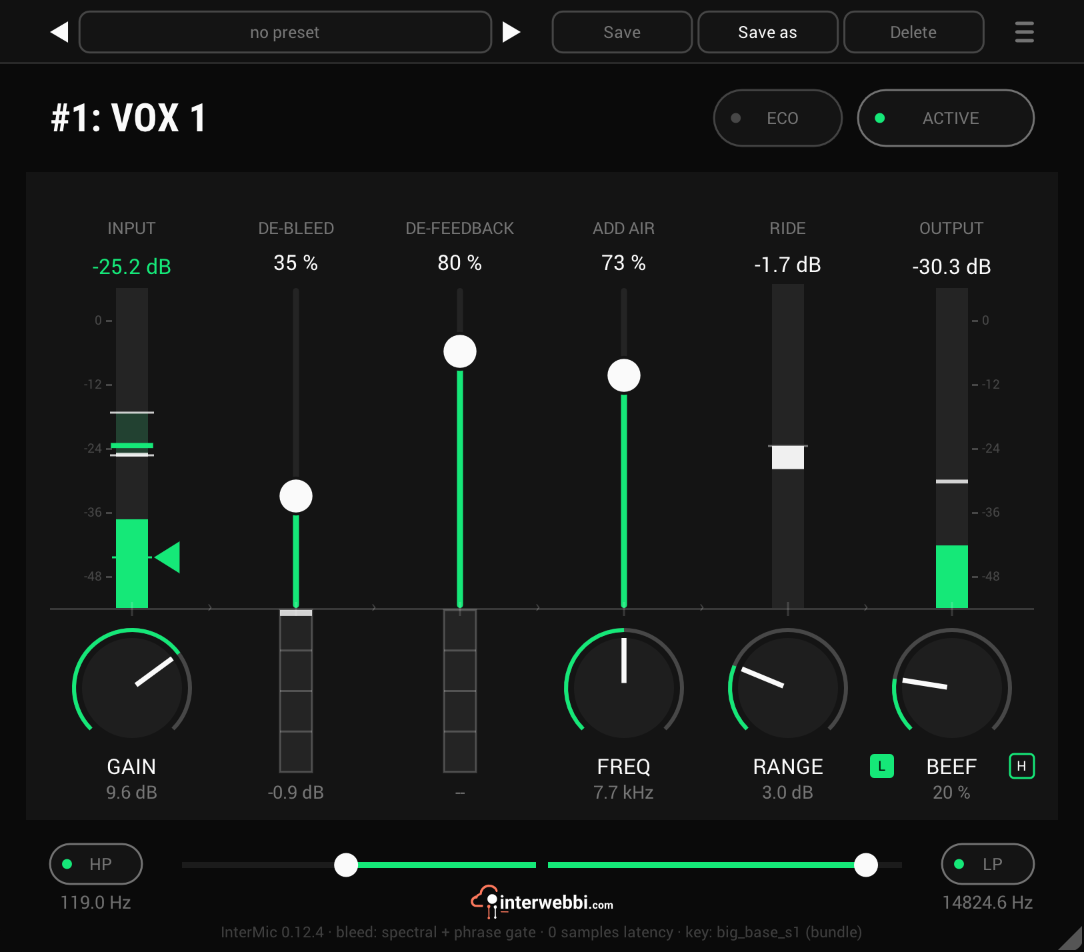
InterMic
A warm mic preamp for live vocals, with air, a gain rider, stage bleed taken out by a custom-trained AI model, and feedback caught before it howls.
Adaptive tone
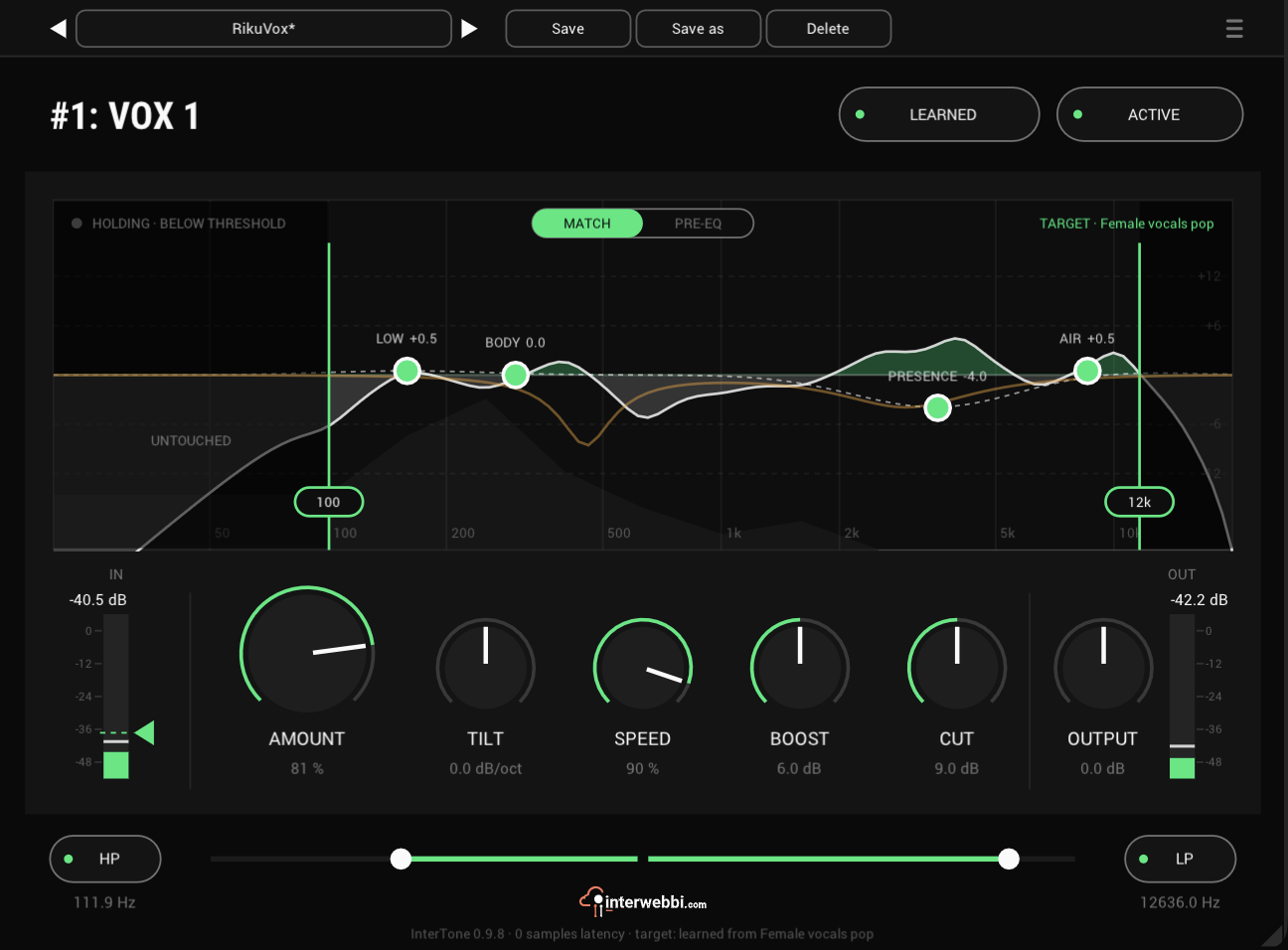
InterTone
Set the tone a source should have. It stays there as the playing changes, on vocals, guitars or drums.
Compressor
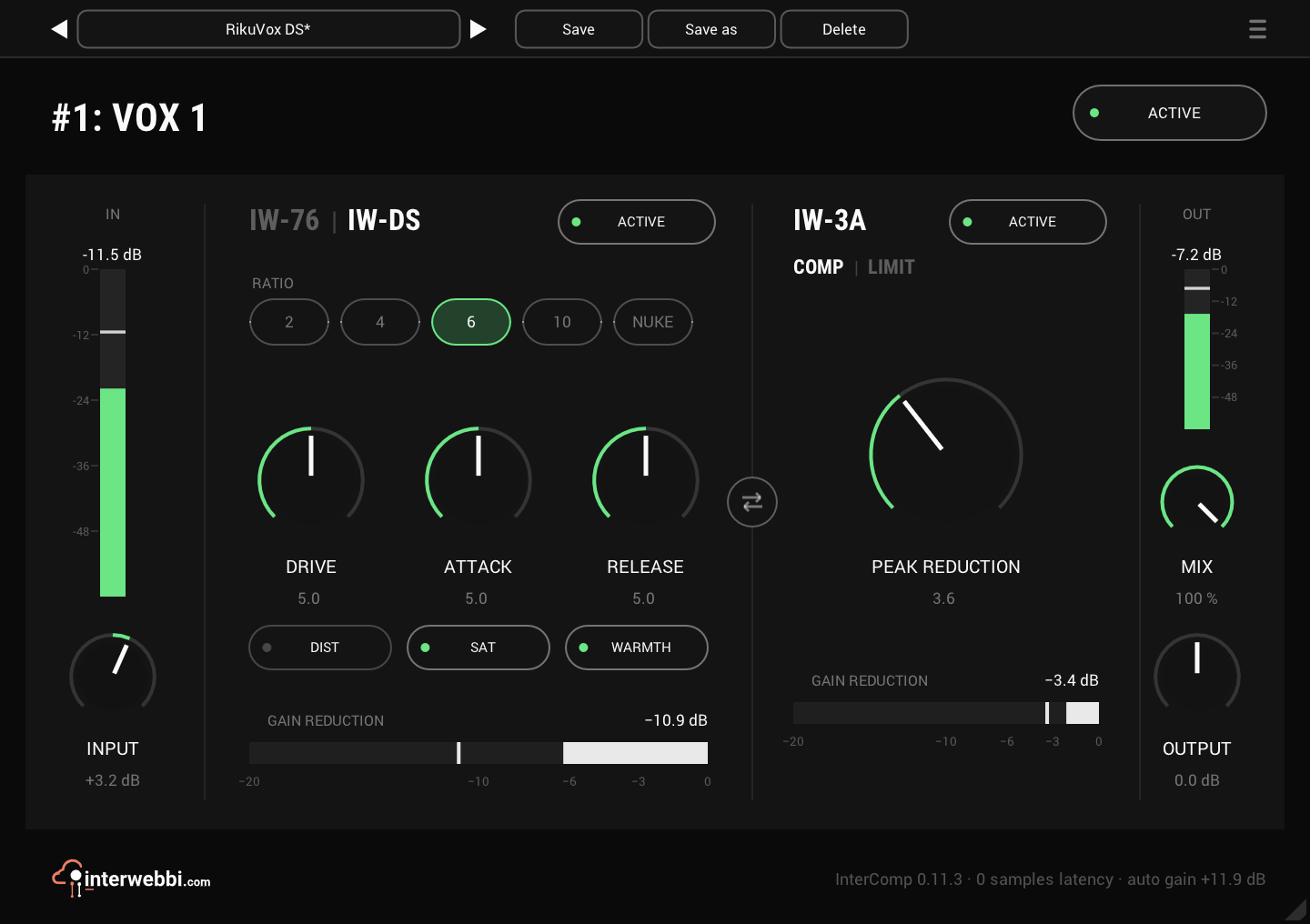
InterComp
A fast FET stage to grab the peaks, then a smooth optical leveller, with auto gain to keep the level matched.
Resonance, width, limiter
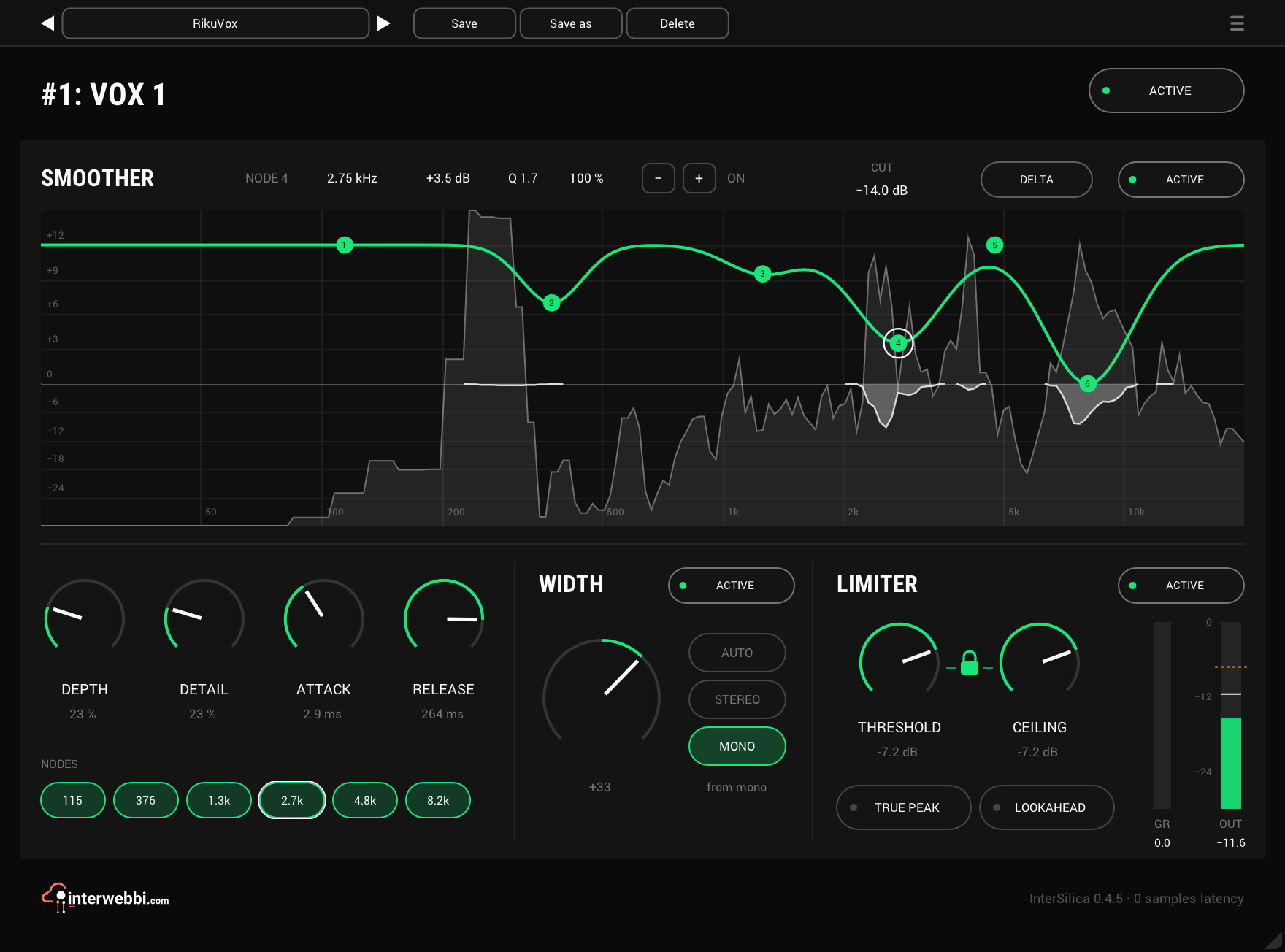
InterSilica
Shave the harshness, then seal the ceiling: a resonance suppressor, a one-knob stereo width and a limiter.
Network audio
InterStream
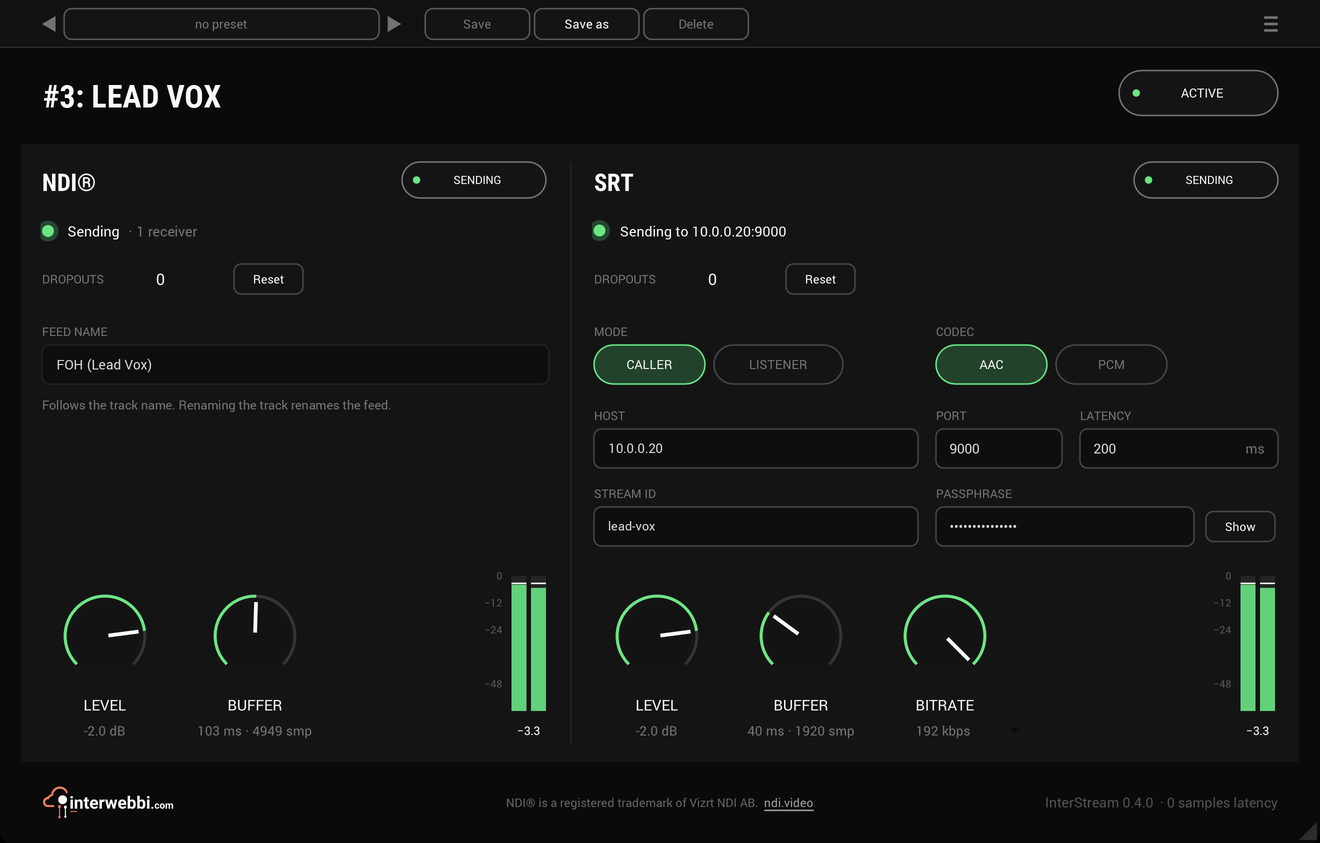
Sends a track or a mix out as NDI® and SRT, straight from the insert, with the track untouched.
Mix balance
InterBalance
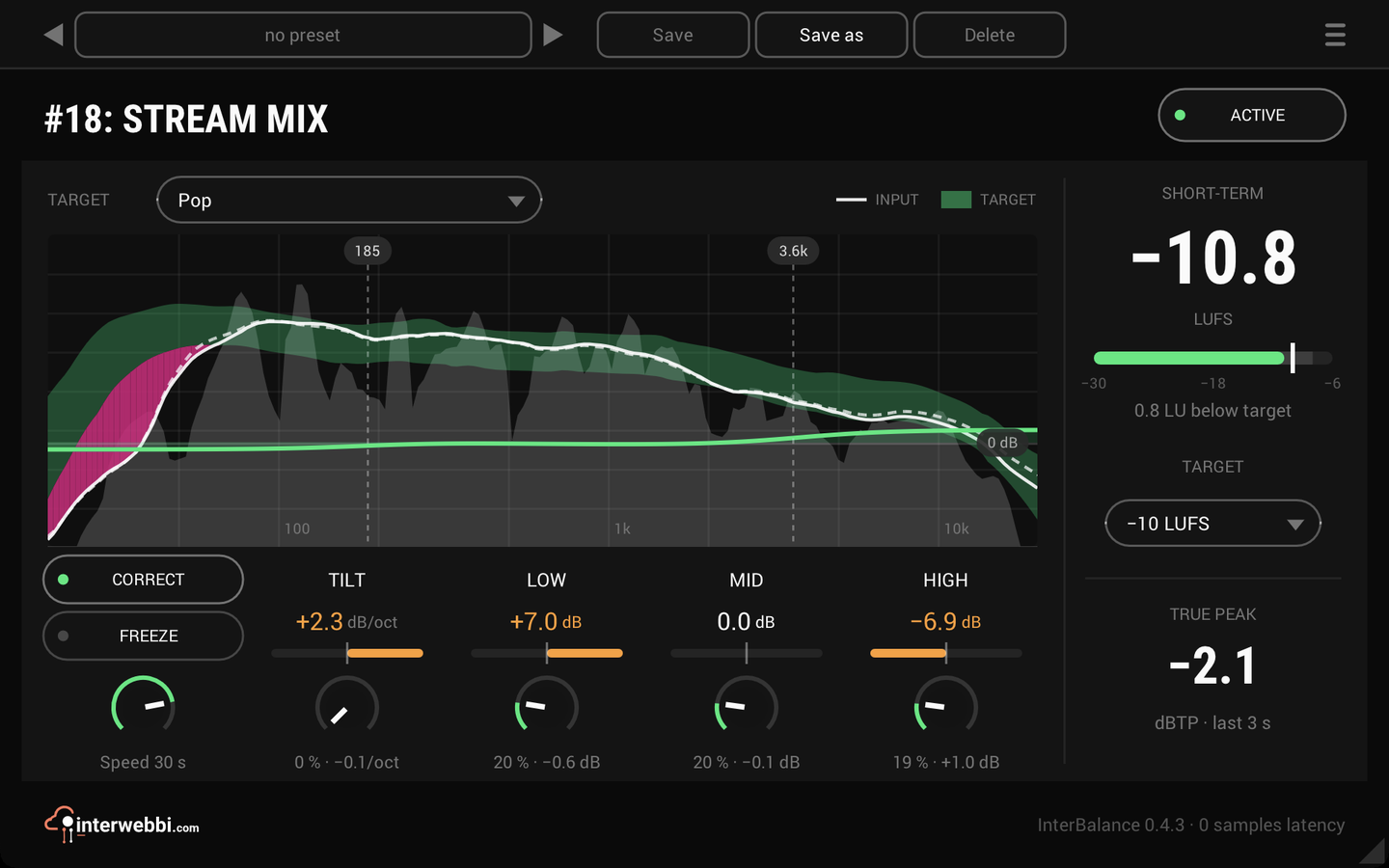
Checks your mix against a target in loudness and tone, and nudges it there slowly when you let it.
Master glue
InterMaster
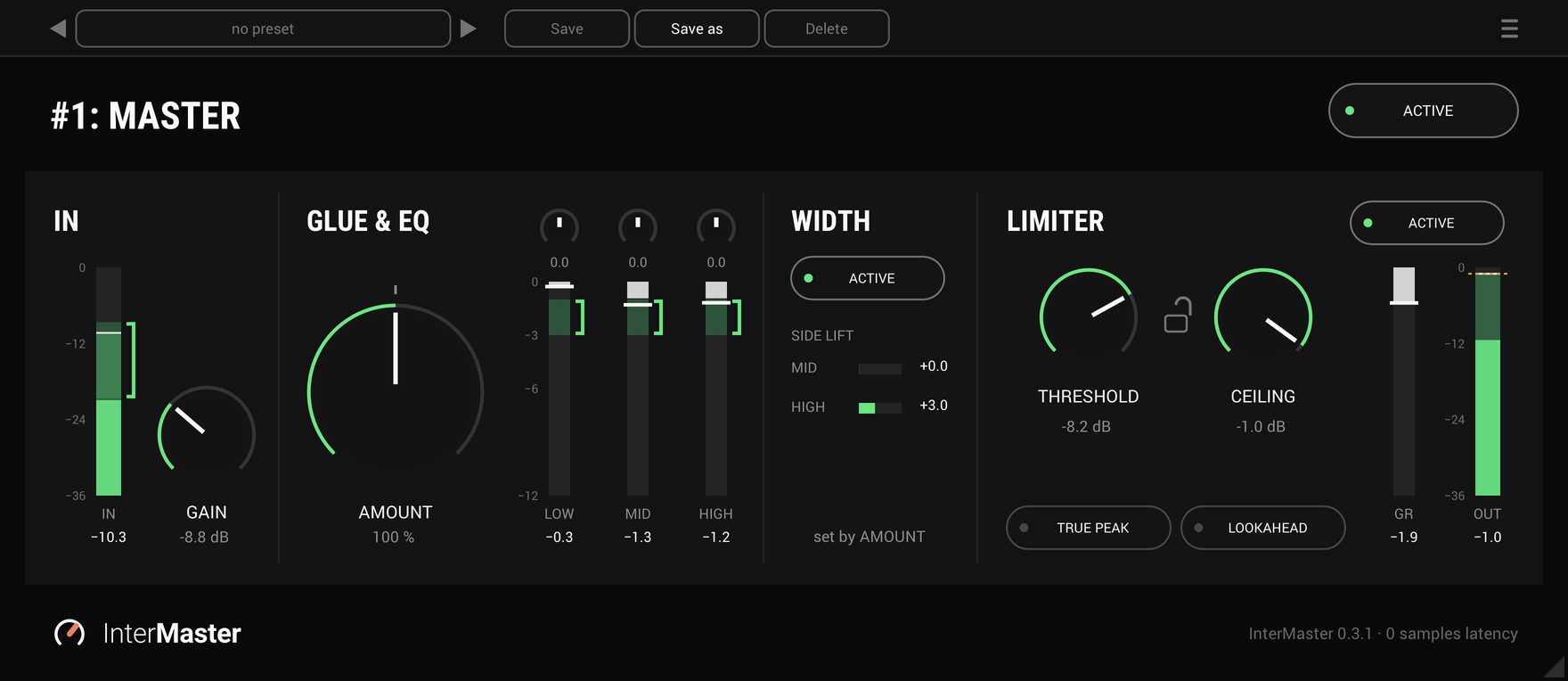
One knob that glues a whole mix together and makes it sound fuller, then a limiter seals the ceiling.
The Suite
Every Interwebbi plug-in, with one licence and one installer.