
Reverb
InterVerb
A reverb for vocals and instruments, live and in the studio. Plates, halls, rooms and Fresh air, at zero latency and light on the CPU.
- Latency
- 0 samples
- CPU
- 0.07%, Apple M4 Pro
- Formats
- VST3, Audio Unit
- Platforms
- macOS, Windows
- Channels
- Mono, mono to stereo, stereo
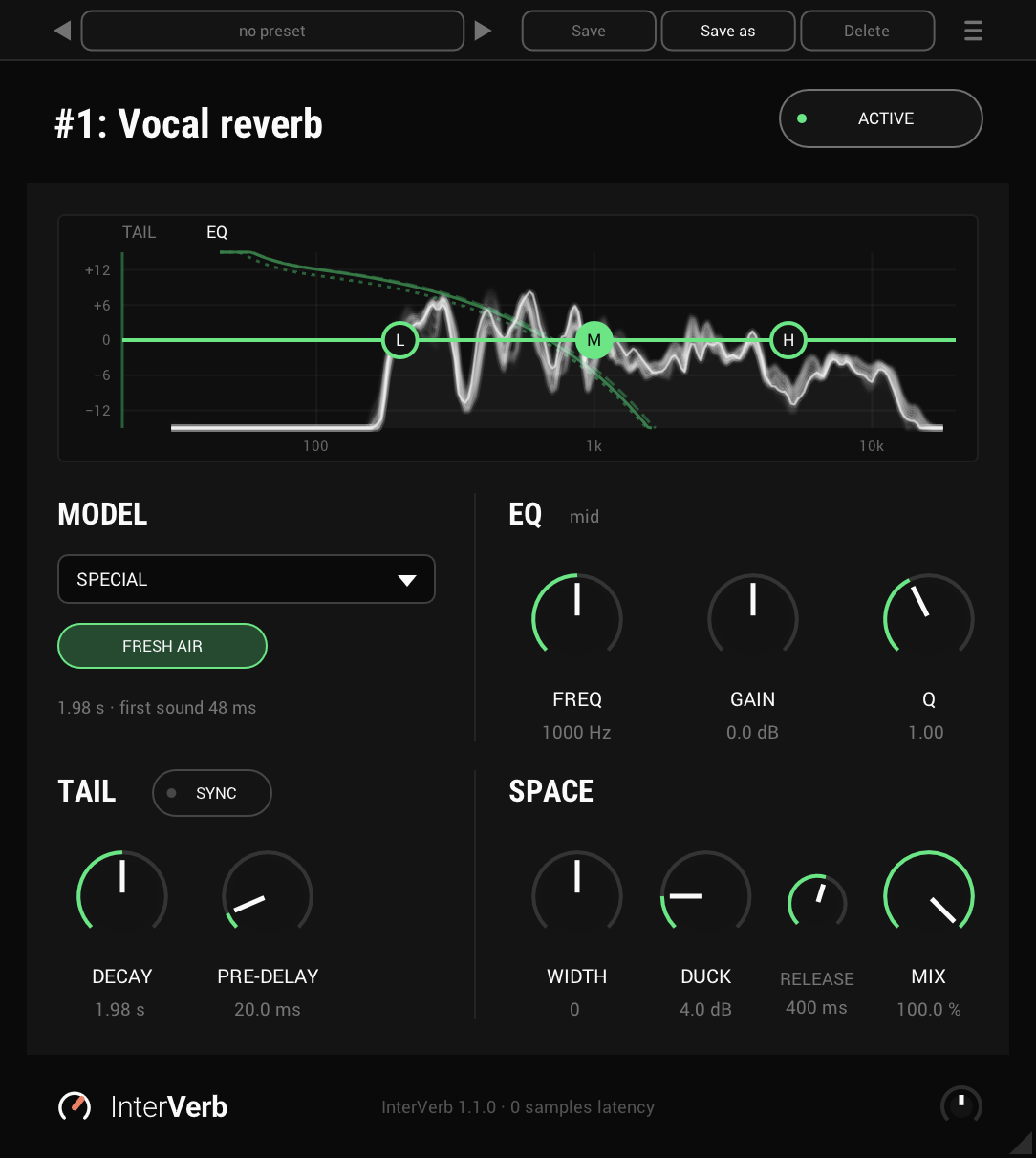
On the panel
The display
The reverb's tail and the EQ, drawn together as you turn the knobs, and the reverb's spectrum while sound plays. Drag an EQ node to move its band.
Model
Plate, Hall, Room or Special.
Variants
Three of each model, and Fresh air in Special.
Length and first sound
How long the reverb rings at 1 kHz, and when its first sound comes after the dry.
Sync
Puts DECAY and PRE-DELAY in time with the host.
Decay
How long the reverb rings, 0.1 to 16 seconds.
Pre-delay
Holds the reverb back after the dry, up to 250 ms.
EQ
FREQ, GAIN and Q of the band picked in the display, named beside the title.
Width
Spreads the reverb wider, or narrows it, and never touches the dry.
Duck and release
Keeps the reverb down while you sing or play, and sets how fast it comes back.
Mix
The reverb alone at 100%, for an aux return.
Output
The output level, -24 to +24 dB.
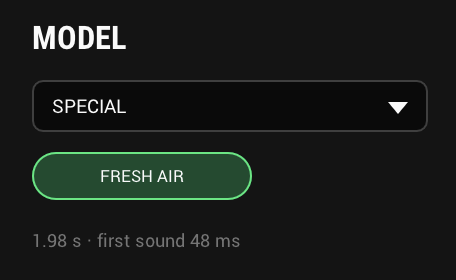
MODEL: pick the space
Four models: Plate, Hall and Room, with three variants each, and Special, whose first is Fresh air, an open, airy reverb for vocals. Each is my own, built to sound like a classic of its kind, and chosen by ear. Pick the model from the list and the variant below it.
Every variant is set to the same loudness, so switching does not jump in level. Switch variants between songs and the old tail rings out while what you play next goes to the new one.
- Models
- Plate, Hall, Room and Special
- Variants
- Three each; Fresh air in Special
- Switching
- The old tail rings out
- Level
- The same on every variant
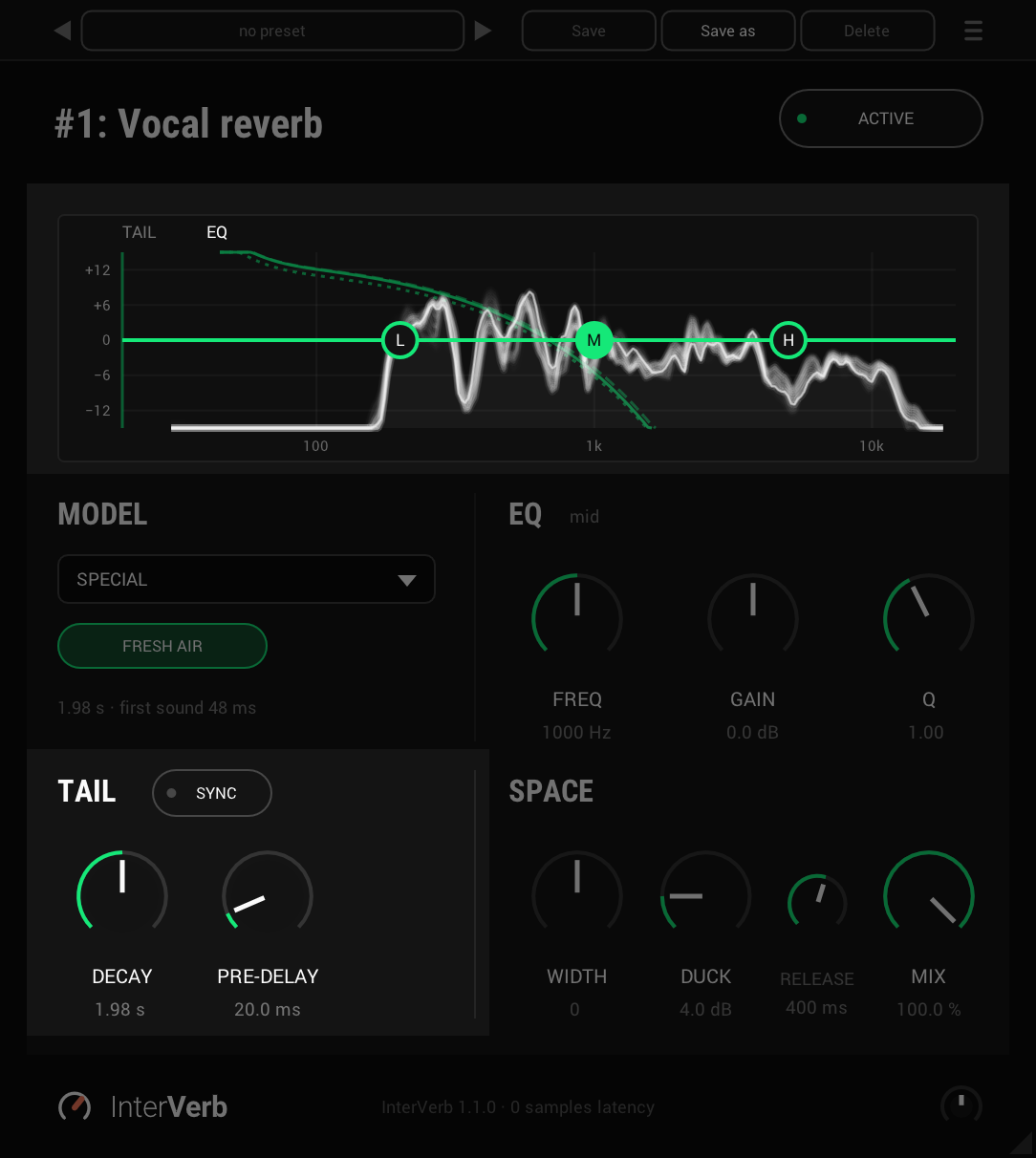
TAIL: how long, and how soon
DECAY sets how long the reverb rings, from 0.1 to 16 seconds, shown as its time at 1 kHz. The lows and the highs move with it, so the variant keeps its own colour. Turn it while the reverb rings and the tail already sounding stretches or shortens with it, without a gap.
PRE-DELAY holds the reverb back after the dry, up to 250 ms on top of the variant's own start, and the dry stays on time. With SYNC on, both are in time with your session: DECAY from an eighth-note triplet to four bars, PRE-DELAY from a 1/64 to a quarter note.
- Decay
- 0.1 to 16 s, the variant's own by default
- Synced decay
- 1/8 triplet to 4 bars, 1/2 by default
- Pre-delay
- 0 to 250 ms, 0 by default
- Synced pre-delay
- 1/64 to 1/4
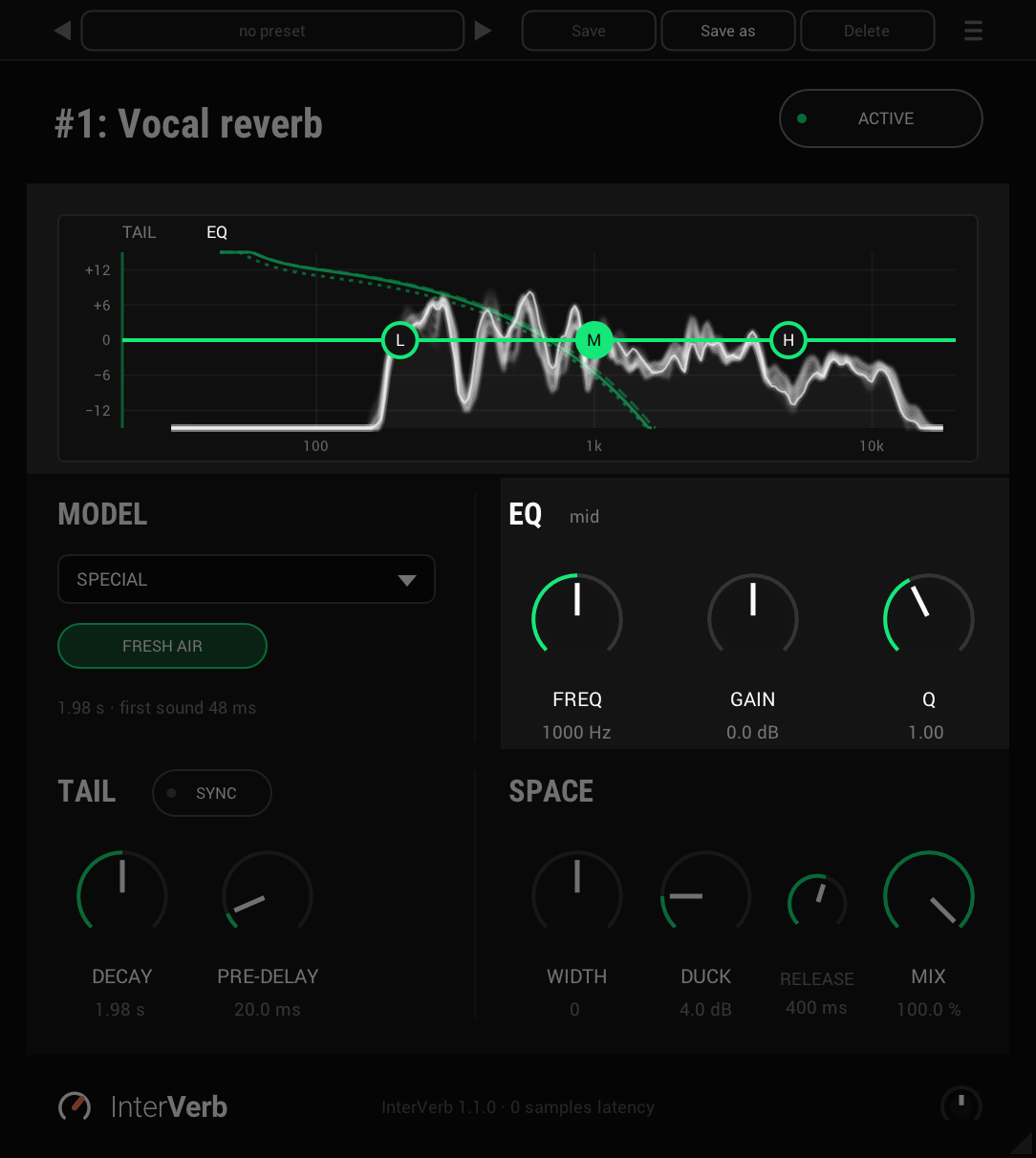
EQ: shape the reverb
A low shelf, a mid band with its Q, and a high shelf, on the reverb alone, so the dry is never touched. Drag a node in the display to move its band, or click it and set it with FREQ, GAIN and Q below. The display draws the EQ over the tail, so you see both as you turn.
- Low shelf
- 20 Hz to 1 kHz, 200 Hz by default
- Mid
- 100 Hz to 10 kHz, 1 kHz by default; Q 0.3 to 6
- High shelf
- 1 to 20 kHz, 5 kHz by default
- Gain
- ±12 dB, 0 by default
SPACE: width, duck and mix
WIDTH is InterSilica's width, on the reverb alone: to the right it spreads wider, to the left it narrows towards mono, and the dry stays where it was.
DUCK is InterTape-delay's: it keeps the reverb down while you sing or play, and RELEASE sets how fast it comes back when you stop, so the reverb fills the gaps instead of blurring the words. MIX at 100% is the reverb alone, for an aux return.
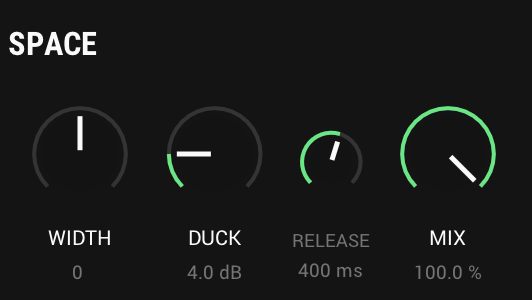
- Width
- -100 to +100, 0 by default
- Duck
- Off to 24 dB, off by default
- Release
- 50 to 2000 ms, 400 ms by default
- Mix
- 0 to 100%, 100% by default
And also
The whole tail, every time
InterVerb tells your host how long its tail is, so a render or a bounce keeps all of the reverb, and the host does not stop it while it still rings.
An output knob
The small knob in the footer sets the output level. Option-click it (Alt-click on Windows) for 0 dB. ACTIVE off bypasses it too, so you compare at the same level.
Light on a stereo bus
A stereo input goes into the reverb as mono and comes out in stereo, which keeps the CPU low. The dry keeps its panning.
Specs
- Latency
- 0 samples
- CPU
- 0.07% of a 14-core Apple M4 Pro, every stage on, stereo, 48 kHz; 0.10% at the longest DECAY
- Formats
- VST3, Audio Unit
- macOS
- Apple silicon and Intel
- Windows
- x64
- Channels
- Mono, mono to stereo, stereo
- Longest decay
- 16 seconds
- Version
- 1.1.0
Download
New in 1.1.0
The reverb, made visible.
- A spectrum of the reverb in the TAIL / EQ display. While sound plays, the reverb's output shows as a slow, smooth line behind the EQ curve, with the moment just gone trailing behind it and fading. It shows the reverb after the EQ and DUCK, before MIX, and fades away when the reverb falls silent.
- The spectrum is drawn only while the panel is open, so a closed panel costs nothing.
- The tail's lines are drawn in a darker green, so the spectrum and the EQ curve stand out from them.
The rest of the family
Mic preamp
InterMic
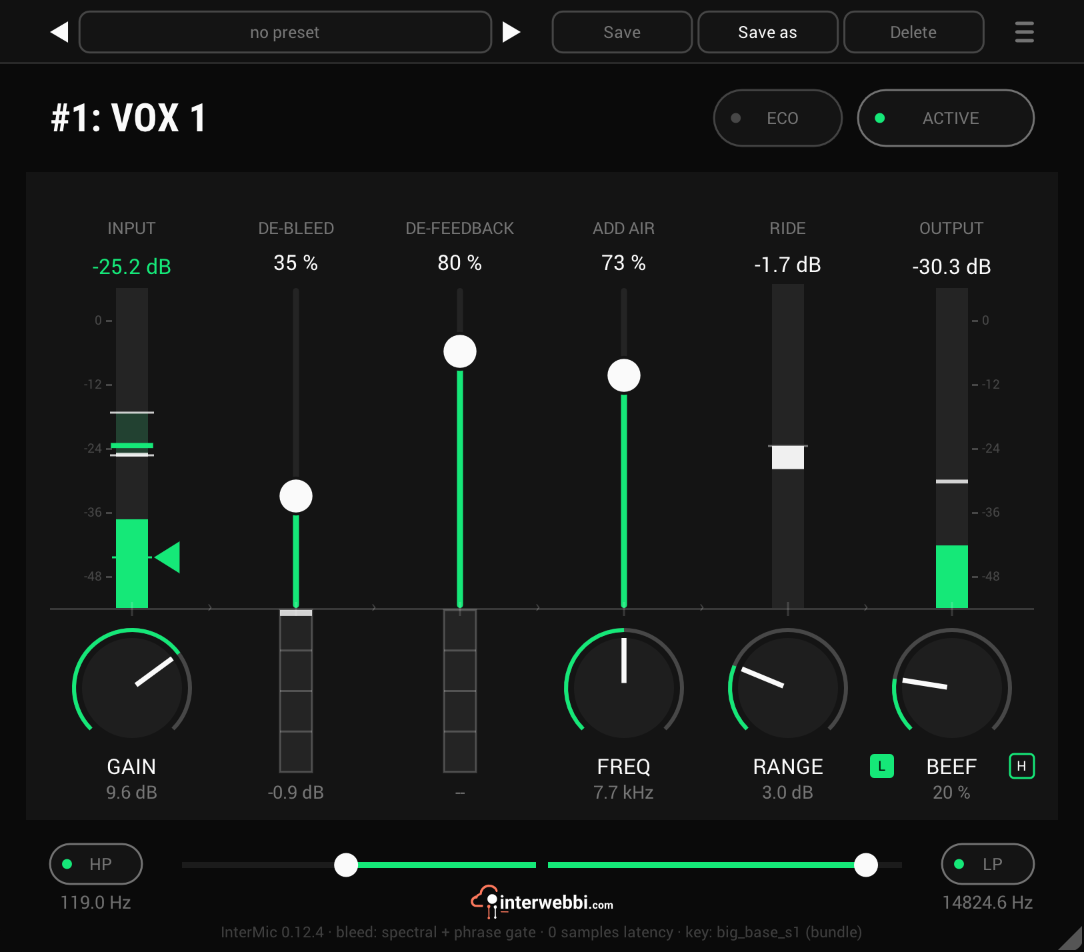
A warm mic preamp for live vocals, with air, a gain rider, stage bleed taken out by a custom-trained AI model, and feedback caught before it howls.
Adaptive tone
InterTone
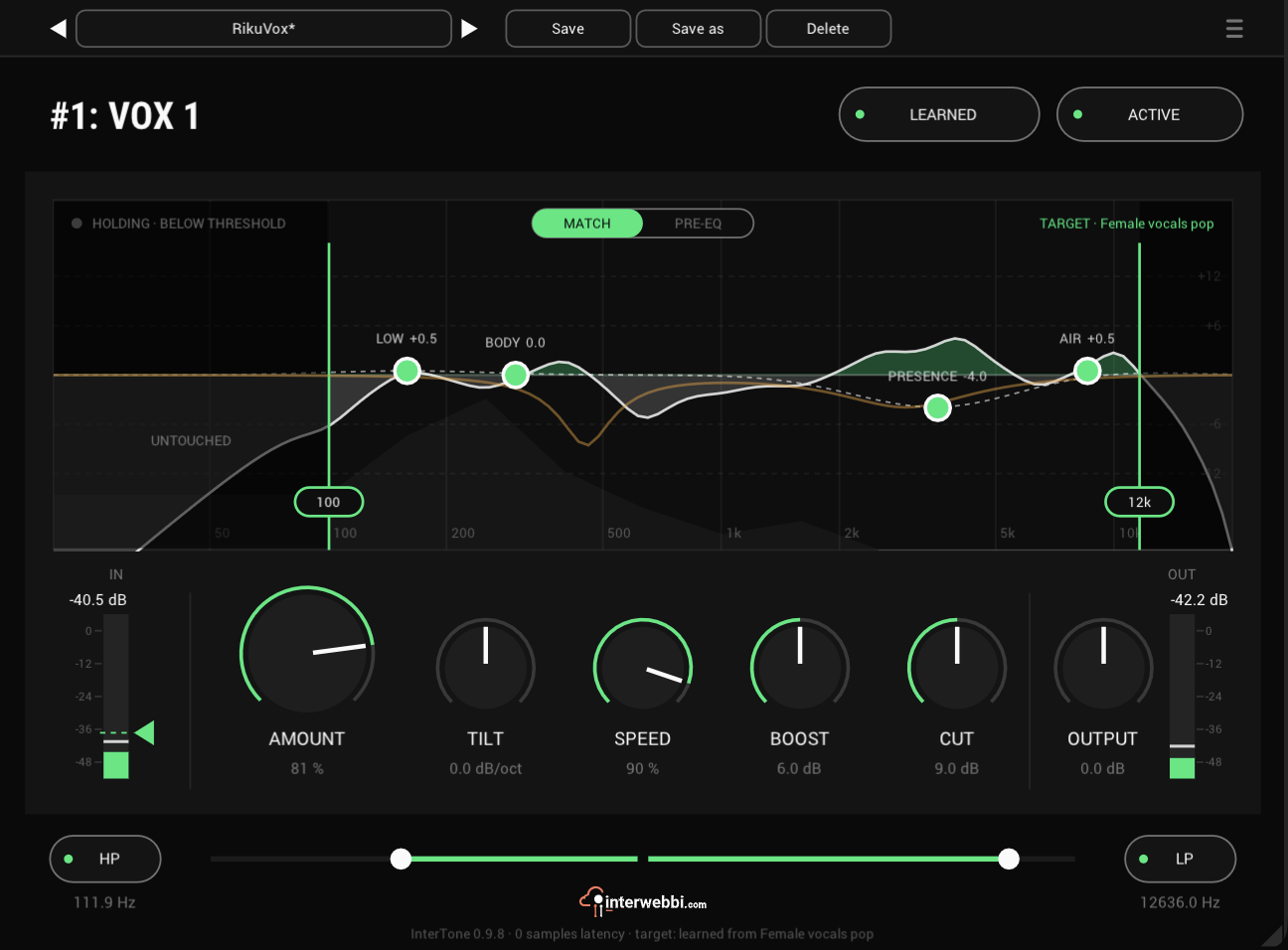
Set the tone a source should have. It stays there as the playing changes, on vocals, guitars or drums.
Compressor
InterComp
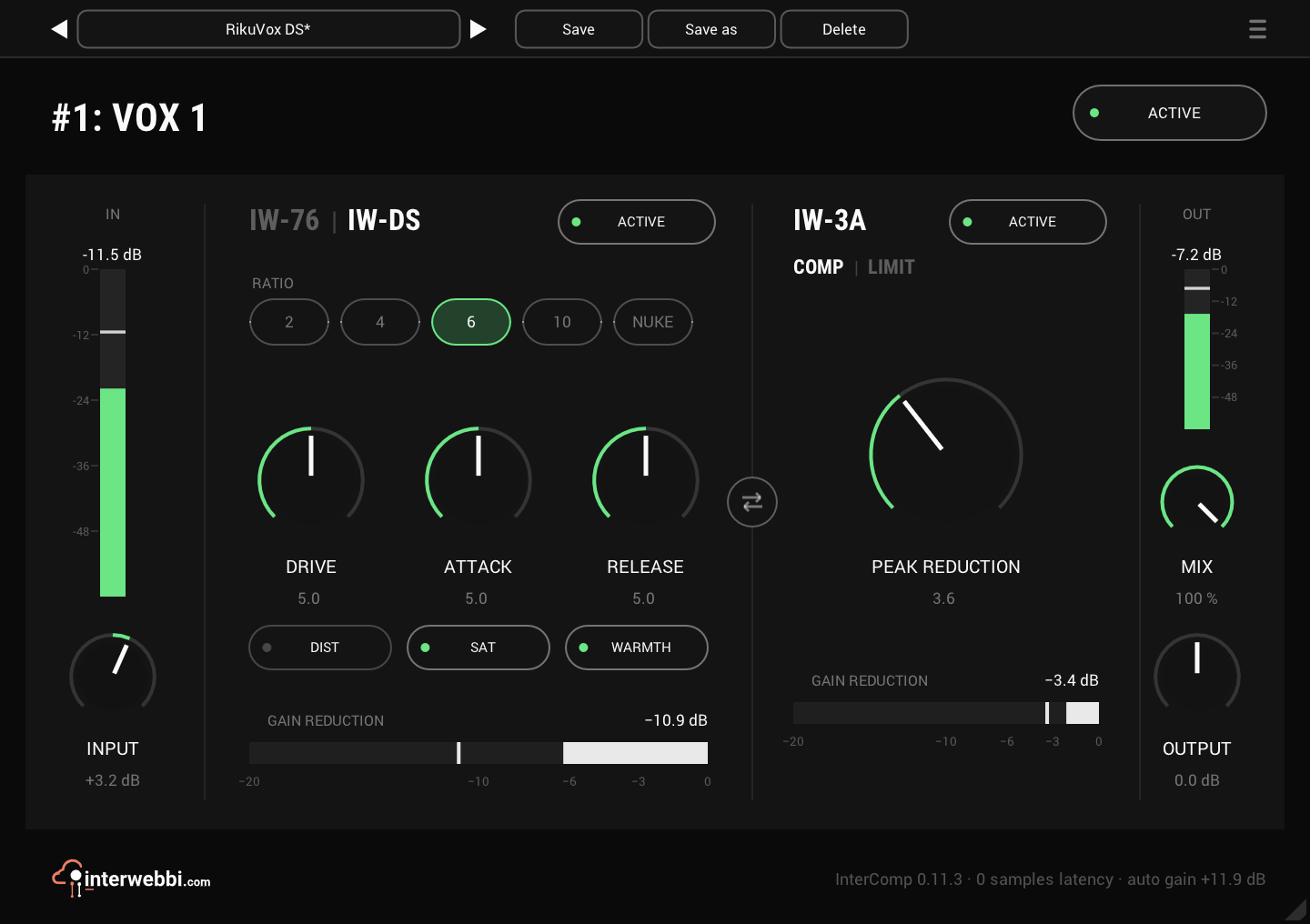
A fast FET stage to grab the peaks, then a smooth optical leveller, with auto gain to keep the level matched.
Resonance, width, limiter
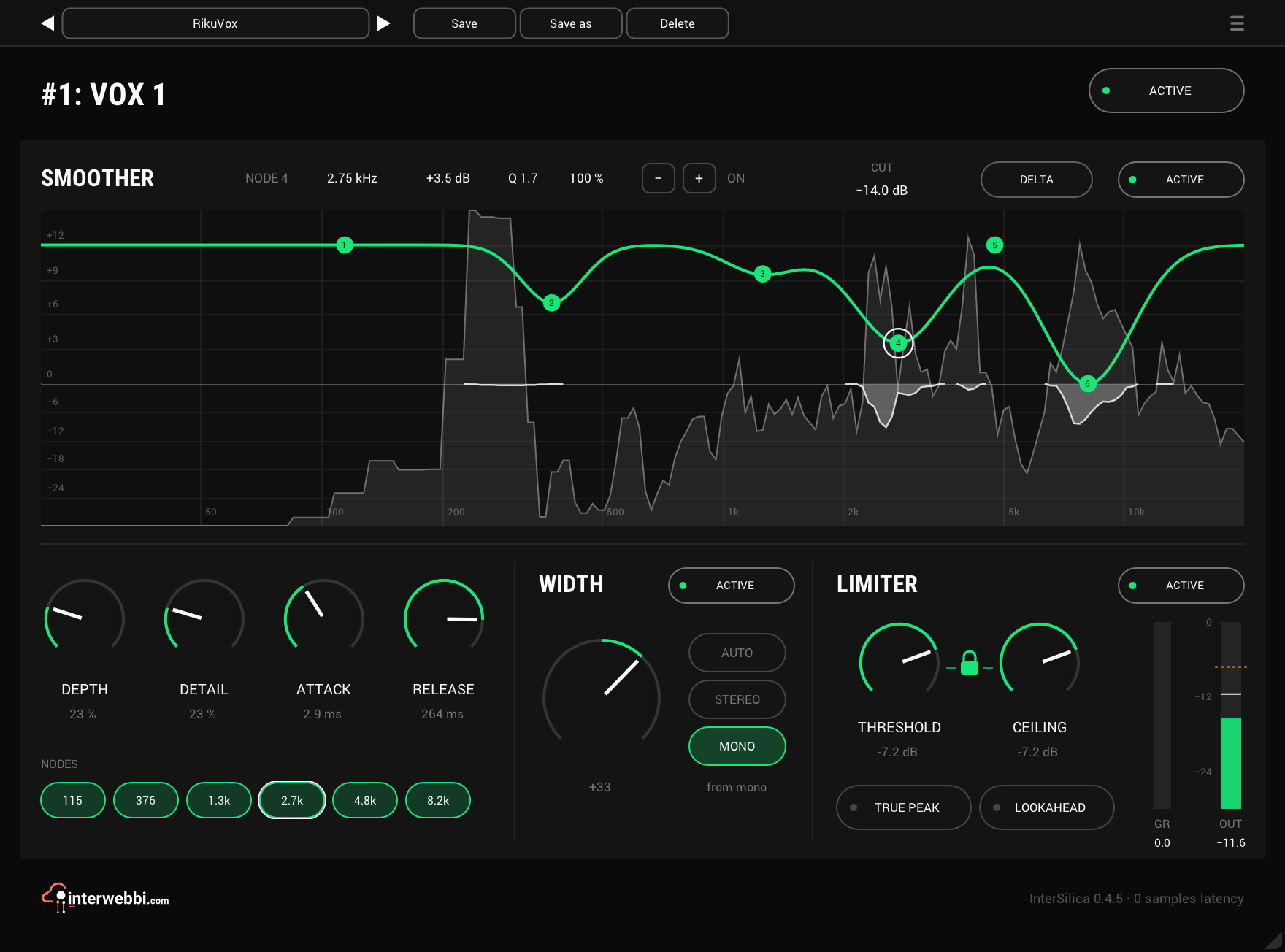
InterSilica
Shave the harshness, then seal the ceiling: a resonance suppressor, a one-knob stereo width and a limiter.
Network audio
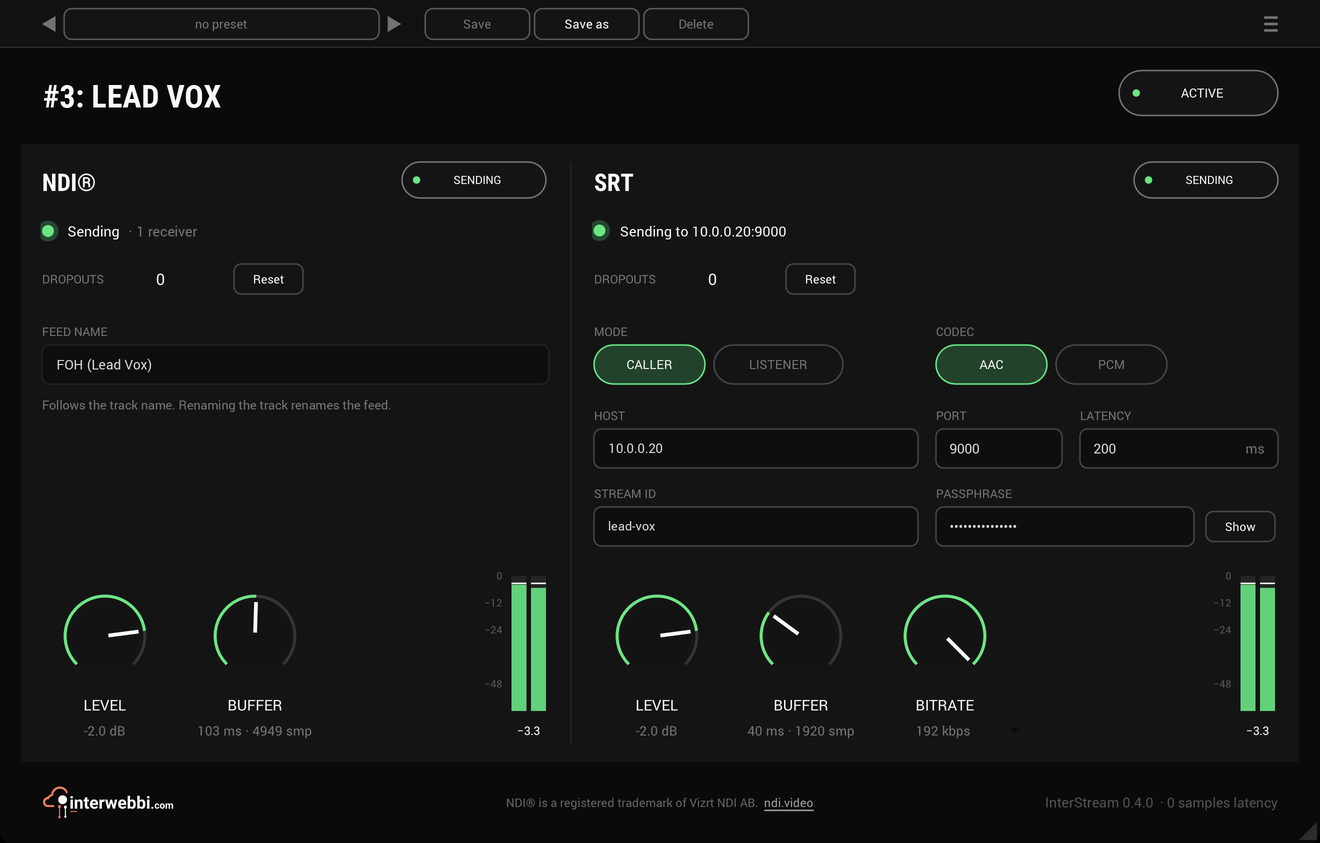
InterStream
Sends a track or a mix out as NDI® and SRT, straight from the insert, with the track untouched.
Mix balance
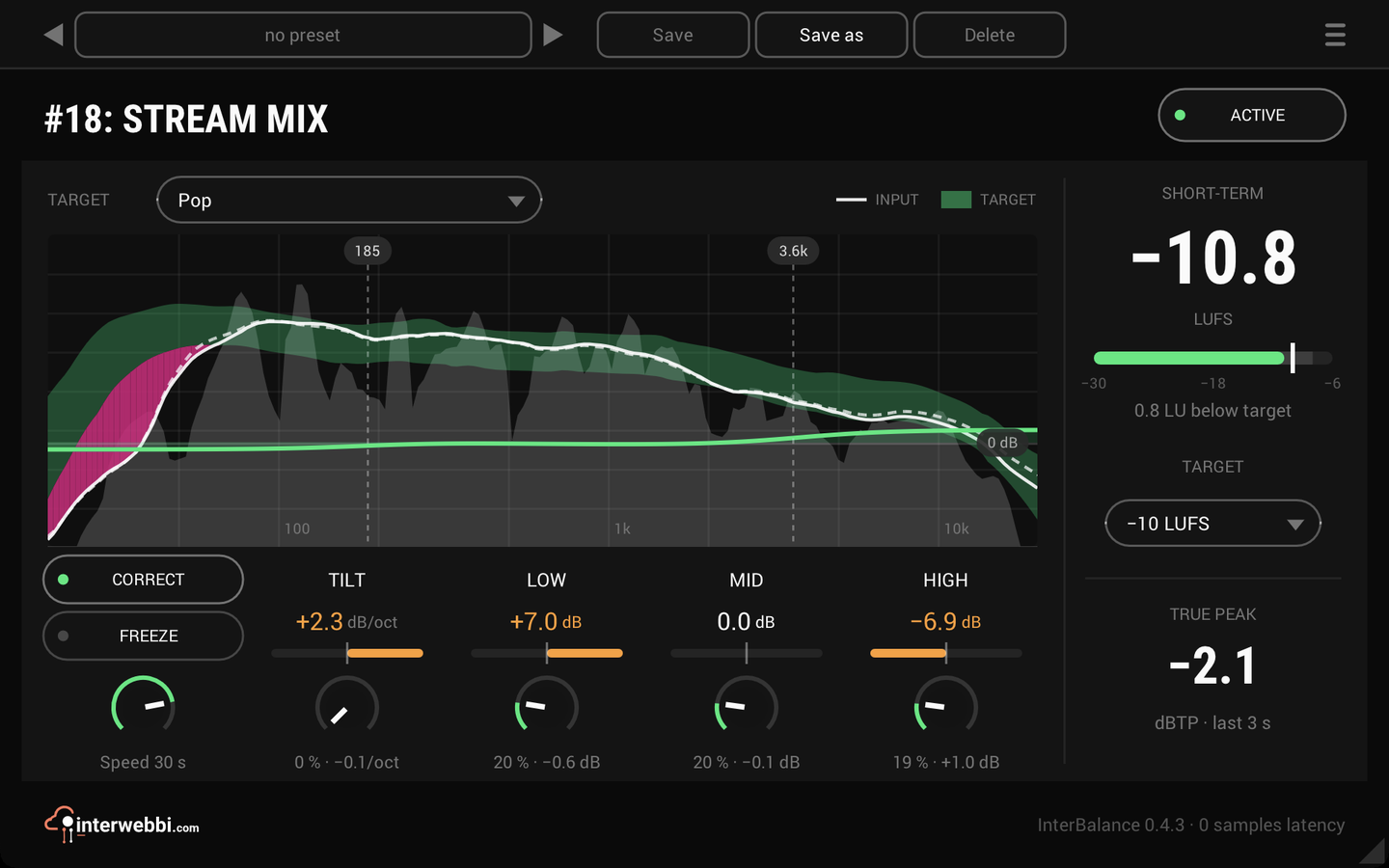
InterBalance
Checks your mix against a target in loudness and tone, and nudges it there slowly when you let it.
Master glue
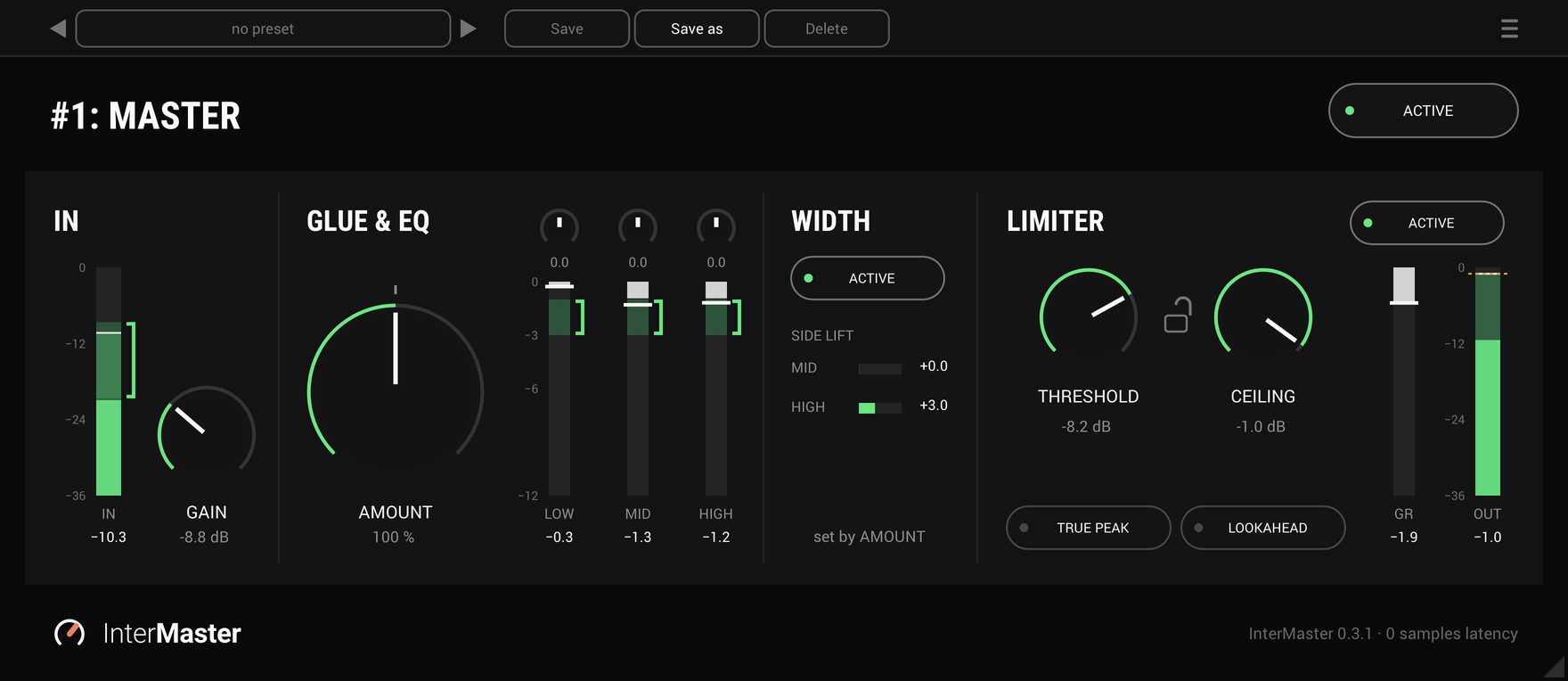
InterMaster
One knob that glues a whole mix together and makes it sound fuller, then a limiter seals the ceiling.
Tape delay
InterTape-delay
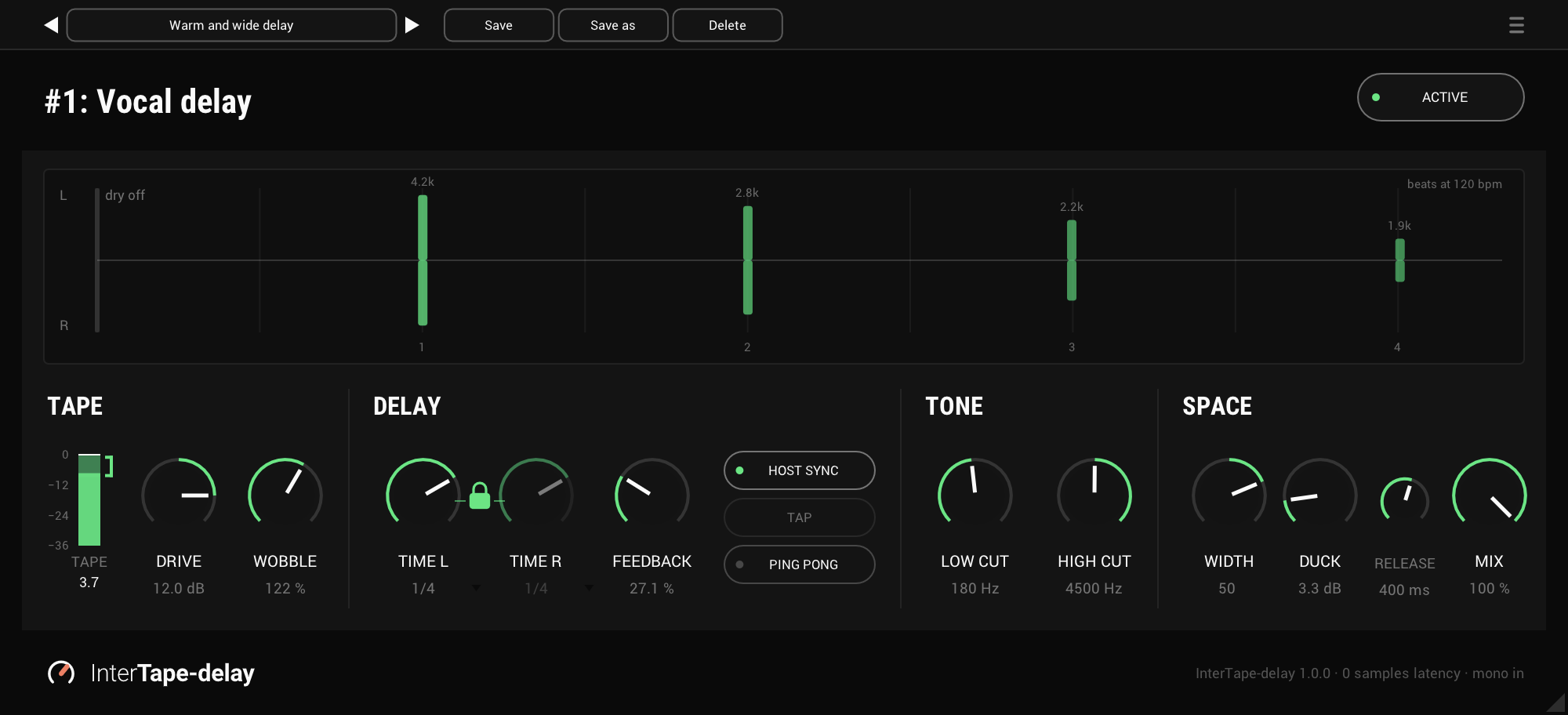
A tape delay for vocals and instruments: each repeat comes back darker and further away, and the dry stays on time.
The Suite
Every Interwebbi plug-in, with one licence and one installer.